Need help?
Do you have a question about the Pioneer XV-BD422B and is the answer not in the manual?
Detailed steps for correctly inserting batteries into the remote control.
Specifies which disc formats and file types are compatible with the player.
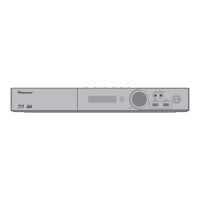
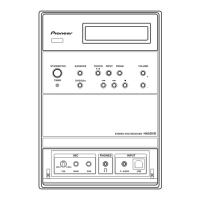
Describes the function of the physical buttons on the player's front panel.
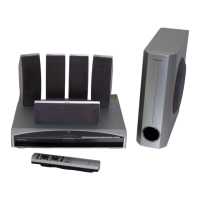
Instructions for assembling and setting up the speaker system.
Initial setup process for configuring player settings like language and resolution.
Basic operations for playing media from discs or files.
Overview of how to access and modify player settings.
Guide to using the initial setup wizard for first-time configuration.
Instructions on how to update the player's firmware via internet, disc, or USB.
Steps to reset the player to its original factory default configuration.
Common issues related to video display and their solutions.
Troubleshooting steps for audio output problems and poor sound quality.
Solutions for issues encountered during media playback.
Troubleshooting steps for issues with the HDMI control function.
Solutions for problems related to network connectivity and online features.
Addresses miscellaneous issues like power, remote control, and USB device problems.
Detailed technical specifications of the player unit.


 To Next Page

 General