Video Adjust menu07
24
En
Chapter 7
Video Adjust menu
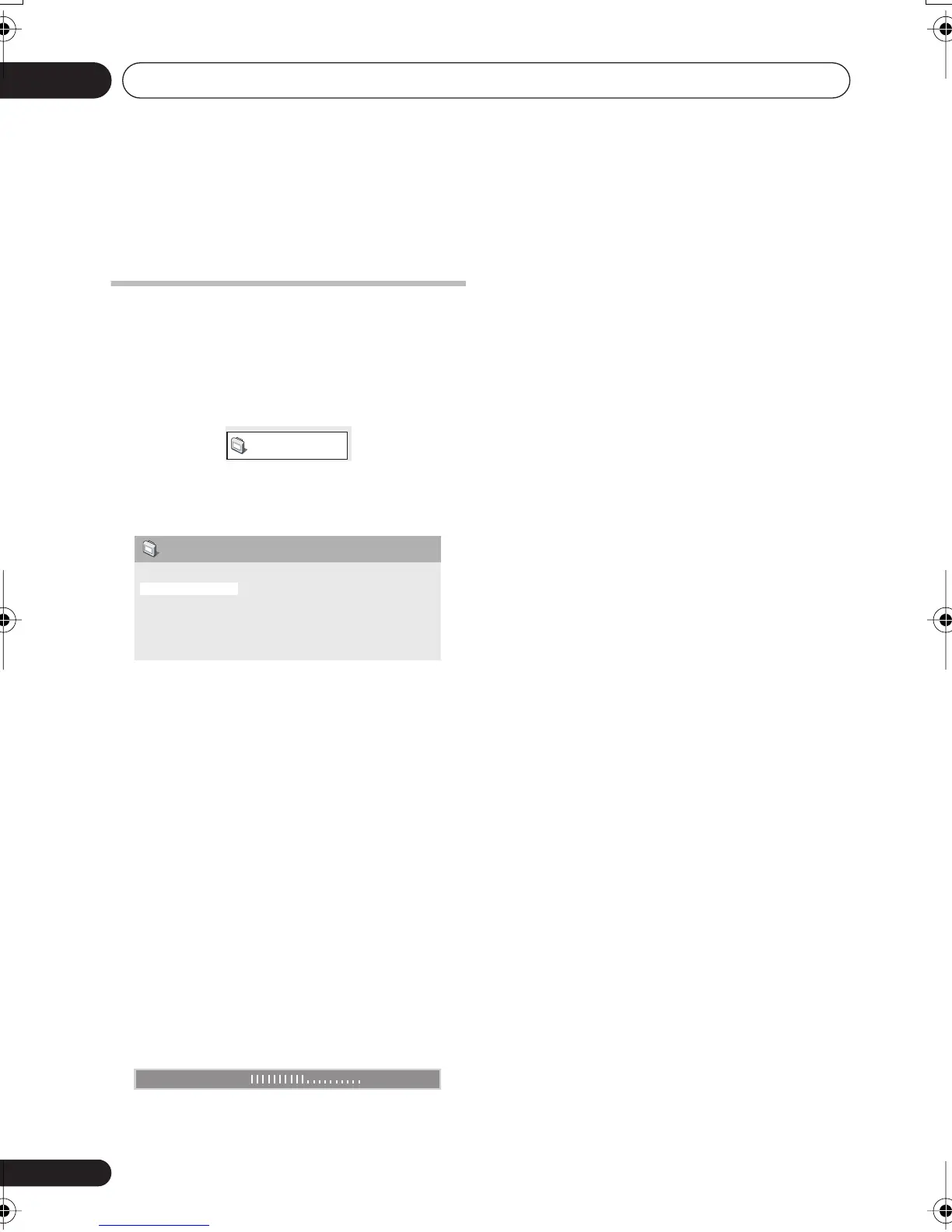
Video Adjust menu
From the Video Adjust screen you can adjust
settings that affect picture presentation.
1 Press
HOME MENU
and select ‘Video
Adjust’ from the on-screen display.
2 Make settings using the
///
(cursor) buttons, and
ENTER
.
You can adjust the following settings:
•
Sharpness
– Adjusts the sharpness of
edges in the picture (
Fine
,
Standard
,
Soft
)
•
Brightness
– Adjusts the overall
brightness (
–20
to
+20
)
•
Contrast
– Adjusts the contrast between
light and dark (
–16
to
+16
)
•
Gamma
– Adjusts the ‘warmth’ of the
picture (
High
,
Medium
,
Low
,
Off
)
•
Hue
– Adjusts the red/green balance
(
Green 9
to
Red 9
)
•
Chroma Level
– Adjusts how saturated
colors appear (
–9
to
+9
)
Adjust the Brightness, Contrast, Hue and
Chroma Level settings using the
/
(cursor
left/right) buttons.
3 Press
ENTER
to return to the Video Adjust
screen, or
HOME MENU
to exit.
Video Adjust
Sharpness
Brightness
Contrast
Gamma
Hue
Chroma Level
Standard
0
0
Off
0
0
Video Adjust
Brightness min max 0
XV-DV-NEW_WIZ.book 24 ページ 2004年12月22日 水曜日 午後2時41分



 To Next Page