Initial Settings menu08
28
En
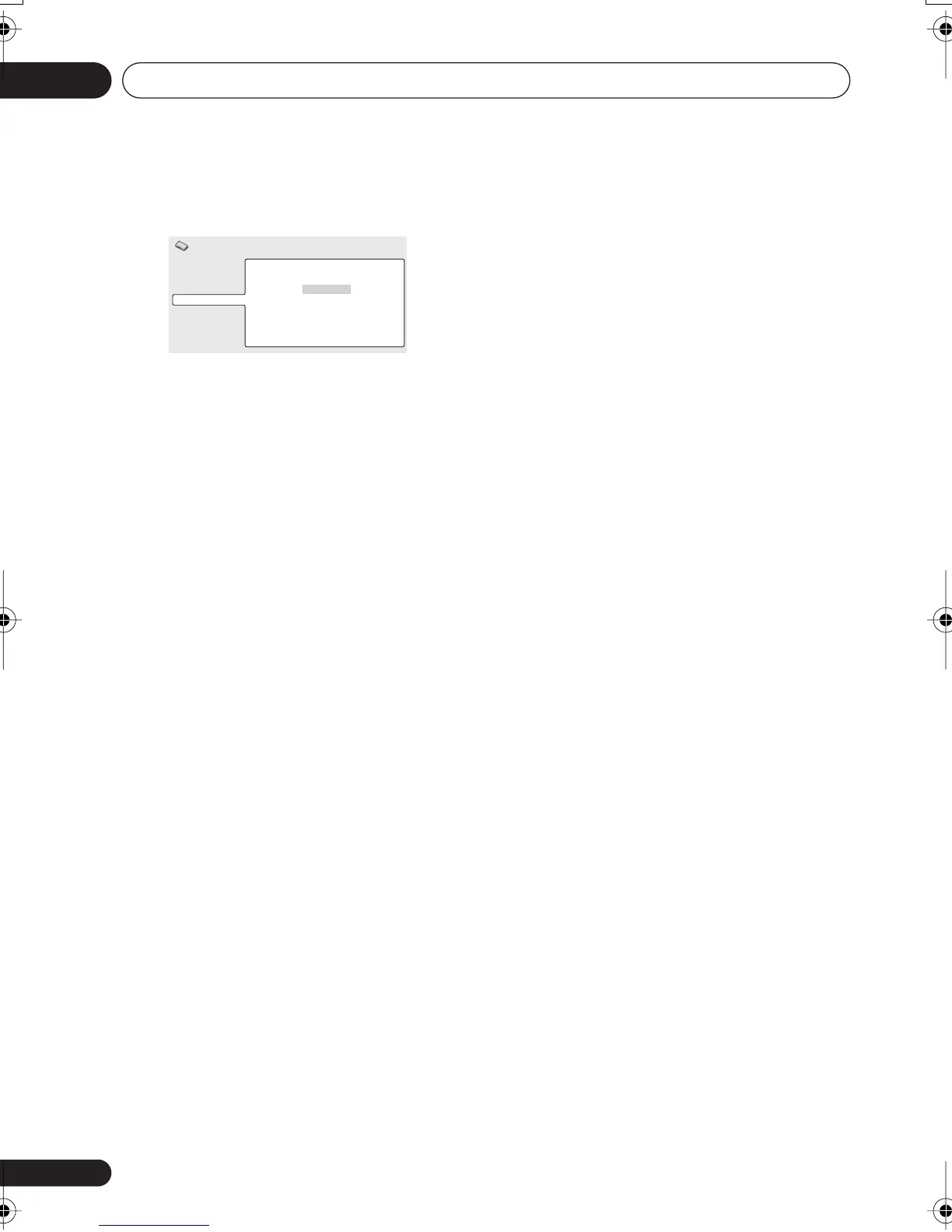
3 Select ‘Display’.
Your 8-digit registration code is displayed.
Make a note of the code as you will need it
when you register with a DivX VOD provider.
Playing DivX
®
VOD content
Some DivX VOD content may only be playable
a fixed number of times. When you load a disc
containing this type of DivX VOD content, the
remaining number of plays is shown on-screen
and you then have the option of playing the
disc (thereby using up one of the remaining
plays), or stopping. If you load a disc that
contains expired DivX VOD content (for
example, content that has zero remaining
plays), the message
Rental Expired
is
displayed.
If your DivX VOD content allows an unlimited
number of plays, then you may load the disc
into your player and play the content as often
as you like, and no message will be displayed.
Video Output
Language
Display
Options
Initial Settings
DivX VOD Registration Code
0 1 2 3 4 5 6 7
XV-DV-NEW_WIZ.book 28 ページ 2004年12月22日 水曜日 午後2時41分



 To Next Page