SECTION 9
SUPPLEMENT 22 PA-28-181, ARCHER III
REPORT: VB-1611 ISSUED: JULY 12, 1995
9-152, 10 of 10 REVISED: SEPTEMBER 12, 2005
SECTION 9
SUPPLEMENT 22 PA-28-181, ARCHER III
REPORT: VB-1611 ISSUED: JULY 12, 1995
9-152, 10 of 10 REVISED: SEPTEMBER 12, 2005
SECTION 7 - DESCRIPTION AND OPERATION (continued)
Test Mode
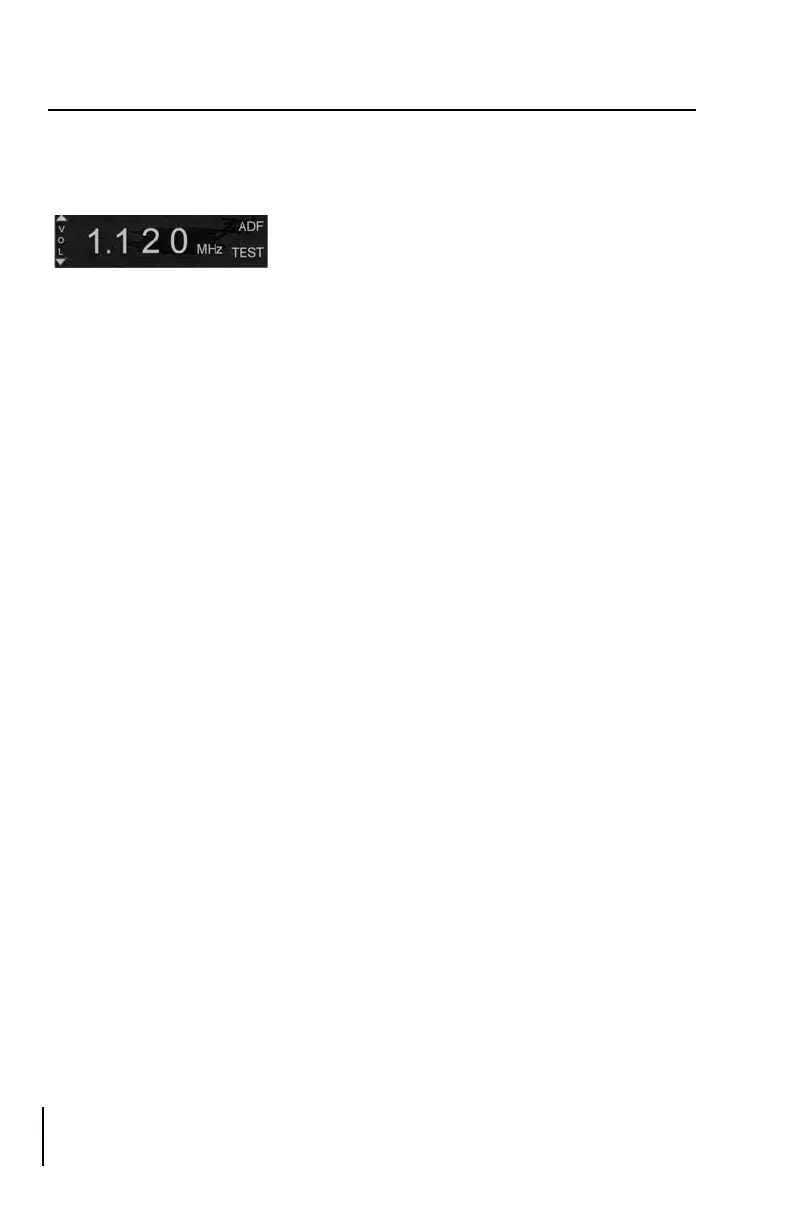
Press the TEST button to start the test mode. The text “TEST” will be
displayed in the bottom right corner of the display for approximately 15
seconds. During this time, the IND-650A Indicator pointer will
incrementally rotate 90°. Press the TEST button again to cancel the test while
in this mode. The pointer will immediately return to its starting point.
SECTION 7 - DESCRIPTION AND OPERATION (continued)
Test Mode
Press the TEST button to start the test mode. The text “TEST” will be
displayed in the bottom right corner of the display for approximately 15
seconds. During this time, the IND-650A Indicator pointer will
incrementally rotate 90°. Press the TEST button again to cancel the test while
in this mode. The pointer will immediately return to its starting point.






 To Next Page