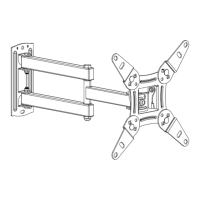
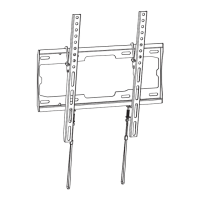
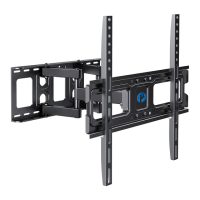
Step 2
FLAT BACK TV
(UNIVERSAL MONITOR PLATE)
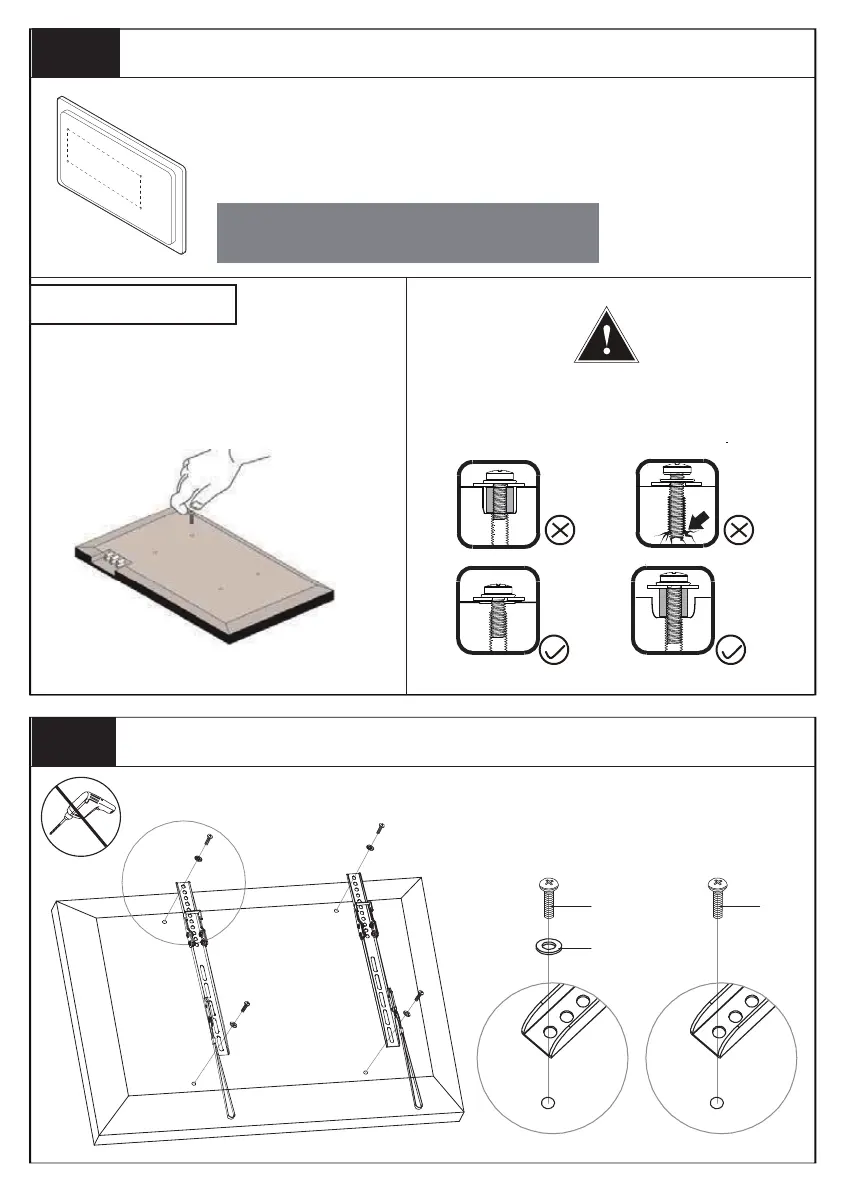
Attach the TV Brackets to the TV
3
M-A/M-C
M-H
M-E
Step 1 Measure VESA and Check TV Screws
Check TV screws
When attaching brackets to the flat screen, be
careful not to over tighten screws and be sure that
screws do not bottom out in the mounting holes.
Too Short
Too Long
Correct
Correct
Hand thread screws into the threaded
inserts on the back of your TV to
determine which screw diameter
(M4,M6, or M8) to use.
Measure the distance between the holes located at the back of your TV
(these measures may form the shape of a square, or a rectangle) and
check that these taken measurements are within the VESA(*) range for
this wall mount.
VESA: International standard established by the TV manufacturers used
to determine if LCD/LED TVs are compatble with wall mounts.
Width
Height
200 mm ≈ 7 7/8 in
400 mm ≈ 15 3/4 in
100 mm ≈ 4 in
300 mm ≈ 11 3/4 in
600 mm ≈ 23 6/10 in
or


 To Next Page