EasyManua.ls Logo

Pit Boss PB700S - User Manual

Pit Boss PB700S
44 pages
Print Icon
To Next Page IconTo Next Page
Loading...
S
A
V
E
T
H
E
S
E
I
N
S
T
R
U
C
T
I
O
N
S
!
T
I
P
S
&
R
E
C
I
P
E
S
I
N
S
I
D
E
!
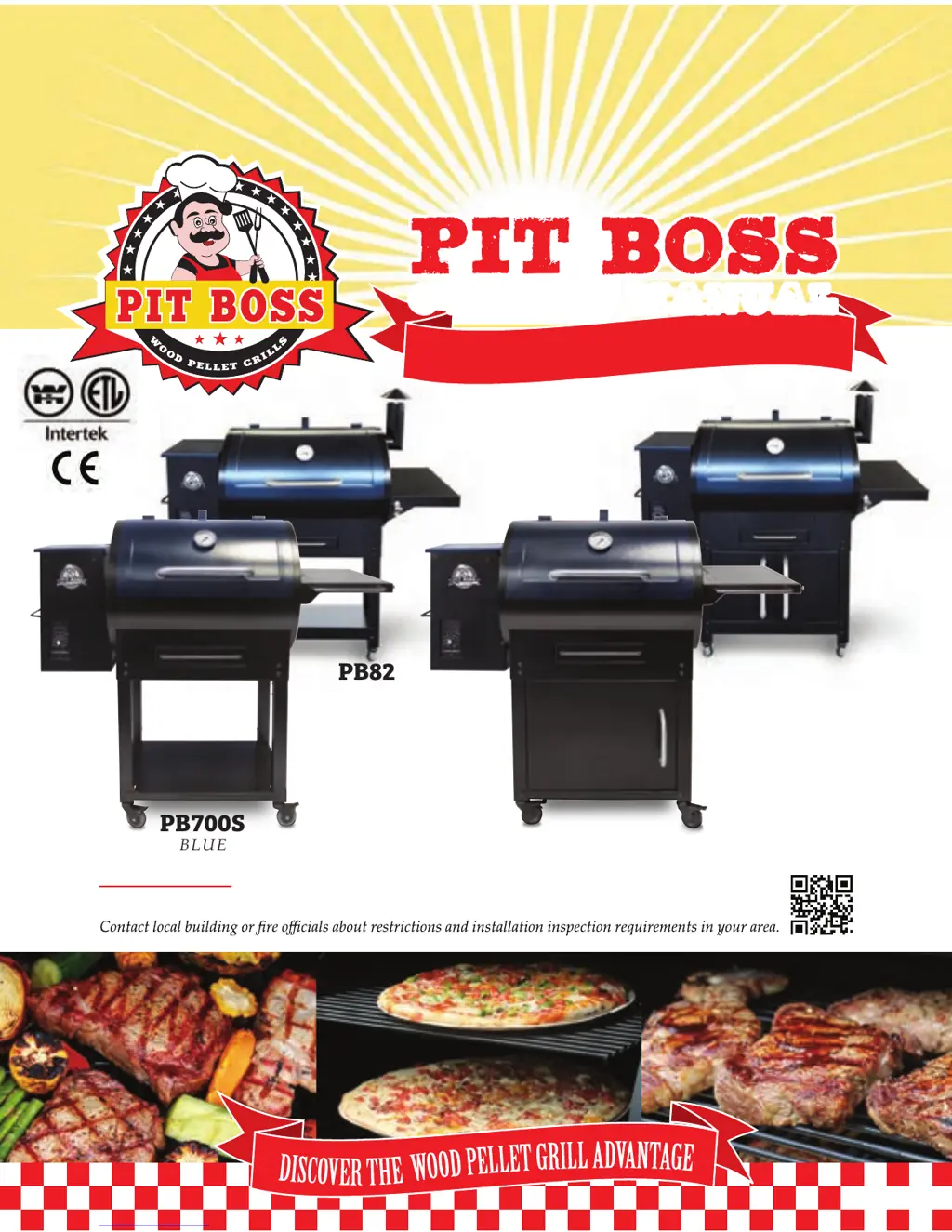
owners manual
PB700SC
WARNING: Please read the entire manual before installation and use of this pellet fuel-burning
appliance. Failure to follow these instructions could result in property damage, bodily injury or even death.
Rev 0116
You MUST read this manual
before operating your grill !
PB820SC
PB700S
PB820S
BLUE
BLUE
BLUE
BLUE

Table of Contents

Other manuals for Pit Boss PB700S

Questions and Answers

  • K
    Katherine PerezSep 23, 2025
    What to do if Pit Boss Grill shows 'noP' error code?
    • C
      Christopher RichardsSep 23, 2025
      To address a 'noP' error code on your Pit Boss Grill, disconnect the meat probe from the connection port on the control board and then reconnect it, ensuring it's firmly connected. Check the adapter end for any signs of damage. If the issue continues, contact Customer Service for a replacement part. Also, inspect the meat probe wires for any damage and replace the probe if necessary. If the problem persists, the control board may be faulty and need replacement; contact Customer Service for assistance.
  • S
    Savannah HutchinsonAug 23, 2025
    What to do if fire pot won't light on Pit Boss PB700S?
    • K
      Kristin WardAug 23, 2025
      If the fire in your Pit Boss Grill's fire pot won't light, and the auger hasn't been primed, follow the hopper priming procedure, especially if the unit is new or the hopper was emptied. If the auger motor is jammed, remove the cooking components, turn the unit on to SMOKE, and check if the auger is dropping pellets. If the igniter has failed, inspect it to ensure it's working and protruding about 13mm / 0.5 inches into the fire pot. Also, check the fire pot for ash build-up and ensure proper airflow.
  • P
    perezkristaAug 25, 2025
    Why is my Pit Boss PB700S producing too much smoke or discolored smoke?
    • J
      James CarterAug 26, 2025
      Excessive or discolored smoke from your Pit Boss grill can be due to a few reasons. Grease build-up can cause this, so follow the care and maintenance instructions. Another cause could be the wood pellet quality; remove any moist pellets and replace them with dry ones after cleaning out the grill. Lastly, a blocked burn pot can contribute to this issue, so clear the burn pot of any moist wood pellets.
  • M
    Matthew WillisAug 27, 2025
    How to lower the temperature on the SMOKE setting of my Pit Boss PB700S?
    • J
      Joseph BrownAug 27, 2025
      If the grill temperature on the SMOKE setting is too high on your Pit Boss grill, the "P" setting might be too low. To adjust this, turn the temperature dial to SMOKE, push the "P" SET button, and increase the "P" setting. Keep in mind that after preheating at high heat, the auger will continuously feed pellets for four minutes, raising the temperature temporarily. It will stabilize once the "P" setting cycle begins (approximately five to ten minutes).
  • A
    Amy MayoAug 27, 2025
    Why Pit Boss PB700S Grill produces too much smoke?
    • C
      Craig NorrisAug 27, 2025
      If your Pit Boss grill is producing excess or discolored smoke, start by following the care and maintenance instructions to address grease build-up. Then, remove any moist wood pellets from the hopper, clean it out, and replace them with dry wood pellets. Also, clear the fire pot of any ash or debris, and ensure the fan is working properly with no blockage of the air intake.
  • K
    Katherine JohnsonSep 17, 2025
    What does ErP error code mean on Pit Boss PB700S?
    • J
      jasonsmithSep 18, 2025
      The ErP error code on your Pit Boss Grill indicates that the unit wasn't turned off properly when last connected to power. To fix this, press the power button to turn the unit off, wait two minutes, and then press the power button again to turn it back on. Turn the temperature control dial to SMOKE or your desired temperature. If the error persists, contact Customer Service.
  • J
    Jessica SuarezSep 14, 2025
    Why are there flashing dots on my Pit Boss PB700S LCD screen?
    • J
      James AtkinsonSep 14, 2025
      The flashing dots on the LCD screen of your Pit Boss grill indicate that the unit has power and is in start-up mode, meaning the igniter is on. This is normal and not an error. The igniter will turn off after five minutes, and the grill will then adjust to the selected temperature.
  • T
    thomasrobertsSep 15, 2025
    Why is the temperature flashing on Pit Boss PB700S Grill LCD screen?
    • G
      Gary MatthewsSep 15, 2025
      The flashing temperature on the LCD screen of your Pit Boss grill indicates that the grill temperature is below 65°C / 150°F. This suggests a risk that the fire could go out. Check the hopper for sufficient fuel or any obstruction in the feed system. Also, inspect the grill temperature probe for dirt, the fire pot for ash build-up, and the fan for proper operation and air intake. Finally, check the auger motor to ensure it's rotating and the auger tube isn't blocked.
  • D
    Daniel FaulknerSep 6, 2025
    What does the “Err” error message mean on my Pit Boss PB700S Grill?
    • E
      Elizabeth FloresSep 6, 2025
      The “Err” error message on your Pit Boss grill indicates that the temperature probe wire is not making a connection. Check the hopper access panel for any damage. Ensure the probe wire connections are firmly connected and correctly attached to the digital control board.
  • R
    robertmorganSep 3, 2025
    Why is the temperature flashing on the LCD screen of my Pit Boss PB700S?
    • J
      Jared WongSep 3, 2025
      A flashing temperature on the LCD screen of your Pit Boss grill indicates that the grill temperature is below 65°C / 150°F. This suggests a risk that the fire could go out. Check the hopper for enough fuel and any feed system obstructions. Also, inspect the grill temperature probe for dirt, the burn pot for ash build-up, and ensure the fan is working with unblocked air intake. Finally, check the auger motor for proper operation and any tube blockages.

Summary

Dangers & Warnings

Fuel-Wood Pellets

Guidelines for selecting and using natural wood bbq pellets for grills.

Creosote Dangers

Explains creosote formation, its dangers, and cleaning methods.

Carbon Monoxide Safety

Safety guidelines to prevent carbon monoxide poisoning.

Assembly Instructions

Operation

Pit Boss Control Panel

Overview of the digital control panel, settings, and readouts.

Grill Start-Up and Modes

Start-up sequence, smoke mode, and automatic oven control.

Understanding the P Setting

Explanation of the "P" setting for fine-tuning auger feed and temperature.

Lighting Procedures

Automatic and manual lighting procedures, and troubleshooting ignition failures.

Shutting Off the Grill

Proper procedure for turning off and shutting down the grill.

Grill Maintenance

Tips & Techniques

Food Safety Practices

Essential food safety rules and hygiene practices for grilling.

Trouble Shooting

LCD Screen and Error Messages

Troubleshooting LCD issues, error codes, and flashing indicators.

Operational Problems

Solutions for common issues like not starting, temperature problems, and flare-ups.

Pit Boss PB700S Specifications

General IconGeneral
Grill CategoryPellet Grill
Cooking Area700 sq. in.
Temperature Range180°F to 500°F
Fuel TypeWood Pellets
MaterialSteel
Ignition TypeElectric
BTU Value25, 000 BTU

Related product manuals