EasyManua.ls Logo

Pit Boss PB700SC - User Manual

Pit Boss PB700SC
44 pages
Print Icon
To Next Page IconTo Next Page
Loading...
S
A
V
E
T
H
E
S
E
I
N
S
T
R
U
C
T
I
O
N
S
!
T
I
P
S
&
R
E
C
I
P
E
S
I
N
S
I
D
E
!
owners manual
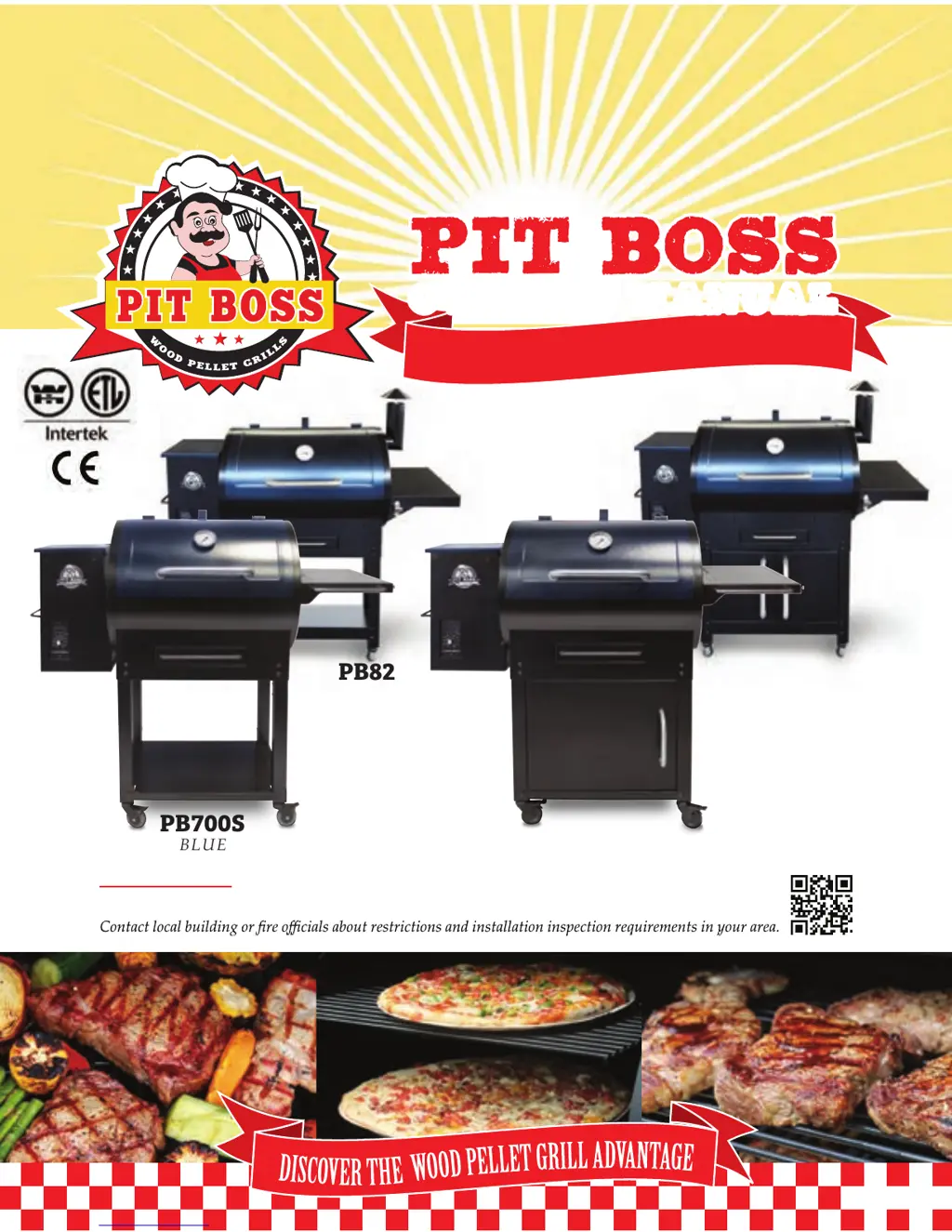
PB700SC
WARNING: Please read the entire manual before installation and use of this pellet fuel-burning
appliance. Failure to follow these instructions could result in property damage, bodily injury or even death.
Rev 0116
You MUST read this manual
before operating your grill !
PB820SC
PB700S
PB820S
BLUE
BLUE
BLUE
BLUE

Table of Contents

Questions and Answers

  • P
    Pedro SanfordAug 17, 2025
    Why is my Pit Boss Grill producing too much smoke or discolored smoke?
    • D
      daniel00Aug 17, 2025
      Excessive or discolored smoke from your Pit Boss grill can be due to a few reasons. Grease build-up can cause this, so follow the care and maintenance instructions. Another cause could be the wood pellet quality; remove any moist pellets and replace them with dry ones after cleaning out the grill. Lastly, a blocked burn pot can contribute to this issue, so clear the burn pot of any moist wood pellets.
  • Z
    Zachary GambleAug 20, 2025
    How to lower the temperature on the SMOKE setting of my Pit Boss PB700SC Grill?
    • K
      Kevin TurnerAug 20, 2025
      If the grill temperature on the SMOKE setting is too high on your Pit Boss grill, the "P" setting might be too low. To adjust this, turn the temperature dial to SMOKE, push the "P" SET button, and increase the "P" setting. Keep in mind that after preheating at high heat, the auger will continuously feed pellets for four minutes, raising the temperature temporarily. It will stabilize once the "P" setting cycle begins (approximately five to ten minutes).
  • D
    David SweeneyAug 23, 2025
    Why won't the LCD screen light up on my Pit Boss PB700SC Grill?
    • B
      Brian NguyenAug 23, 2025
      There are several reasons why the LCD screen on your Pit Boss grill might not be lighting up. First, ensure the grill is properly plugged into a working power source. Also, check that all wire connections are firmly connected. Another possible cause is a blown fuse on the circuit board, which would need to be replaced. The GFCI outlet may have been tripped, so ensure it's a minimum 10 Amp service and the wire connections are dry. Finally, make sure the temperature dial is not in the OFF position; turn it to SMOKE to start the unit.
  • D
    danielramosAug 26, 2025
    What to do if the fire in the burn pot of my Pit Boss PB700SC will not light?
    • J
      Justin EwingAug 26, 2025
      If the fire in the burn pot of your Pit Boss grill won't light, several factors could be the cause. The auger may not be primed, which is necessary before the first use or after the hopper has been completely emptied. Follow the Hopper Priming Procedure. Alternatively, the auger motor might be jammed. Inspect the auger feed system and motor rotation. If the motor is not operating properly or the bracket is damaged, contact Customer Service for a replacement part. Lastly, the igniter may have failed and needs replacement. In the meantime, you can use the Manual Start-up Procedure.
  • M
    Mark MoranAug 28, 2025
    How to fix a Pit Boss PB700SC that will not maintain a stable temperature?
    • M
      Megan SanchezAug 28, 2025
      If your Pit Boss grill isn't maintaining a stable temperature, consider these potential causes: Adjust the control settings by lowering the "P" setting to decrease temperature fluctuations. Ensure sufficient airflow through the burn pot by checking for ash build-up or obstructions, verifying the fan is working correctly and the air intake isn't blocked, and confirming the auger motor's operation without blockages. Make sure there is sufficient and good quality fuel. Also, inspect the grill temperature probe for dirt. Once these steps are done, start the grill, set the temperature to SMOKE, wait 10 minutes, and check that the flame is bright and vibrant.
  • D
    David HenryAug 31, 2025
    What does the "ErH" error message mean on my Pit Boss Grill and how to fix it?
    • A
      Amanda HartAug 31, 2025
      The "ErH" error message on your Pit Boss grill indicates that the grill has overheated, possibly due to a grease fire or excess fuel. To resolve this, turn the temperature dial to OFF and allow the grill to cool. Remove the pellets and confirm the correct positioning of all component parts after maintenance. To clear the error, turn the temperature dial to OFF, open the lid, wait 3 to 4 minutes, then select your desired temperature.
  • C
    christopher55Sep 2, 2025
    Why is the temperature flashing on the LCD screen of my Pit Boss PB700SC Grill?
    • J
      jack05Sep 2, 2025
      A flashing temperature on the LCD screen of your Pit Boss grill indicates that the grill temperature is below 65°C / 150°F. This suggests a risk that the fire could go out. Check the hopper for enough fuel and any feed system obstructions. Also, inspect the grill temperature probe for dirt, the burn pot for ash build-up, and ensure the fan is working with unblocked air intake. Finally, check the auger motor for proper operation and any tube blockages.
  • H
    heather58Sep 5, 2025
    What does "ErP" mean on a Pit Boss PB700SC Grill?
    • J
      Jodi PriceSep 5, 2025
      The "ErP" error message on your Pit Boss grill can occur if the temperature dial wasn't in the OFF position when last connected to AC power. To fix this, turn the temperature dial to OFF, wait two minutes, and then turn the unit back on to SMOKE or your desired temperature. This safety feature prevents an inadvertent start. This error can also appear if a power outage occurred while in operation, but there is no suggested solution to fix this.
  • J
    Joseph CollierSep 8, 2025
    What does the “Err” error message mean on my Pit Boss grill?
    • K
      Katie HuntSep 8, 2025
      The “Err” error message on your Pit Boss grill indicates that the temperature probe wire is not making a connection. Check the hopper access panel for any damage. Ensure the probe wire connections are firmly connected and correctly attached to the digital control board.
  • K
    Kyle ConnerSep 12, 2025
    How to prevent frequent flare-ups on my Pit Boss PB700SC?
    • J
      Jacob Walton MDSep 12, 2025
      To prevent frequent flare-ups on your Pit Boss grill, try cooking at a lower temperature. Grease has a flash point, so keeping the temperature under 176°C / 350°F when cooking greasy foods can help.

Summary

Dangers & Warnings

Fuel and Creosote Hazards

Discusses safe fuel usage and creosote buildup risks.

Carbon Monoxide Safety

Guidelines to prevent carbon monoxide poisoning.

Assembly Instructions

Assembling the Leg and Grill

Step-by-step guide to assemble the grill's legs and casters.

Installing the Enclosure Kit

Steps for attaching the enclosure panels to SC models.

Power Connection and Preparation

Guidance on connecting power and initial grill preparation.

Operation

Getting Started and Grill Control

Initial startup, pre-heating, and control panel functions.

Lighting Procedures

Standard and manual methods for lighting the grill.

Tips & Techniques

Trouble Shooting

Grill Start-Up and Temperature Issues

Solutions for problems with starting or maintaining grill temperature.

Pit Boss PB700SC Specifications

General IconGeneral
Grill CategoryPellet Grill
Cooking Area700 sq in
Temperature Range180°F to 500°F
Fuel TypeWood Pellets
Wi-Fi CapabilityNo
MaterialSteel
IgnitionElectric
WheelsYes

Related product manuals