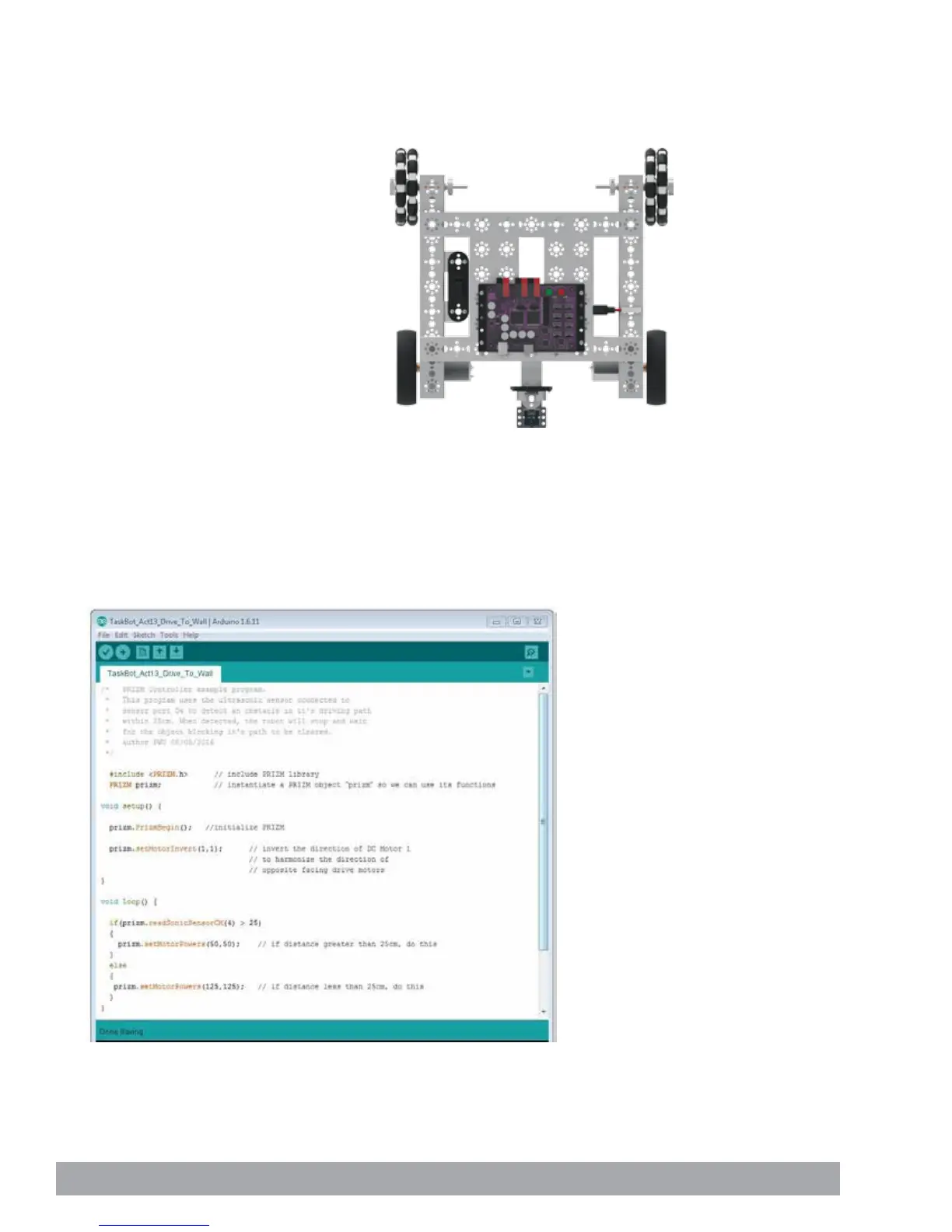
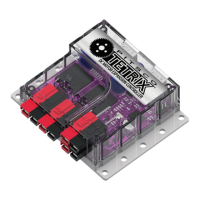
Figure 26
Opening the Sketch
Before we open our next example sketch, be sure to save any sketch you want to
reference later.
Open the sketch by selecting File > Examples > TETRIX_PRIZM > TaskBot_Act13_
Drive_To_Wall. A new sketch window will open titled TaskBot_Act13_Drive_To_
Wall (Figure 26).
Activity 13: Drive Toward a Wall and Stop
With this activity we will continue to build on what we have learned and apply it to
the Ultrasonic Sensor. This will enable the TaskBot to drive toward a wall and stop a
specified distance away.
Parts Needed
• Fully assembled PRIZM TaskBot complete
with sensor module
• USB cable
• A charged TETRIX 12-Volt Rechargeable
NiMH Battery Pack
• Computer
108 Building and Coding the PRIZM TaskBot


 To Next Page