Activity 9: Drive in a Square
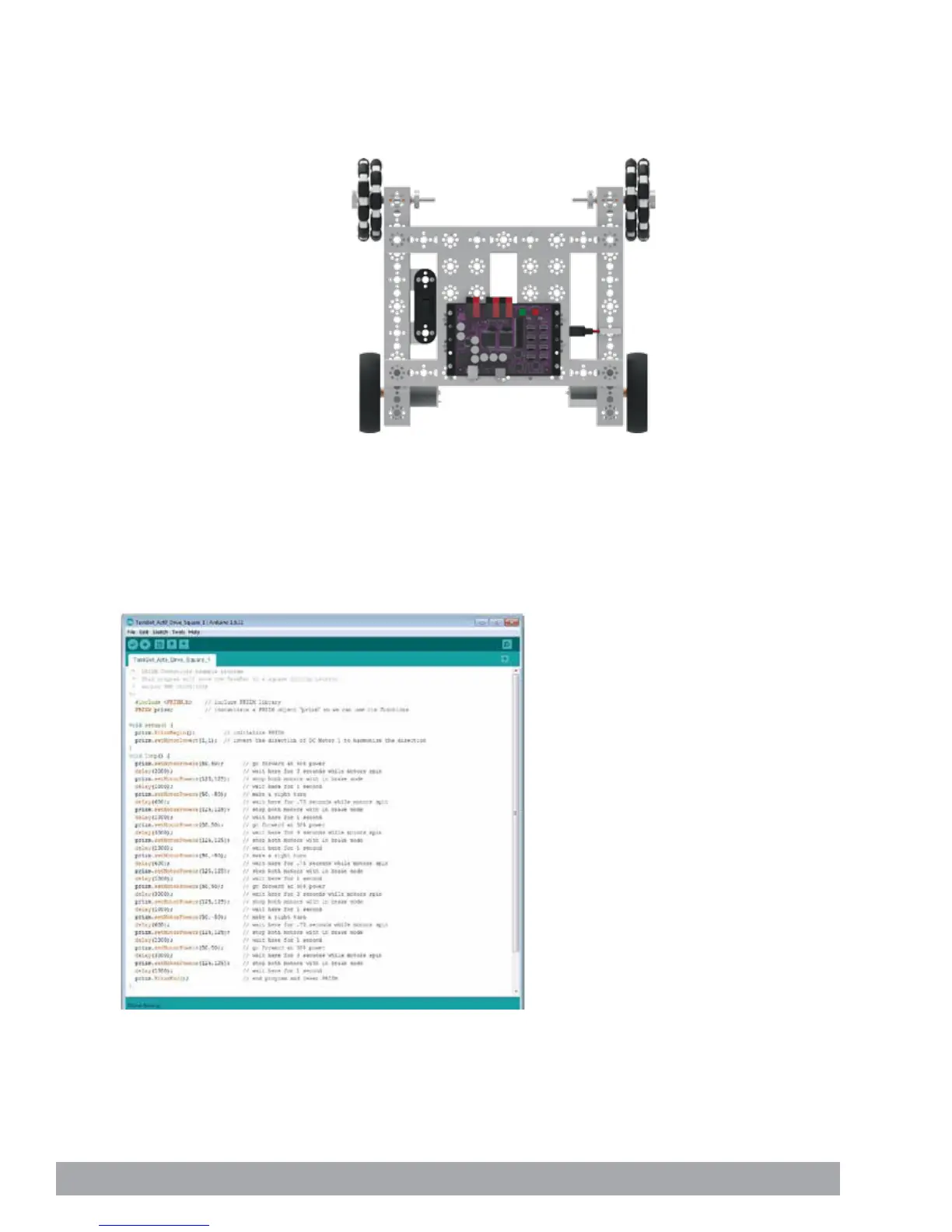
Now, we will continue to build our navigational skills with the TaskBot by giving our
robot the ability to make 90-degree turns. The ability to make 90-degree turns will
be used to make the TaskBot drive in a square.
Figure 22
Parts Needed
• Fully assembled PRIZM TaskBot
• USB cable
• A charged TETRIX 12-Volt Rechargeable
NiMH Battery Pack
• Computer
Opening the Sketch
Before we open our next example sketch, be sure to save any sketch you want to
reference later.
Open the sketch by selecting File > Examples > TETRIX_PRIZM > TaskBot_Act9_
Drive_Square_1. A new sketch window will open titled TaskBot_Act9_Drive_
Square_1 (Figure 22).
90 Building and Coding the PRIZM TaskBot


 To Next Page