Welcome, Coders, Roboticists,
Engineers, Students, Teachers,
Mentors, and Coaches,
Happy coding,
building, problem
solving, engineering,
and collaborating!
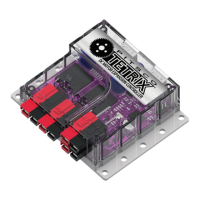
Pitsco Education is pleased to bring you the TETRIX® PRIZM™ Robotics Controller Programming Guide –
an exciting and progressive series of activities that teaches the essentials of learning to program your
TETRIX MAX creations using the PRIZM controller and the Arduino Software (IDE).
This programming guide offers a valuable tool for teaching students and teachers how to use the
PRIZM controller (the brain) and the TETRIX MAX system to build and code smart, precise robots that
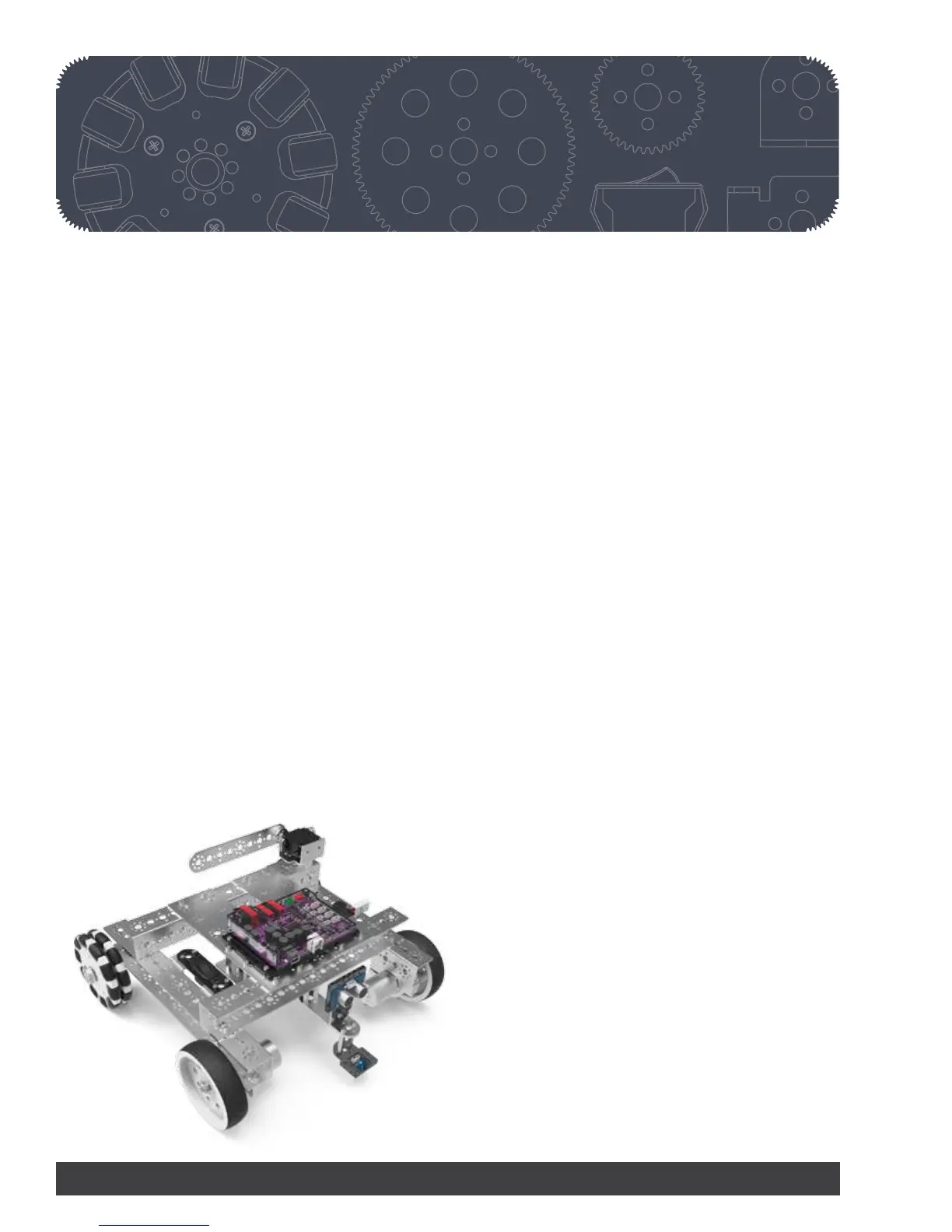
are as real-world as it gets. The guide comes with five getting started activities, step-by-step building
instructions for creating a TaskBot, 10 complete TaskBot-oriented lessons, and Hacking the Code
extension activities, making it a great tool for exploring the functionality of the PRIZM controller,
TETRIX hardware components, and Arduino Software (IDE) and offering students a great foundation to
build on.
By combining the plug-and-play PRIZM controller with the intuitive MAX building system and an easy-
to-use, text-based software environment, this solution offers a great entry into teaching and learning
through robotics. The progressive nature of the activities enables robotic creations to come to life
quickly and easily, meaning students can experience instant success and focus more classroom time
on problem solving and applying their STEM knowledge.
Plus, PRIZM is not just a great tool for teaching programming. It can bring to life lessons on sensors,
power, gear ratios, and more. Even the controller’s clear polycarbonate shield was designed to
maximize educational value – letting users see the inner architecture of the controller.
We have also included some STEM Extensions (concepts beyond the scope of this guide) that can
be covered in each lesson if you choose to do so. These extensions can be incorporated if you have
content knowledge of these concepts or if you can work with other teachers to integrate these
concepts.
We hope this guide offers a great jumping-off point to learning with PRIZM. We cannot wait to see the
innovative projects and robotic creations that result.
2 Getting Started


 To Next Page