Activity 8: Drive in a Circle
For our eighth activity we will apply our knowledge of motors to create a new
behavior. While being able to move straight is important, we need to be able to
expand on that and make turns. This activity will have your TaskBot driving in circles
by varying motor power as the motors work in unison.
Parts Needed
• Fully assembled PRIZM TaskBot
• USB cable
• A charged TETRIX 12-Volt Rechargeable
NiMH Battery Pack
• Computer
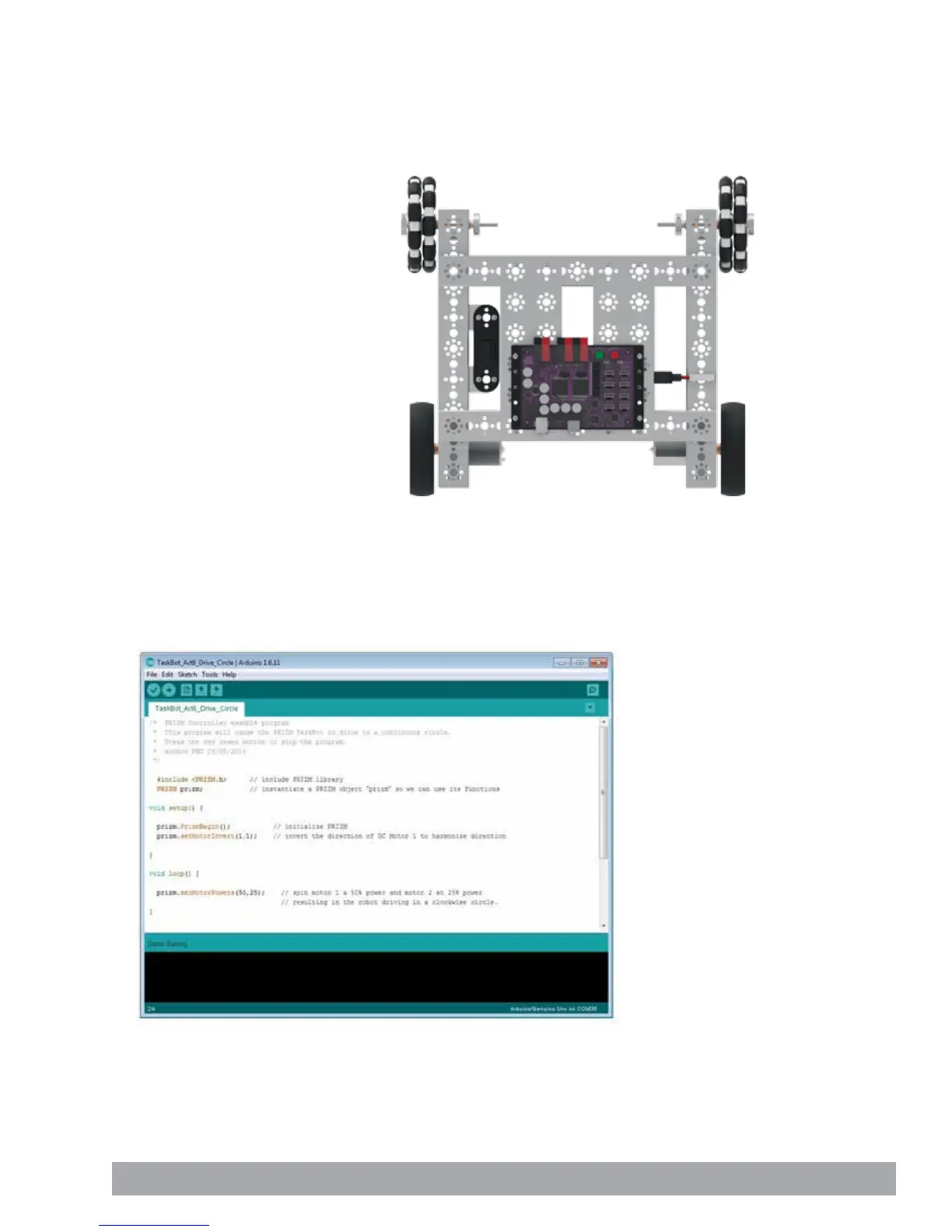
Figure 21
Opening the Sketch
Before we open our next example sketch, be sure to save any sketch you want to
reference later.
Open the sketch by selecting File > Examples > TETRIX_PRIZM > TaskBot_Act8_
Drive_Circle. A new sketch window will open titled TaskBot_Act8_Drive_Circle
(Figure 21).
Building and Coding the PRIZM TaskBot 87


 To Next Page