BM-500 Bandwidth Management Gateway User’s Manual
- 14 -
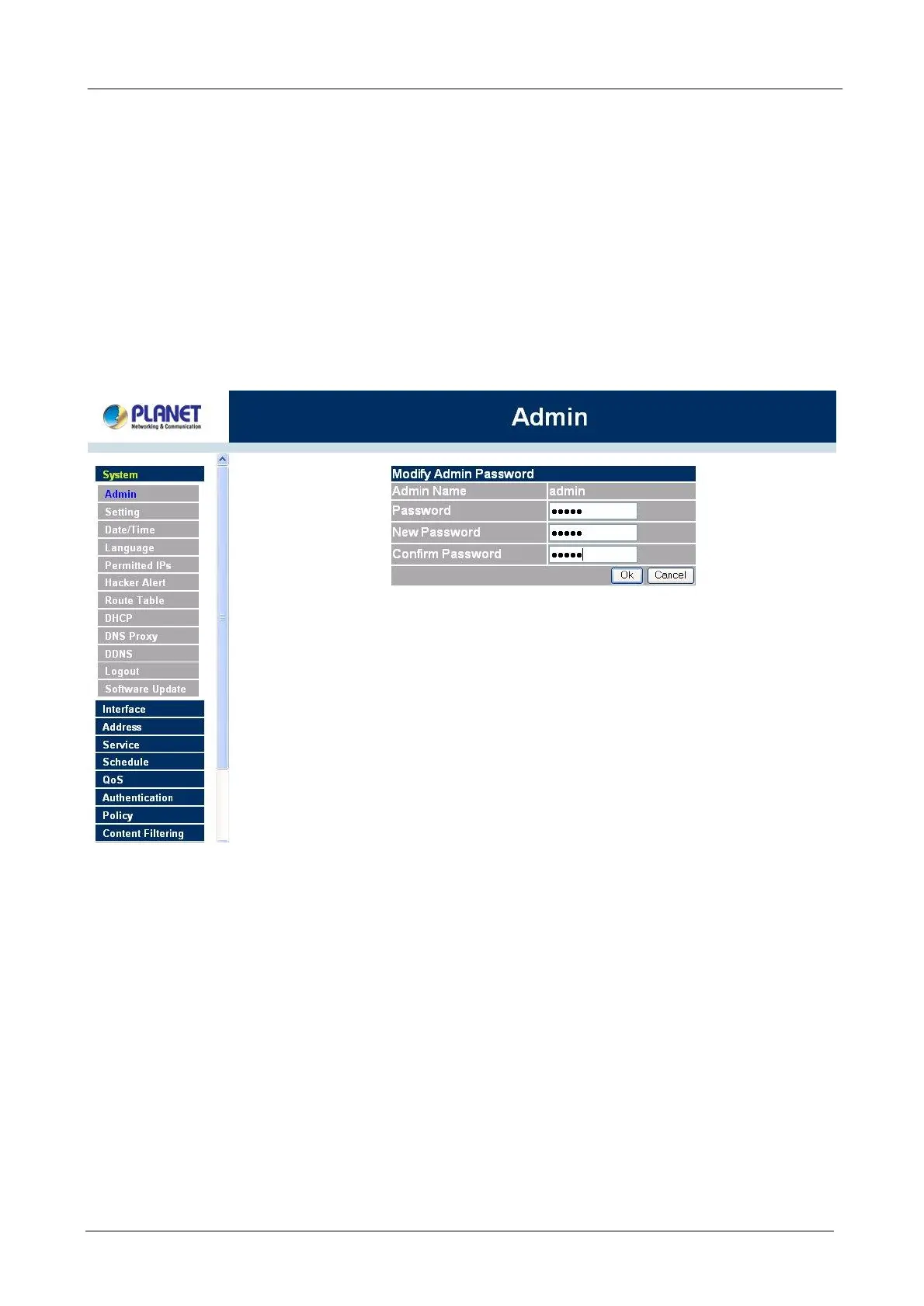
Changing the Main/Sub-Administrator’s Password
Step 1. The Modify Administrator Password window will appear. Enter in the required information:
n Password: enter original password.
n New Password: enter new password
n Confirm Password: enter the new password again.
Step 2. Click OK to confirm password change or click Cancel to cancel it.
Adding a new Sub Administrator
Step 1. In the Add New Sub Administrator window:
n Sub Admin Name: enter the username of new Sub Admin.
n Password: enter a password for the new Sub Admin.
n Confirm Password: enter the password again.
Step 2. Click OK to add the user or click Cancel to cancel the addition.



 To Next Page