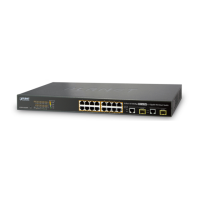
FNSW-16/24 User's Manual
17
5 TROUBLESHOOTING
S
YMPTOM
Link LED does not lit after cable is connected
to the port..
C
HECKPOINT
Verify that the other end of the cable is connected to
a device that is powered on and on-line..
For UTP cable connection to another hub, verify that
only one end of the cable is connected to a “MDI-II”
Uplink port.
S
YMPTOM
100Base-TX port Link LED is lit, Collision LED
is blinking, but traffic is irregular.
C
HECKPOINT
Check that the attached device is not set to
dedicated full-duplex. (Some devices use a physical
or software switch to change duplex modes.
Auto-negotiation may not recognize this type of
full-duplex setting.
ALWAYS CHECK THAT THE CABLE, LINK DISTANCES,
AND OVERALL NETWORK DIAMETER ARE WITHIN SPEC.
FOR THE NETWORK TYPE.


 To Next Page
 Loading...