10
CongurationoftheIPAddress
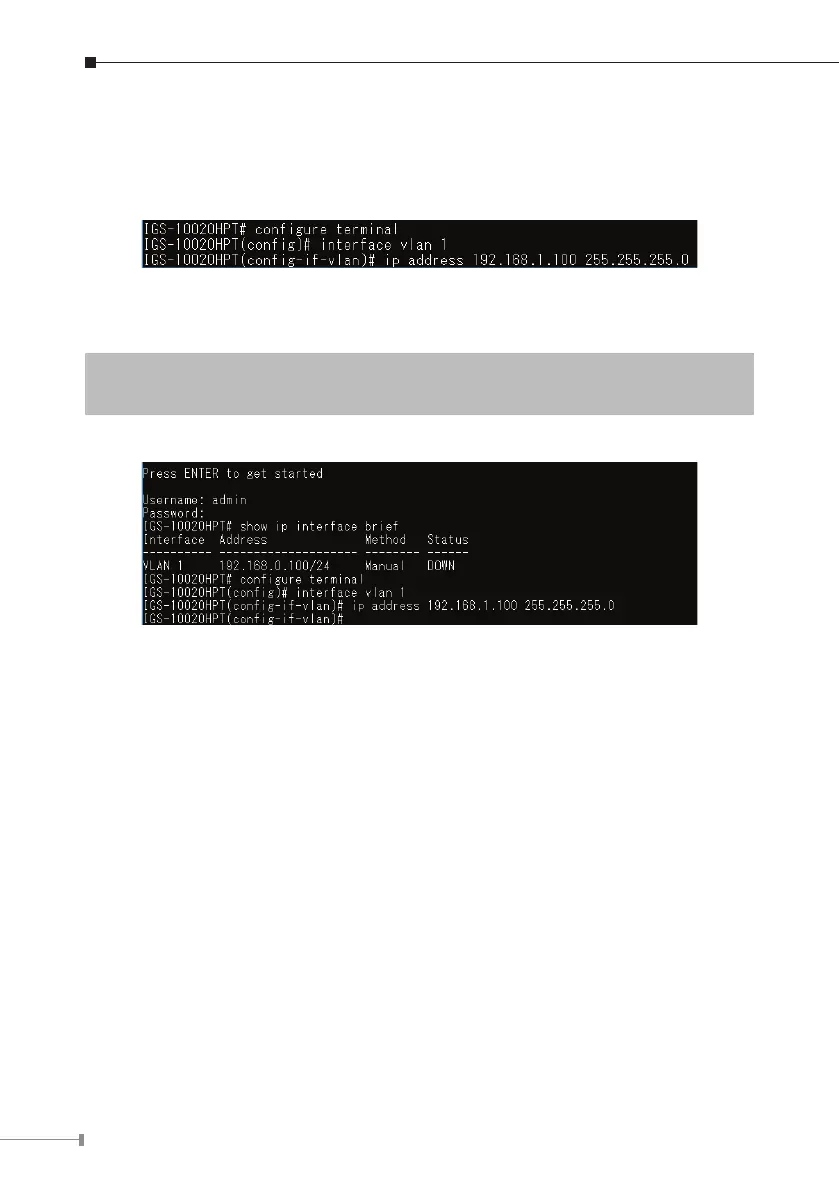
3.At the “#”prompt, enter thefollowing command and press <Enter> as shown
inFigure4-5.
The previous command would apply the following settings for the Industrial
ManagedPoE+Switch.
IPAddress:192.168.1.100
Subnet Mask: 255.255.255.0
Figure 4-5: Conguring IP Address Screen
4.Repeatstep1tocheckiftheIPaddresshaschanged.



 To Next Page
 Loading...







