11
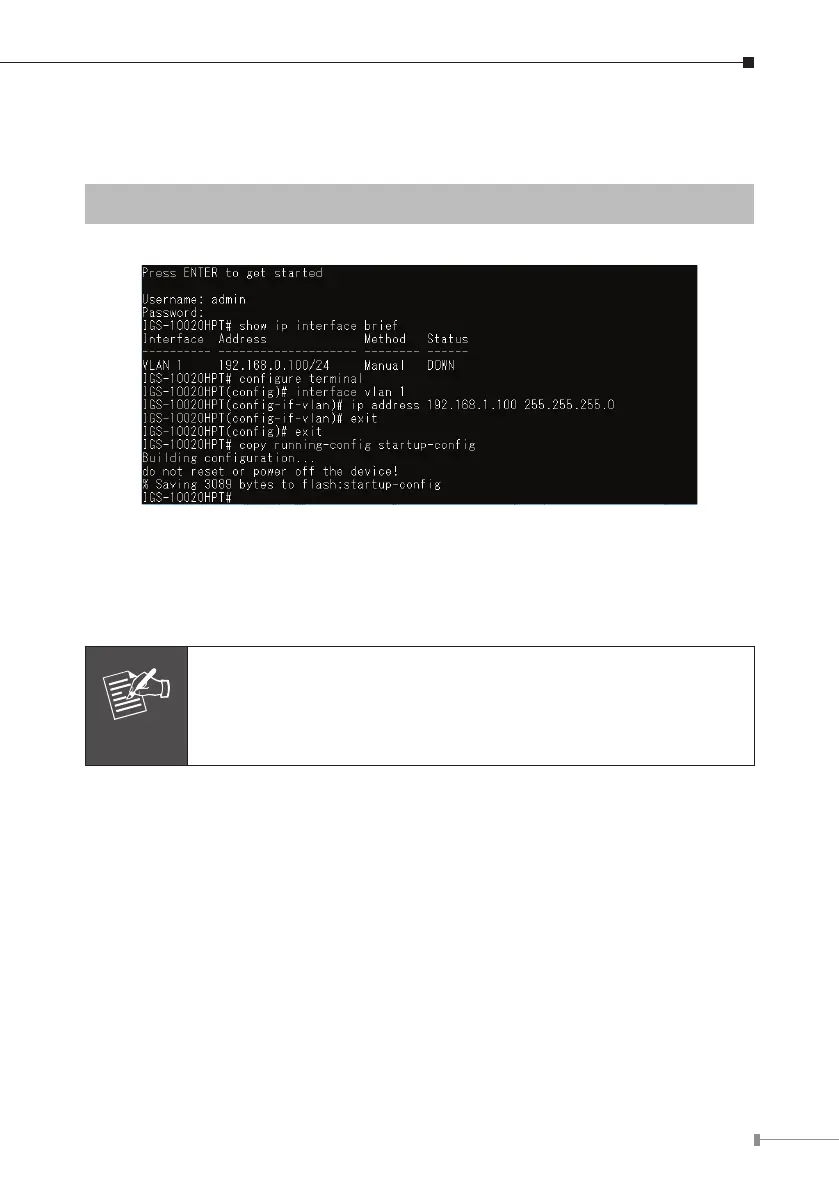
Storethecurrentswitchconguration
5.Atthe“#”prompt,enterthefollowingcommandandpress<Enter>.
#copyrunning-congstartup-cong
Figure 4-6: Saving Current Conguration Command Screen
If the IP is successfully congured, the Industrial Managed PoE+ Switch will apply
the new IP address setting immediately. You can access the Web interface of the
IndustrialManagedPoE+SwitchthroughthenewIPaddress.
Note
If you are not familiar with the console command or the related
parameter, enter “help” anytime in console to get the help
description.



 To Next Page
 Loading...







