10
4.1 Logging on to the Console
Once the terminal has been connected to the device, power on the Industrial
Managed Switch and the terminal will display “running testing procedures”.
Note
The following console screen is based on the IGS-6325-16P4S.
The display of the IGS-6325 series is thesame as that of theIGS-
6325-16P4S.
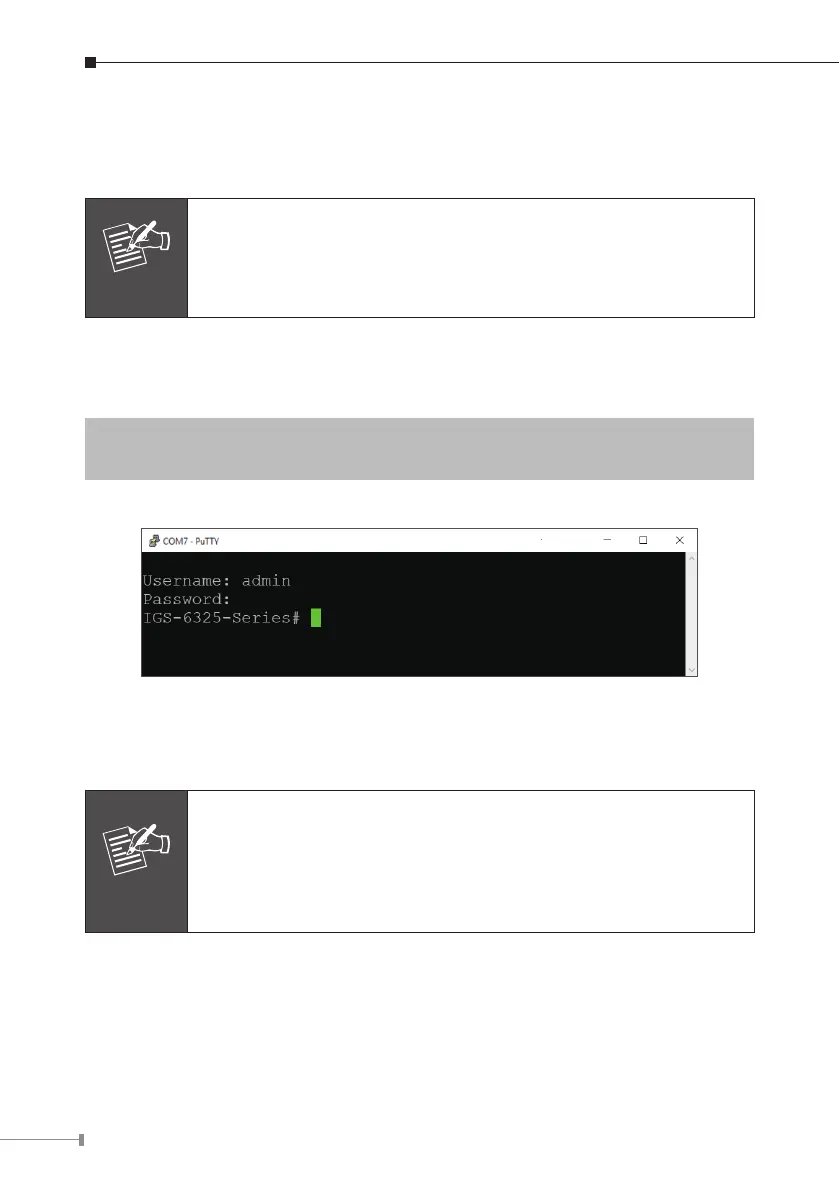
Then, the following message asks to log in user name and password. The factory
defaultuser nameandpassword areshownasfollows asthelogin screeninFigure
4-1appears
UserName:admin
Password: admin
Figure 4-1: Console Login Screen
The user can now enter commands to manage the Industrial Managed Switch. For
adetaileddescriptionofthecommands,pleaserefertothefollowingchapters.
Note
1.For security reason, please change and memorize the new
password after this first setup.
2. Only accept command in lowercase letter under console inter-
face.




 To Next Page