13
2.2 Front Panel
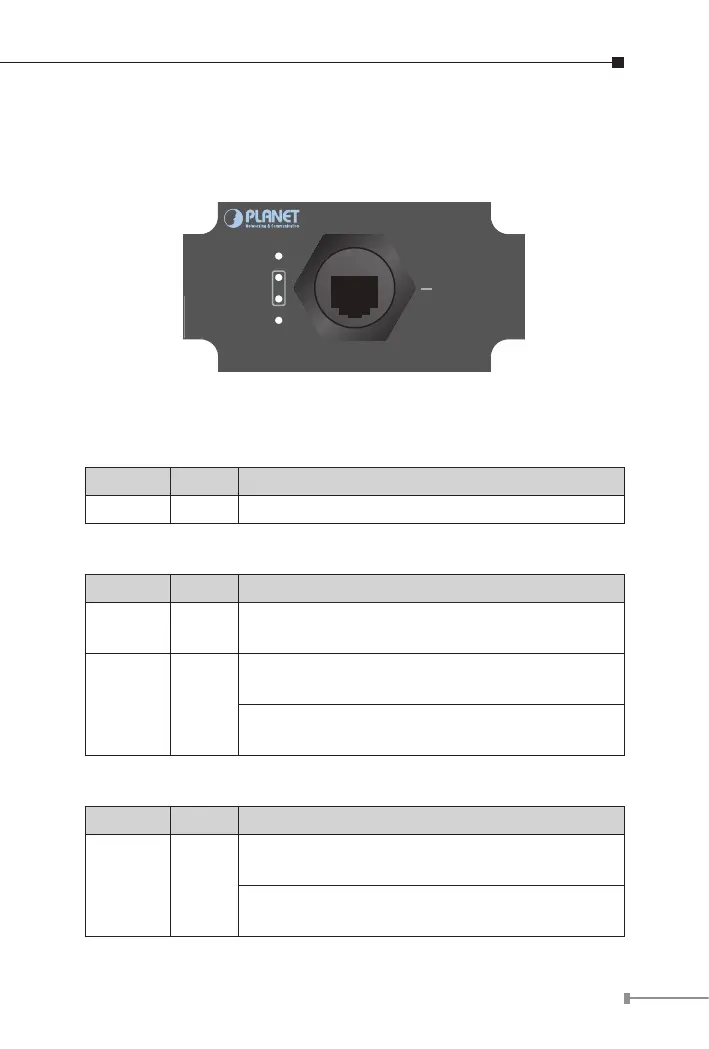
Figure 2-1 shows the front panel of industrial Power over Ethernet
extender
10/100/1000T
1000
Budget Alert
LNK/ACT
PWR
PoE IN
Figure 2-1: IPOE-E202 Front Panel
System
LED Color Function
PWR Green Lights to indicate the IPOE-E202 has power.
PoE Input Port
LED Color Function
LNK/ACT Orange
Blinks to indicate that the IPOE-E202 is actively
sending or receiving data over that port.
1000 Green
Lights to indicate the IPOE-E202 is successfully
connecting to the network at 1000Mbps.
Off to indicate the IPOE-E202 is successfully
connecting to the network at 10Mbps or 100Mbps.
Budget Alert Port
LED Color Function
Budget
Alert
Orange
Lights to indicate the IPOE-E202 PoE output
power is over 20 watts.
Off to indicate that the IPOE-E202 PoE output
power is not over 20 watts.



 To Next Page