20
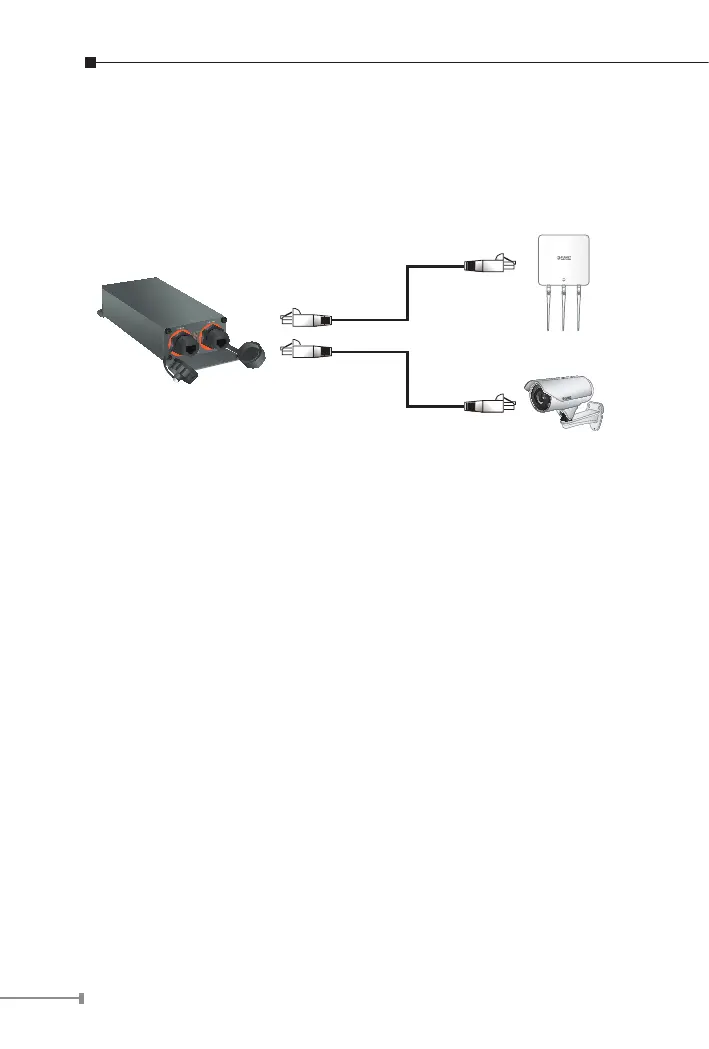
2.6 Connecting IPOE-E202 to Powered Device (PD)
Step 1: Connect the additional Cat5e/6 cable that will be used
to connect to the remote Powered Device (PD) to the
“PoE-in-Use” port of the IPOE-E202.
PoE Wireless AP
PoE Camera
IPOE-E202
Step 2: The “PoE-in-Use” port is also the power injector which
transmits DC voltage to the Cat5e/6 cable and transfer data
and power simultaneously between the PSE and PD.



 To Next Page