19
5. Downloads
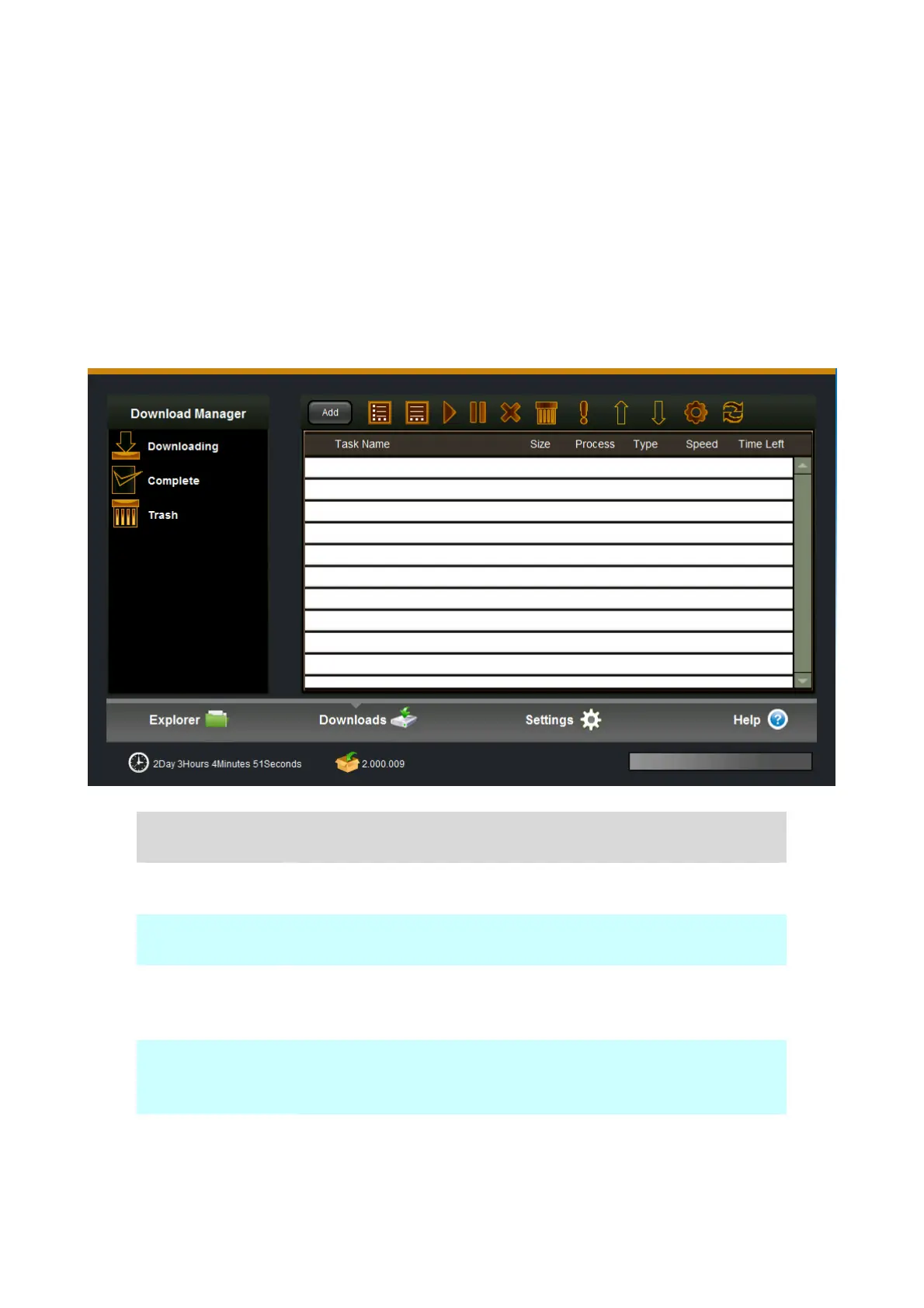
To add new BT download task, set the “BT seed” option first, find and select BT Seed File, then select an
appropriate path for the download file to be save. Click “confirm” and the newly created download task is
displayed on the downloading list.
5.1 Downloading
Item Action
Start Click “Start” to resume a Task, which has been paused
Stop Click “Stop” to suspend the downloading task.
Delete Click “Delete” to stop and delete the download task. The deleted task
will be removed to Trash and it can be restored.
Info Select one task, and press information icon to see the more detail
information of this task.
Settings You can set downloading task number, max download speed, max
upload speed and so on.


 To Next Page