6. Settings
6.1 User
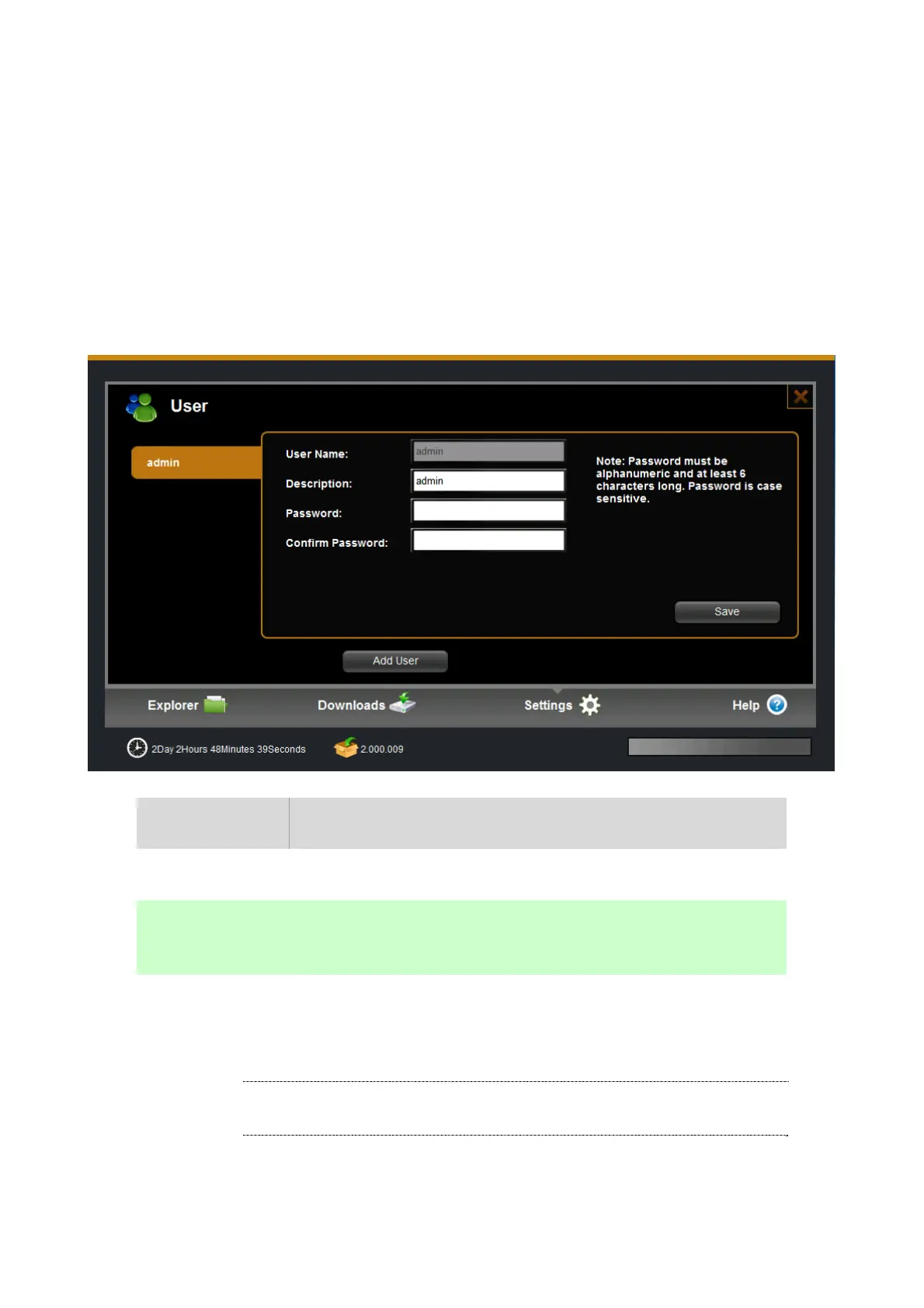
Administrator cans create/edit/remove general user accounts. The general user accounts are used to login
services to confirm whether can accessed these services, including web management access, samba access,
NFS access, ftp access, AFT/time machine service and so on.
Item Action
User Name This is the user account name when you login in
Password The password is case sensitive and should be 6 to 64 displayable
characters, including letters, numbers.
Add user Press “Add user” button, enter the user information and press “save”
button to create one user account.
ÍNote
Password must be alphanumeric and at least 6 characters long. Password
is case sensitive.


 To Next Page