Appendix A: iTunes service
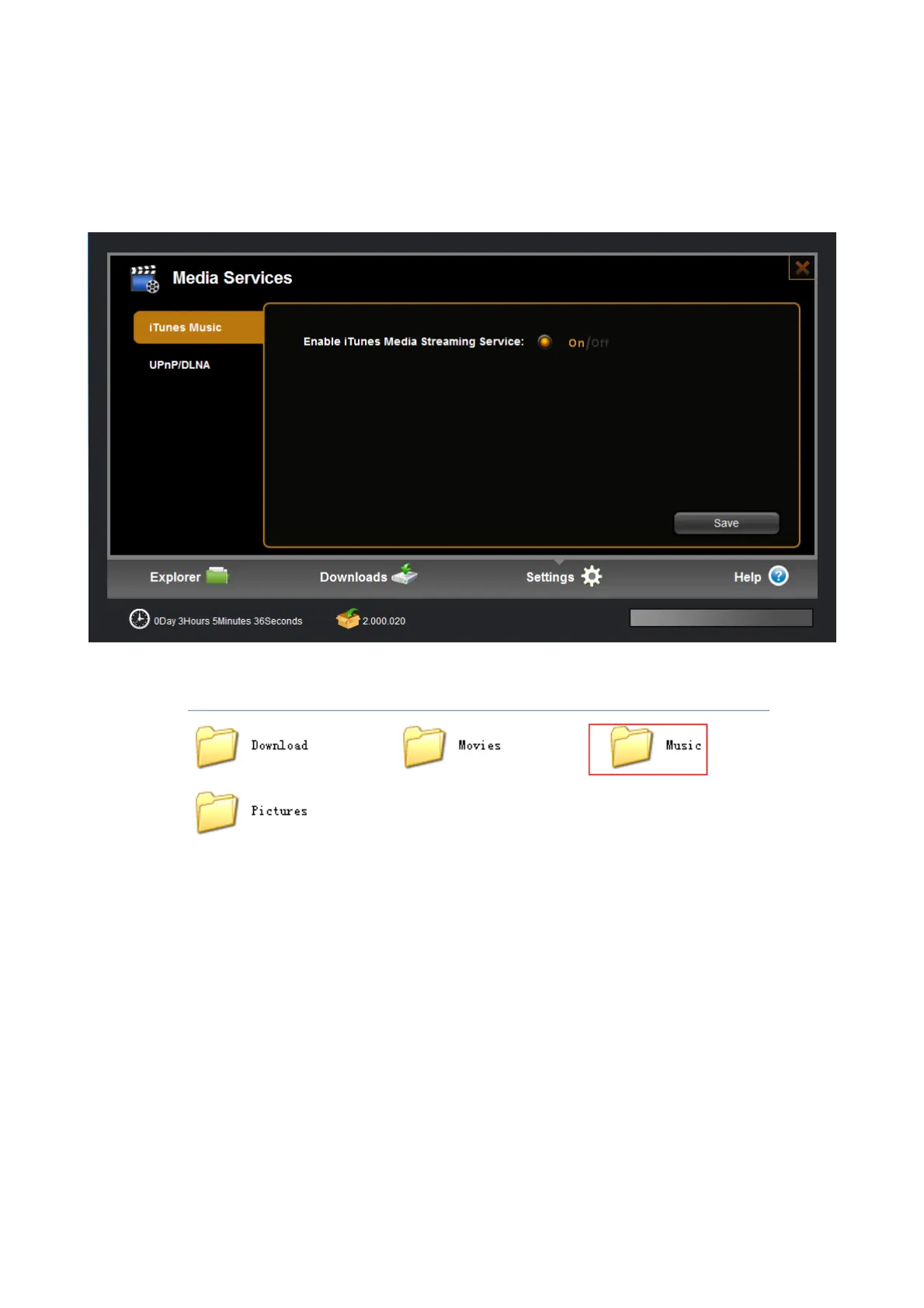
Step1.Enable the iTunes service in the web management
Step2. Copy several songs to built-in disk by samba or FTP, which are recommended put into “music” inside
of “share”.
Step3. Then open iTunes in your computer. It will search network share devices automatically, you can find
device name at the left list, pitch on the device to open music playlist.


 To Next Page