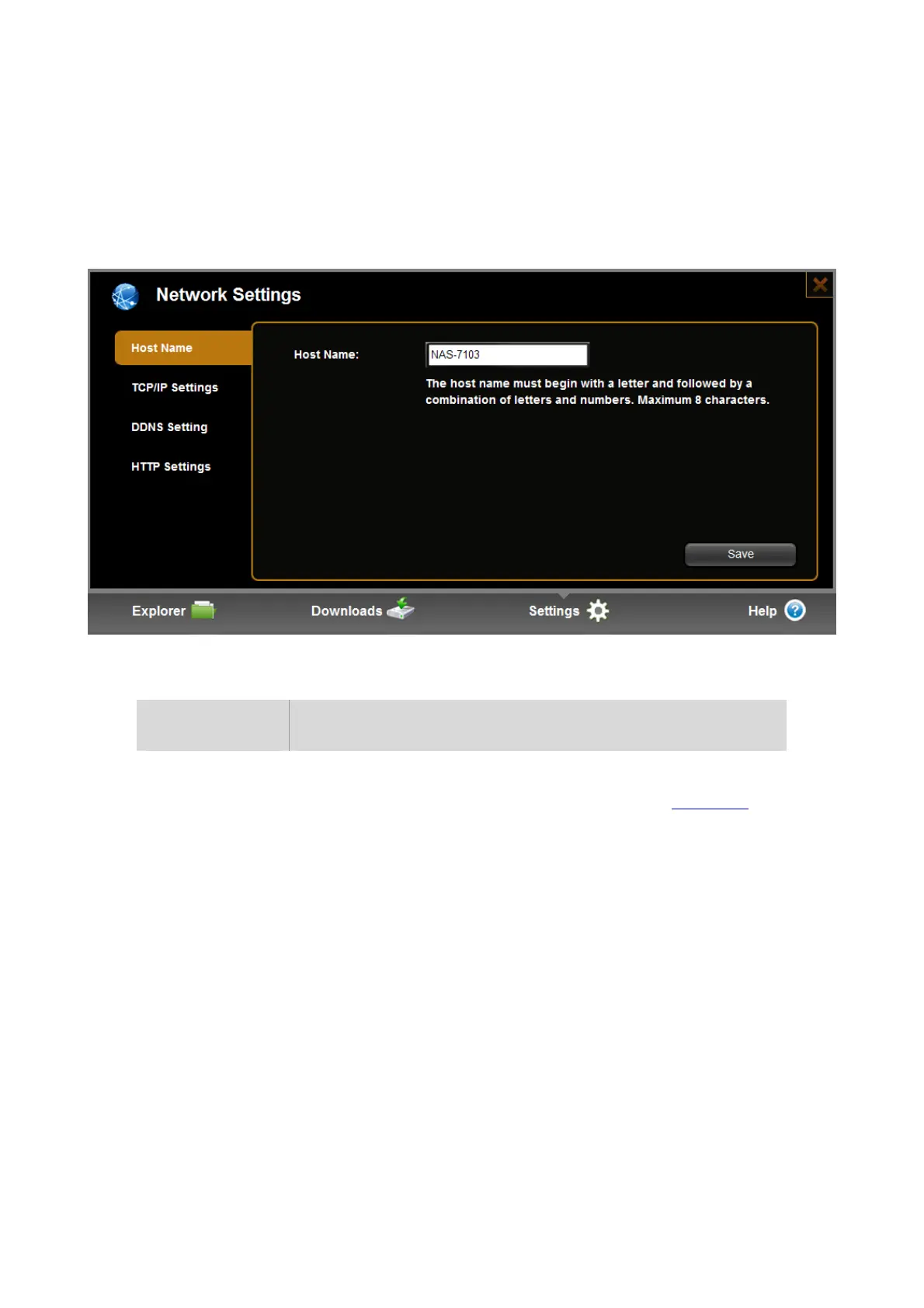
6.4 Network Setting
Network settings include hostname, TCP/IP setting, DDNS setting, HTTP setting.
6.4.1 Host Name
Item Action
Hot Name Host name is used to identify this product in LAN. You can use the
host name to login in samba (on windows series, type”\\hostname
” in
file manager address bar), ftp (on windows series, type”ftp:
//hostname” in web explorer address bar), and web (on windows
series, type”http://hostname” in web explorer address bar). Also you
can use the host name to identify the NAS on our application tools on
PC/MAC. And so on.
The host name must begin with a letter and followed by a combination
of letters and numbers. Maximum 8 characters.


 To Next Page