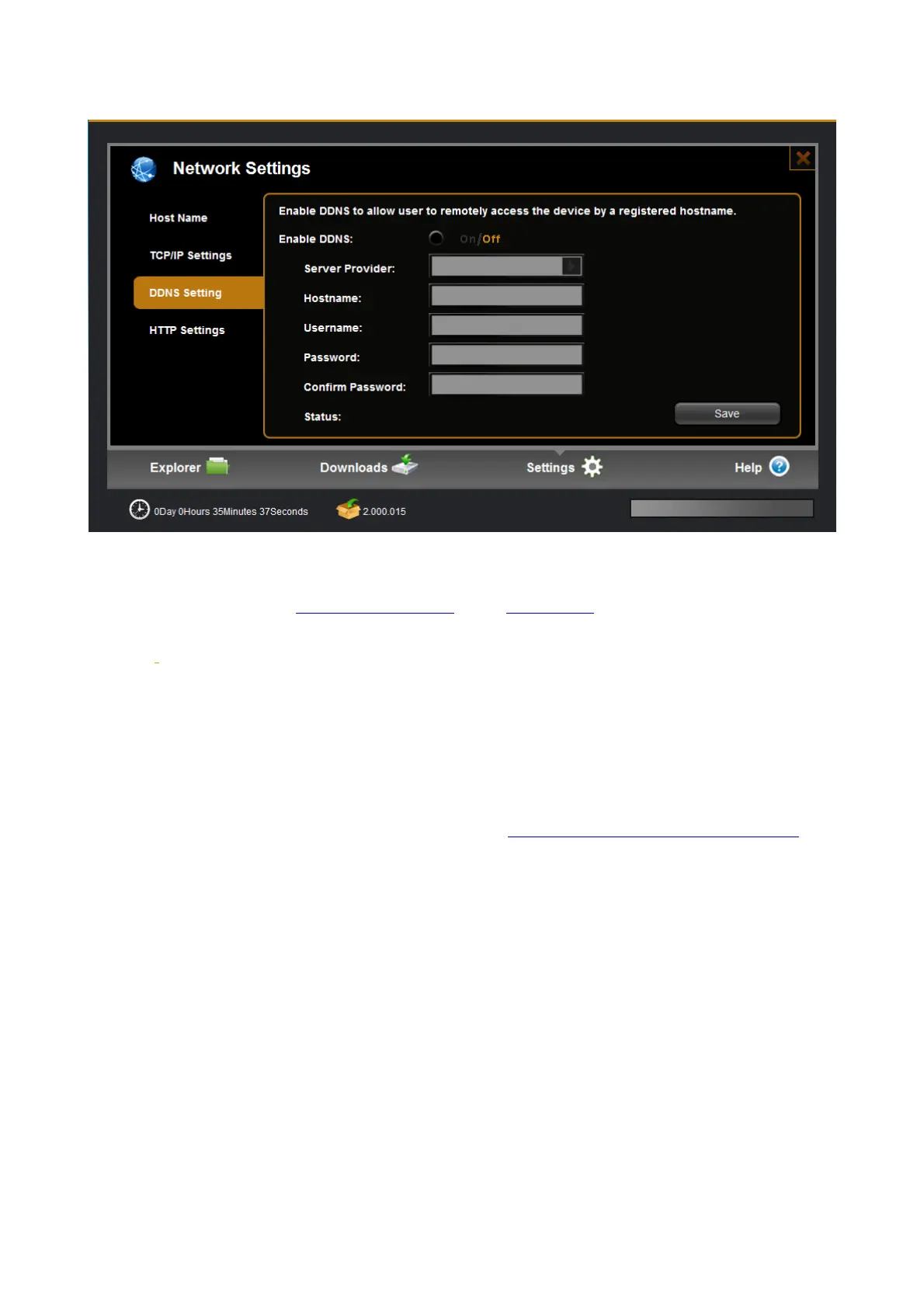
6.4.3 DDNS Setting
DDNS means Dynamic DNS; it is a method / protocol / network service that provides the capability for a
networked device, to notify a Domain Name System
(DNS) name server to change. In real time, the active
DNS configuration of its configured hostnames, addresses or other information. So DDNS can let you access
your NAS
on Internet at anywhere.
Configure DDNS steps:
Step 1: Enable DDNS option through accessing web page of NAS
Step 2. Select on DDNS server provide, and register an account if you do not use yet.
Let’s take dyndns.org as an example. Register an account in https://www.dyndns.com/account/entrance
free of charge, shown as follows:



 To Next Page