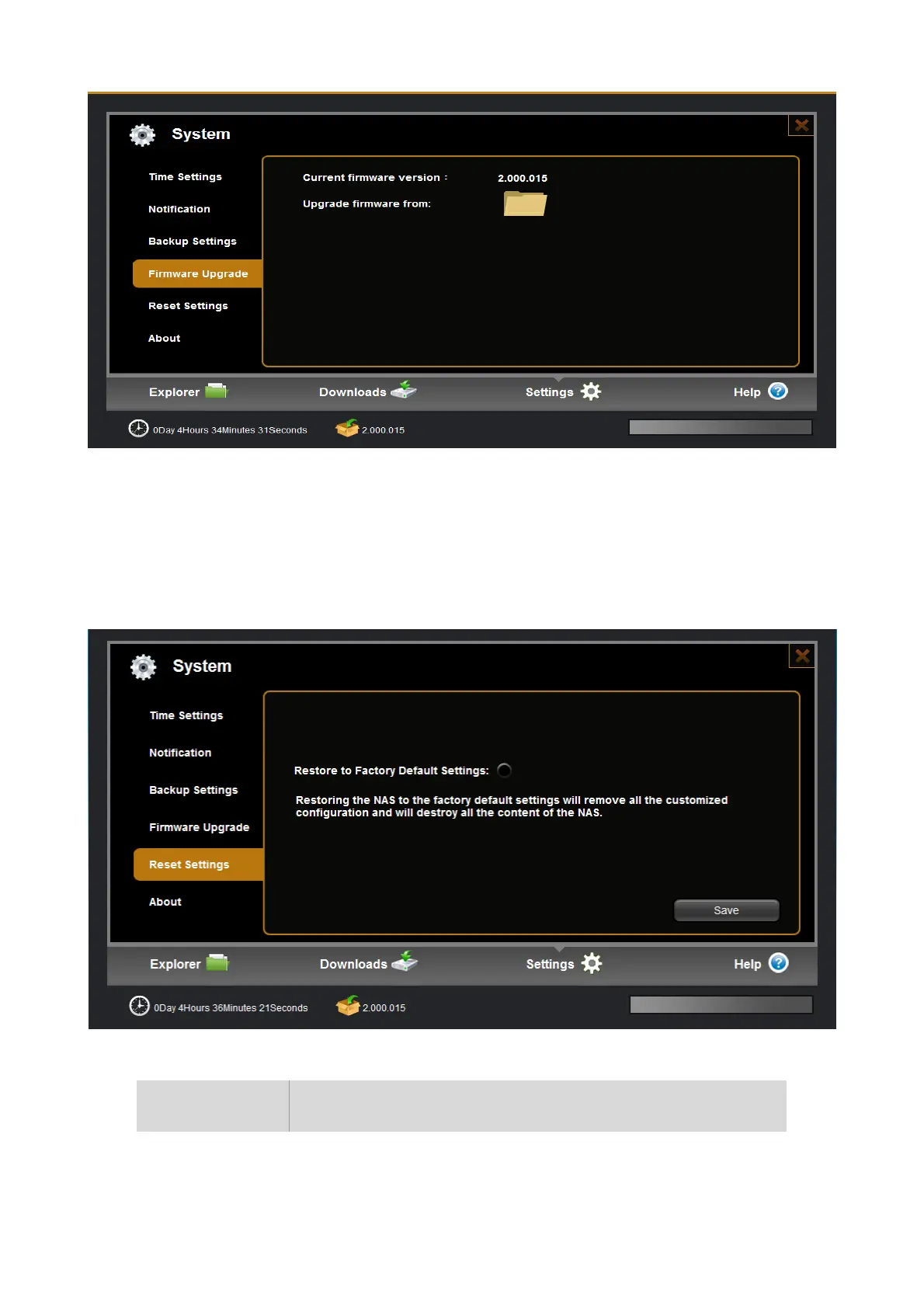
Step 1. Download the latest version of firmware from the device manufacturer website. Click the folder icon
to locate the downloaded firmware.
Step 2.Click “confirm” button to begin upgrading. After upgrading the system will reboot and you can check
firmware version at the bottom of main UI.
6.7.5 Reset Settings
Item Action
Restore to
Factory Default
Restoring the NAS to the factory default settings will remove all the
customized configuration and will destroy all the content of the NAS


 To Next Page