C
HAPTER
4
C
ONFIGURING
T
HE
D
EVICE
You can easily access and manage the Network Video Recorder via the Web browser of
your PC. This chapter describes the Web Configuration Utility, and guides you through the
configuration of the device.
Since the default configuration of the device is DHCP mode enabled, you are
recommended to use IPFinder to search the IP address that is assigned to the device by
the DHCP server, and then click Link to access the camera via the Web browser.
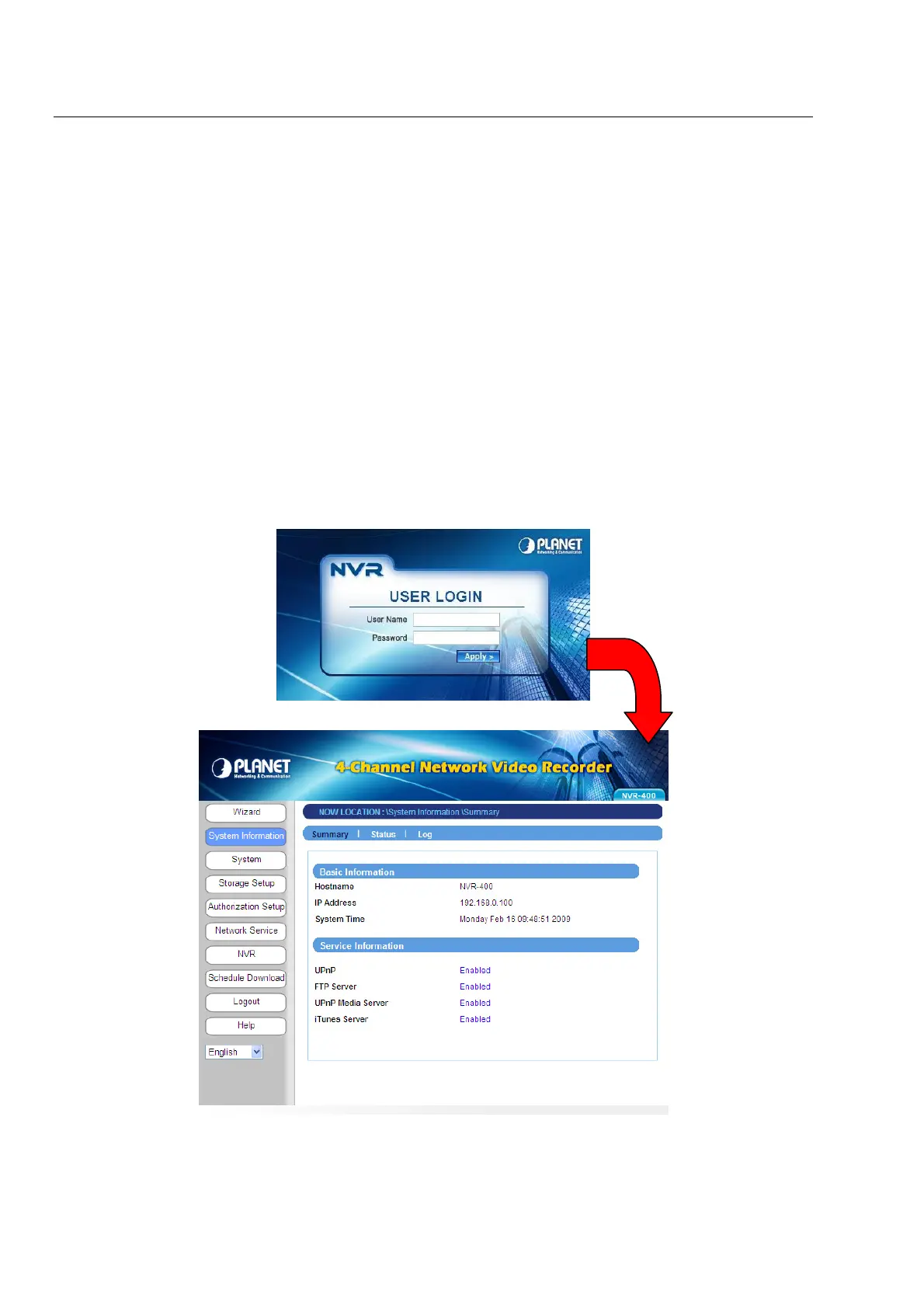
Login the Homepage
The Web management allows you to access and manage the Network Video Recorder
easily. Launch the Web browser and then enter the IP address. The default IP address is
192.168.0.100. And, fill the User Name and Password to login the Web management. The
default User Name / Password is admin / admin.
- 12 -
Web Configuration Utility of the device



 To Next Page