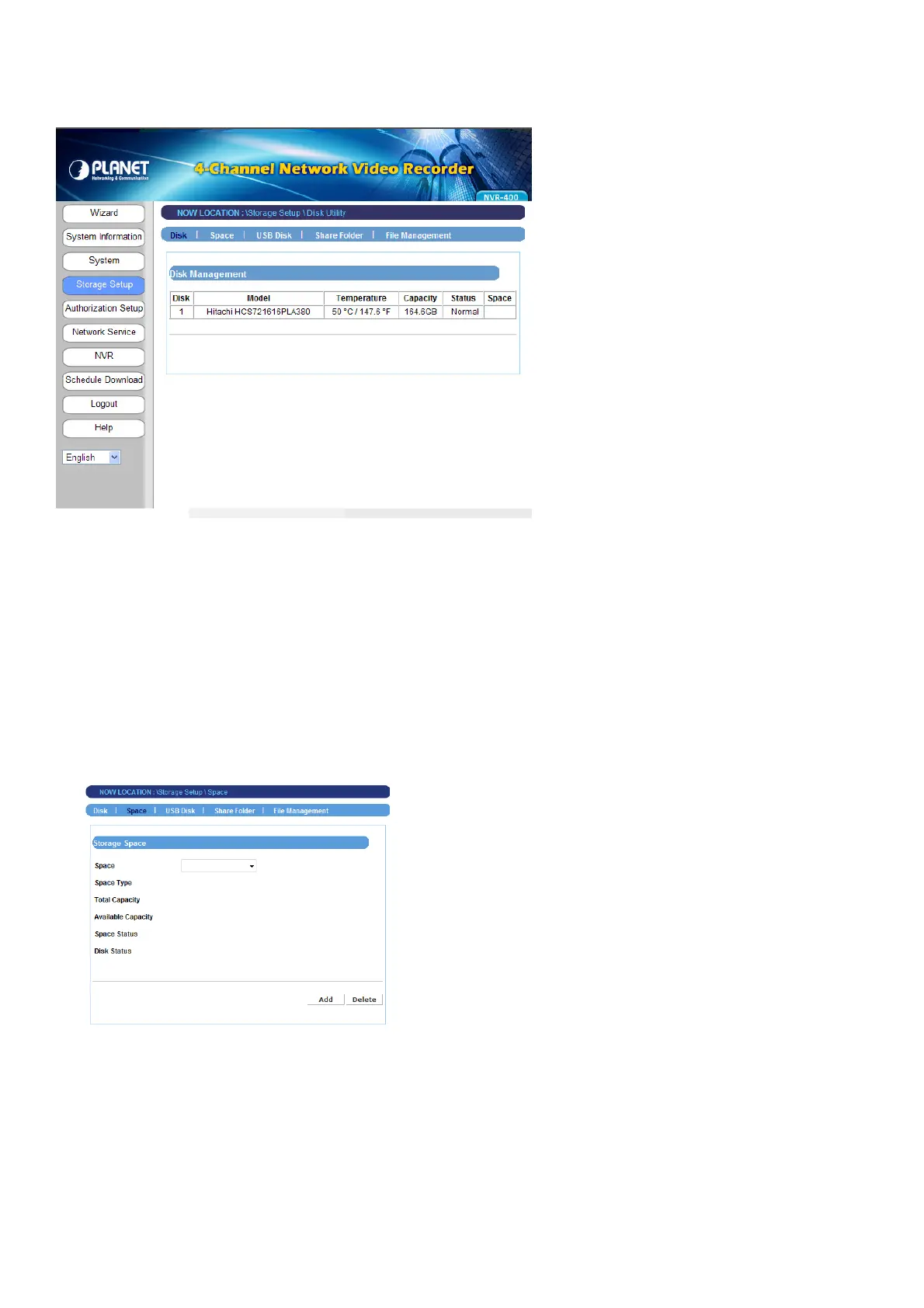
4.2.3 Storage Setup
The Storage Setup menu provides the information and controls of the installed hard disk
drives, including the USB device.
NOTE
You are not recommended to use the USB device as your major storage device.
- 22 -
Space
Click Add to configure the storage space on the installed hard disk drives: selecting
Single Disk or RAID. Then, click Apply to start making file system.



 To Next Page