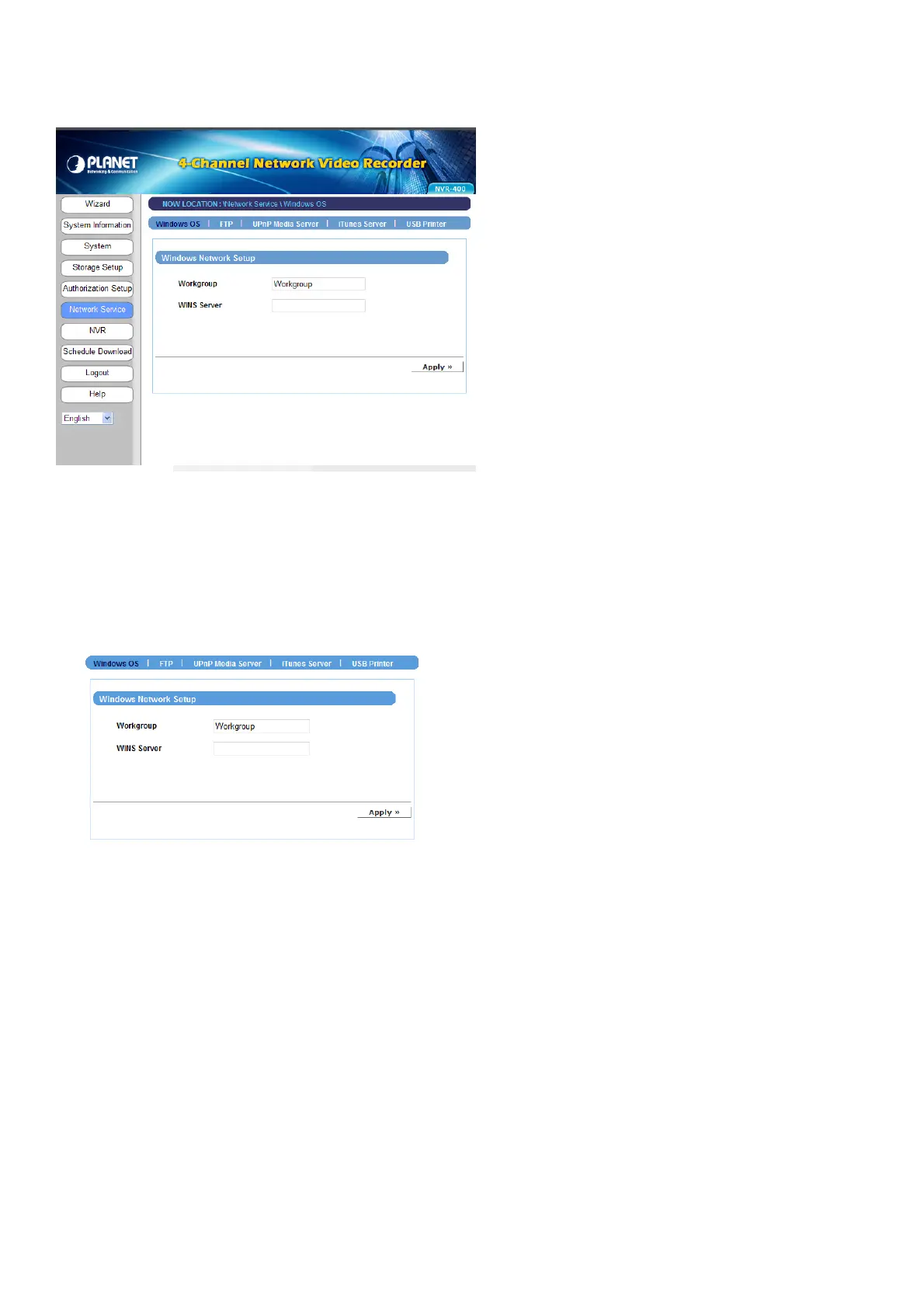
4.2.5 Network Service
The Network Service menu allows you to set up the network services for the device, such
as FTP server, UPnP media server, etc.
Windows OS
z Windows Network Setup
- Workgroup: Enter the workgroup name where the device is installed within your
network.
- WINS Server: WINS (Windows Internet Name Service) server is used to support
NetBIOS over TCP/IP (NetBT). Enter the IP address of the WINS server in the box,
otherwise you cannot connect to a remote network resource by using its NetBIOS
name.
- 28 -



 To Next Page