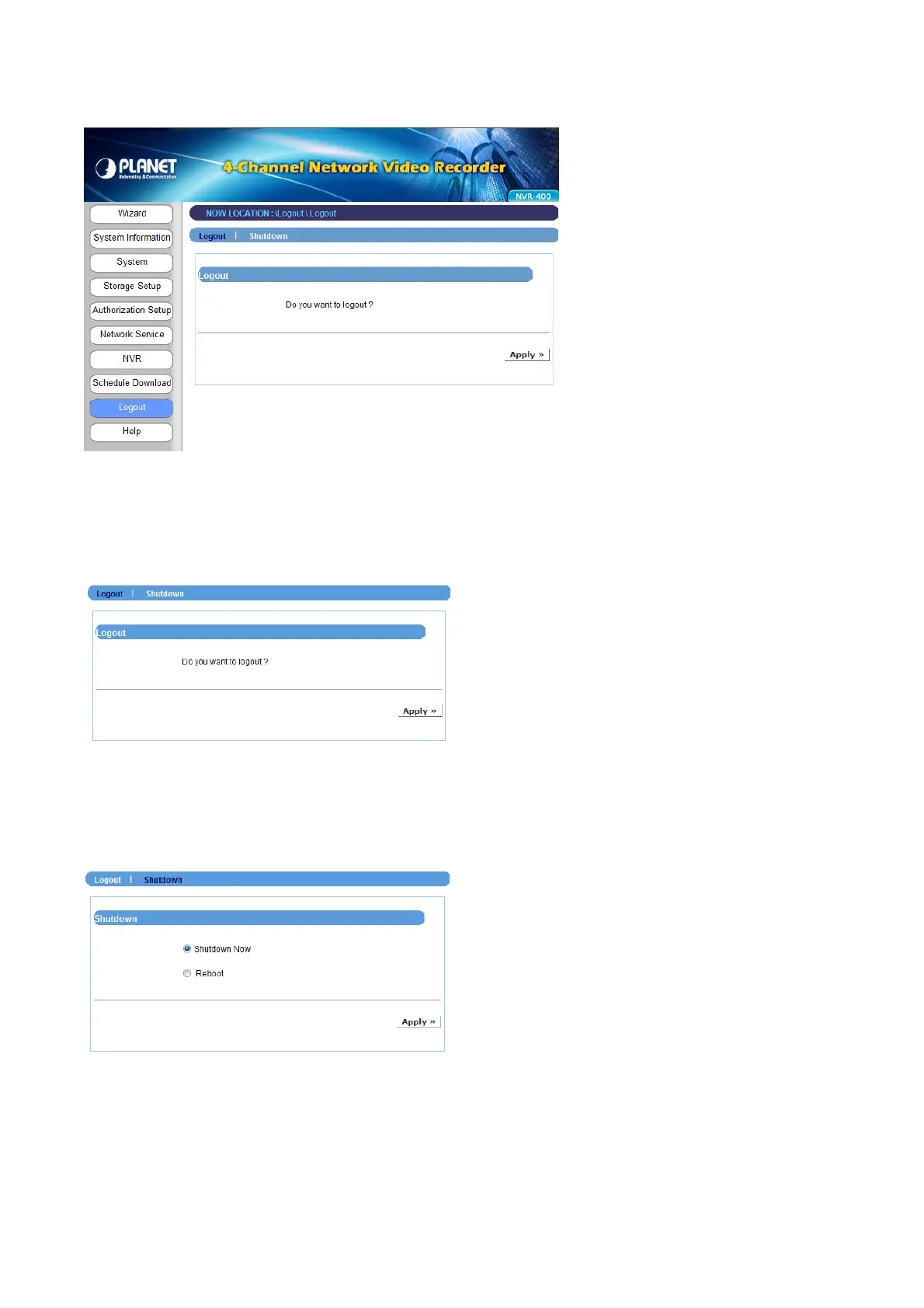
4.2.8 Logout
The Logout menu allows you to exit or shutdown the system.
Logout
From this sub-menu, click Apply to exit the Web Configuration Utility and go back to the
Login window.
Shutdown
From this sub-menu, you can do one of the following:
z Select Shutdown Now and click Apply to turn off the device.
z Select Reboot and click Apply to reboot the device.
NVR-400 User Guide
- 35 -



 To Next Page