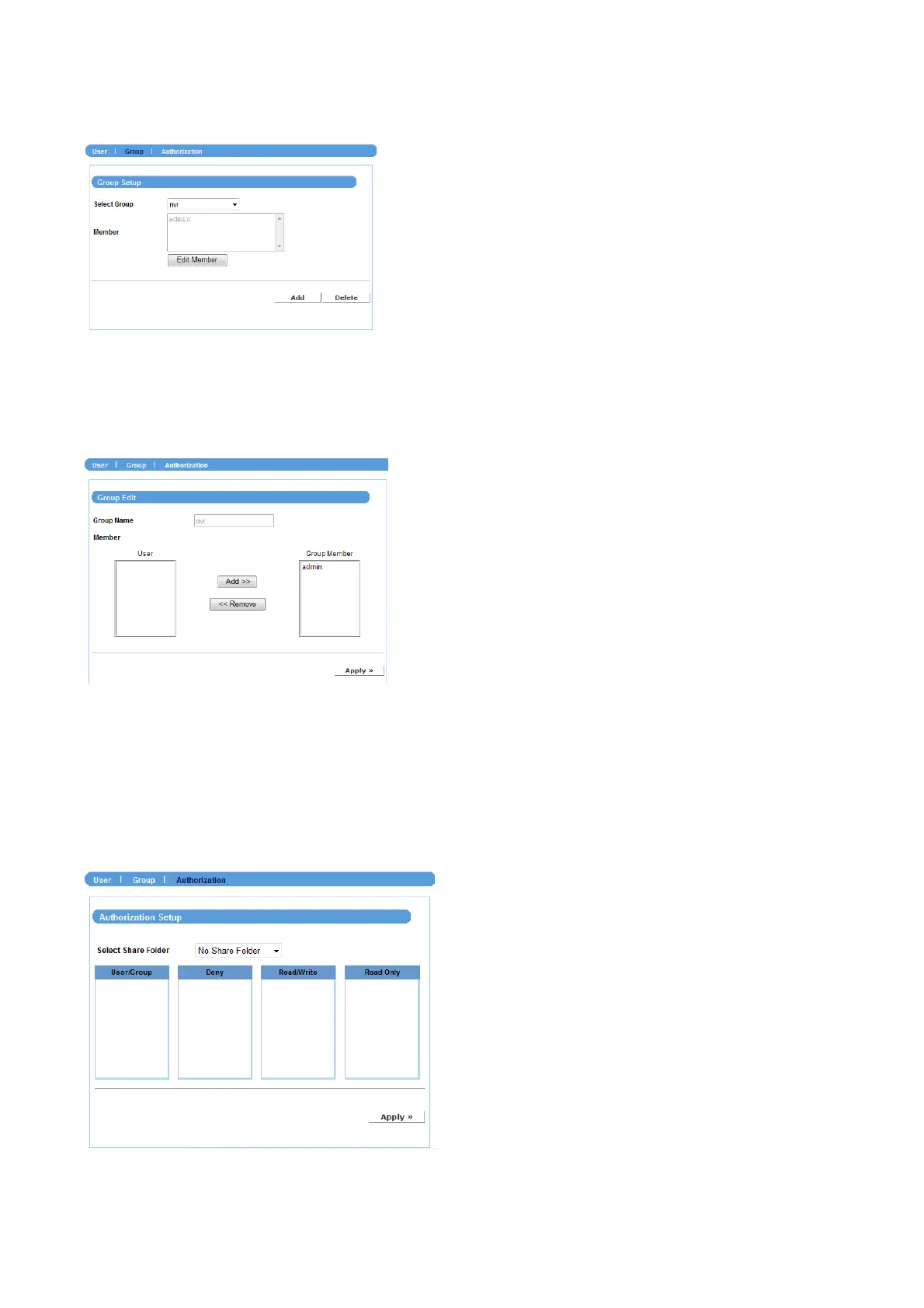
Group
Click Add and then assign the group name in the Group Name box, and then you can
add/remove users for the group from the Member option.
When completed, click Apply to add the group. To organize the users for the group,
click Edit Member. To remove the group, select it from the list and then click Delete.
Authorization
This sub-menu displays the assigned access rules and quotas of the users and groups.
NVR-400 User Guide
- 27 -



 To Next Page