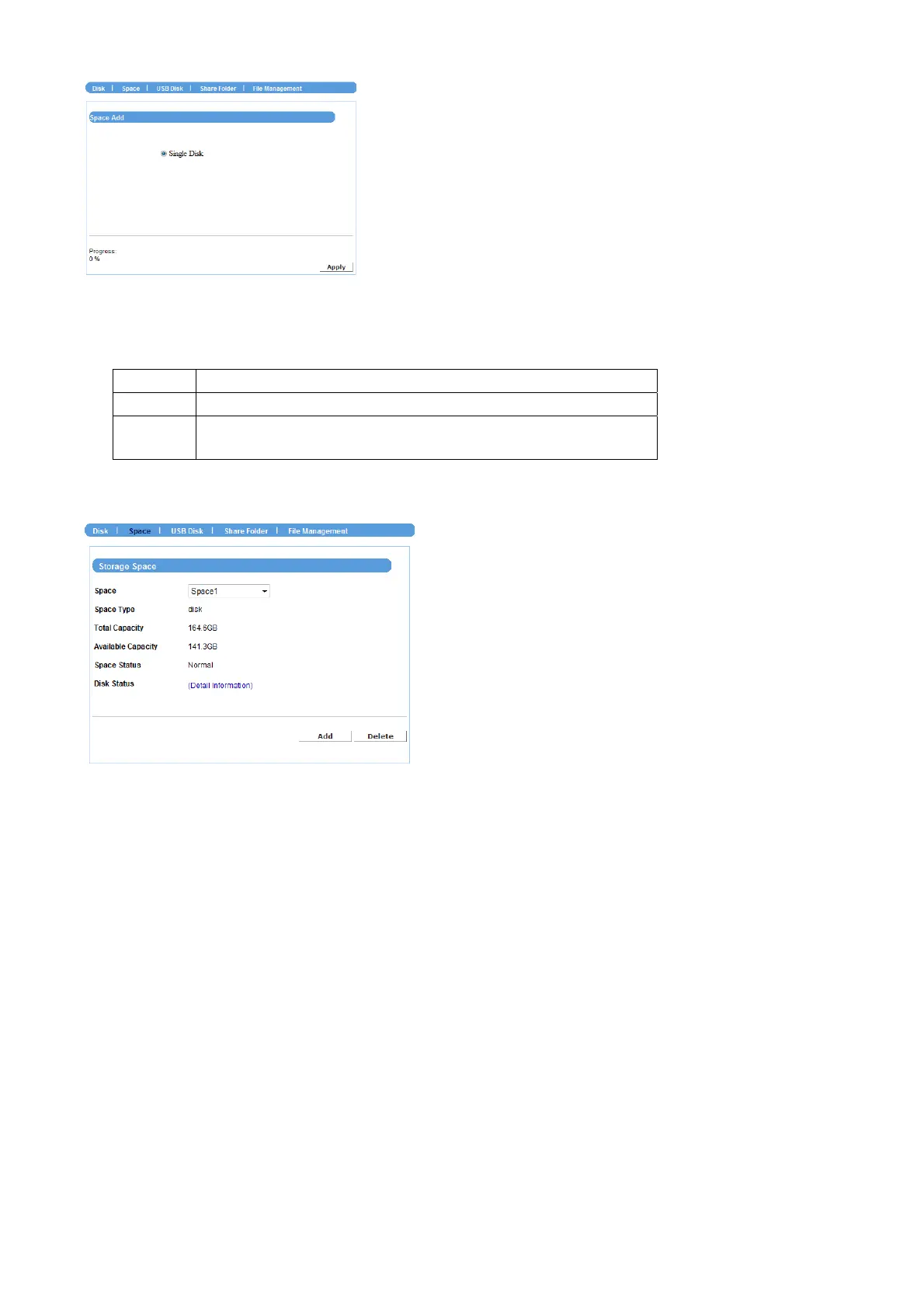
If you have two hard disks installed in the device, you can select a disk configuration for
RAID:
RAID 0
(not recommended) Provide data striping.
RAID 1
(recommended) Provide mirroring over both disks.
JBOD
(maximum data storage space) Combine both drives in a
linear fashion to create one volume.
When completed, the related information of the disks is displayed on the screen.
Click Add to add a storage space, or click Delete to remove the current storage space.
NOTE
Please remember to reboot your device when you clicked Apply button.
NVR-400 User Guide
- 23 -



 To Next Page