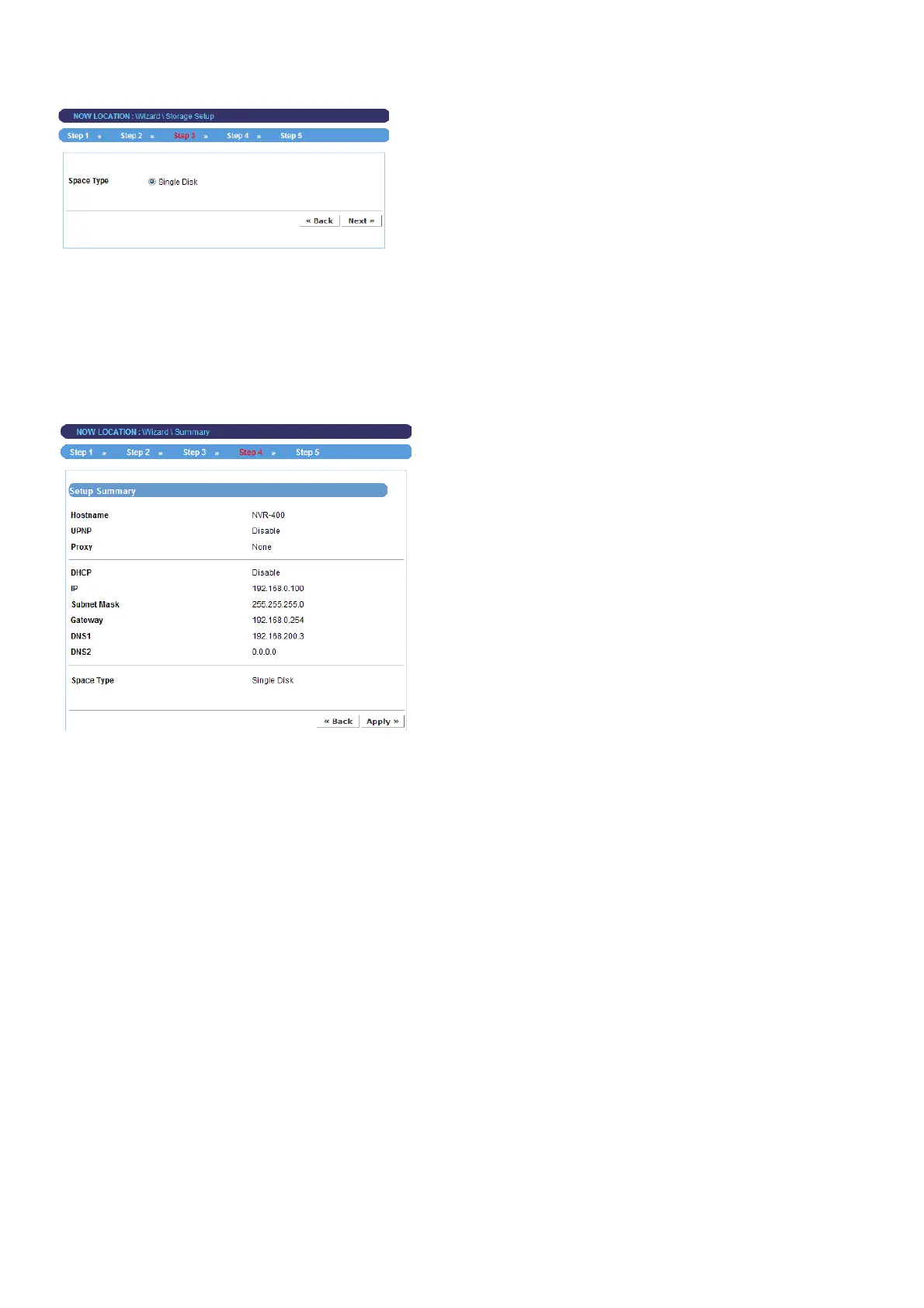
Step 3. Set up Space Type
z Select Single Disk or RAID for storing the files.
For more information of space type, refer to the section 4.2.3 Storage Setup in Web
Configuration Utility.
Step 4. Setup Summary
z Display the configuration of the device.
When you complete the Setup Wizard, click Apply to reboot the device. Otherwise, click
Back to go back to the previous step(s) and change the settings.
- 14 -



 To Next Page