When completed, click Apply to add the folder that you assigned. You can then use the
File Explorer on your PC to check the folder that will be displayed as the directory under
the device name.
To change the setting, select the folder from the Share folder list and then click Edit.
To remove, select it and then click Delete.
NOTE
Please remember to reboot your device when you clicked Apply button.
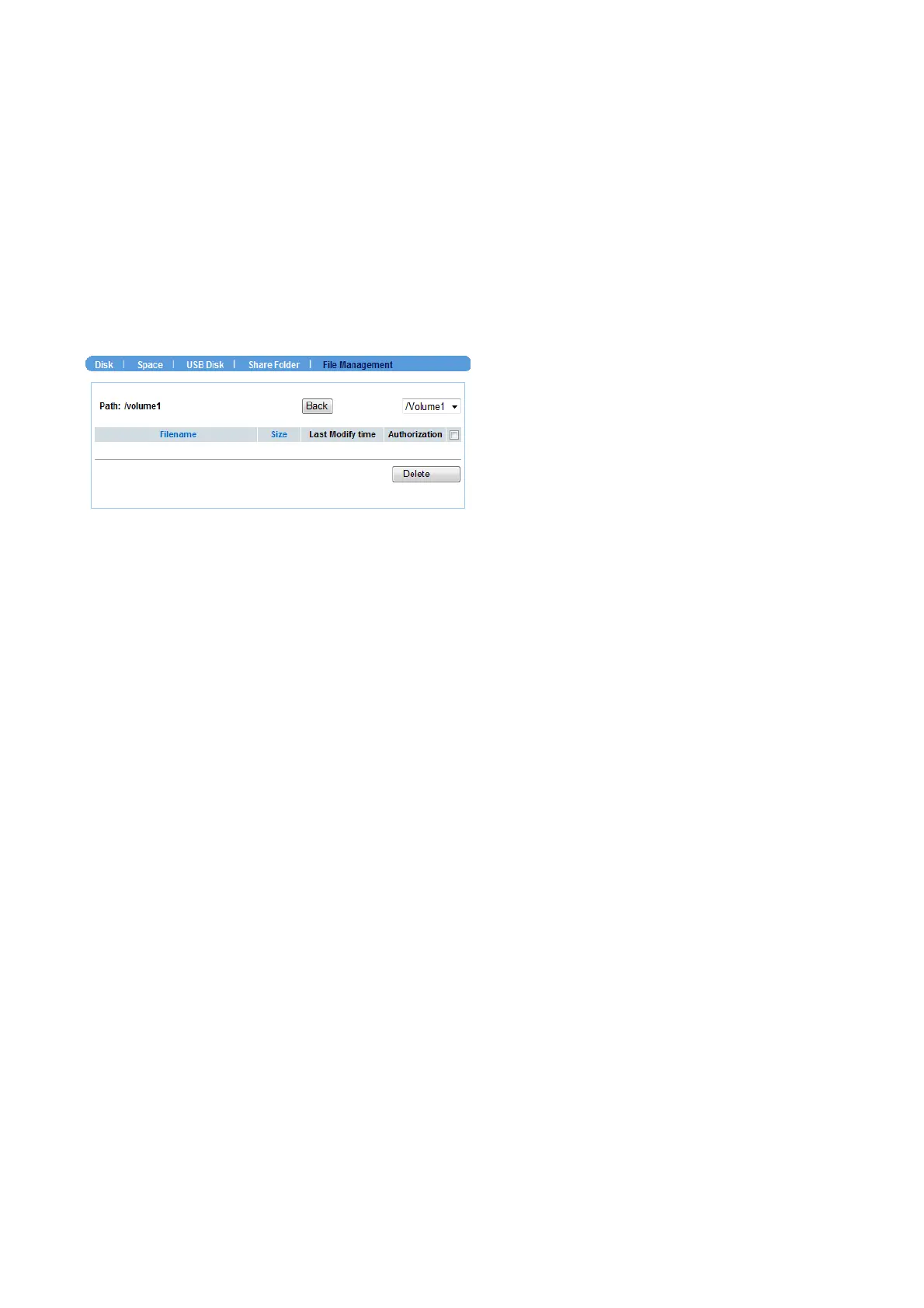
File Management
This sub-menu displays the log of file system that you have made in the device.
NVR-400 User Guide
- 25 -



 To Next Page