Gigabit Color LCD HD PoE IP Phone (4-Line)
VIP-6040PT
- 40 -
3. Click to save the configuration.
When user uses the web interface, default user name is admin and
password is 123.
4.3 Basic Network Setting
Planet IP Phone supports three modes of Network: DHCP, Static, and PPPoE.
When the default mode is DHCP, it will obtain IP address and other information
automatically. If user phone cannot contact a DHCP server for any reason, you need
to configure a static IP address manually.
4.3.1 WAN Port
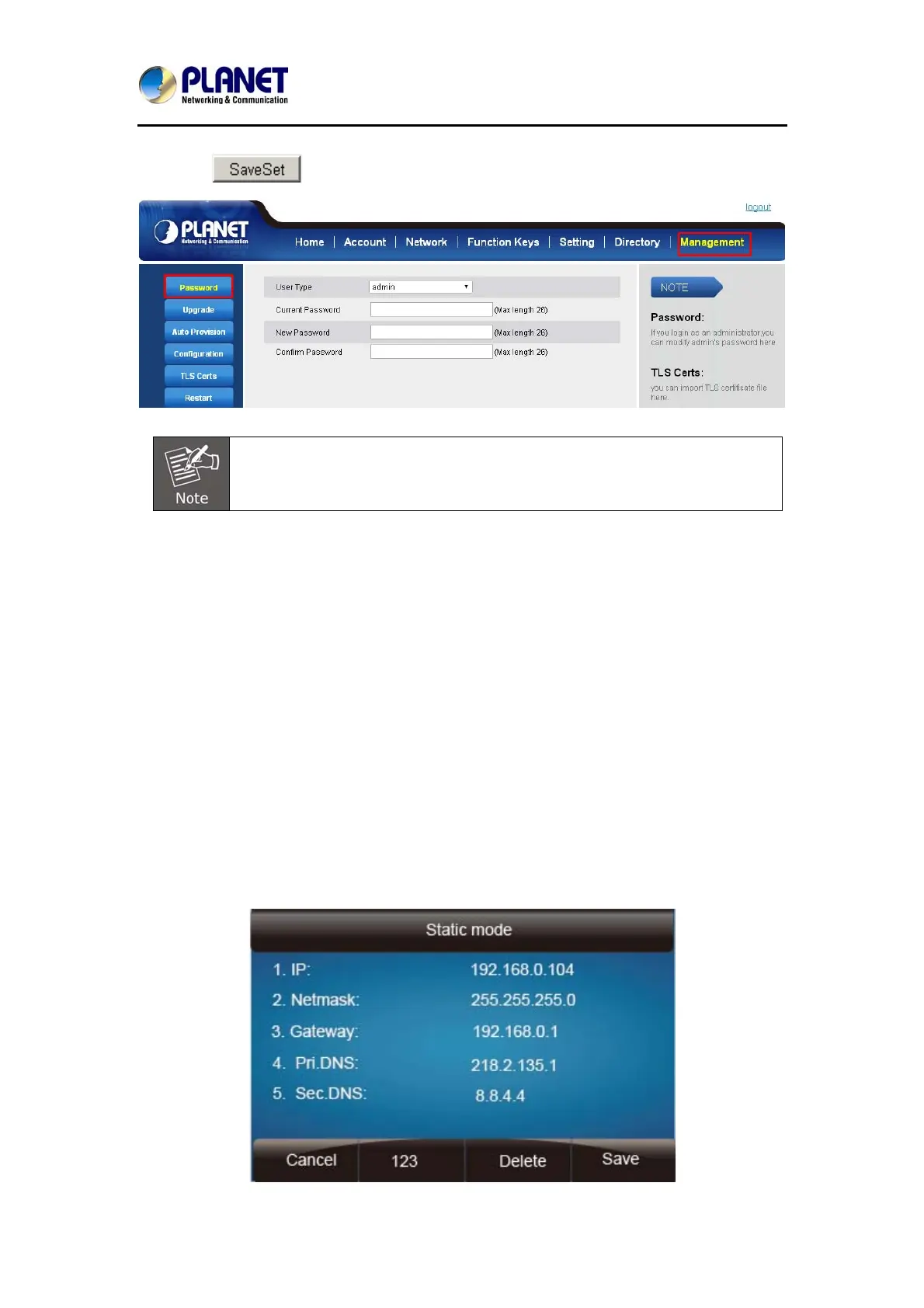
To configure a static IP address via phone interface:
1. Press MenuÆSettingÆAdvanced Settings (password: 123) Æ Network Æ
WANPort Æ Static mode.
2. Enter the parameters: IP, Netmask, Gateway, Pri. DNS (primary dns), sec. DNS
(second DNS) in the corresponding fields.



 To Next Page