Gigabit Color LCD HD PoE IP Phone (4-Line)
VIP-6040PT
- 83 -
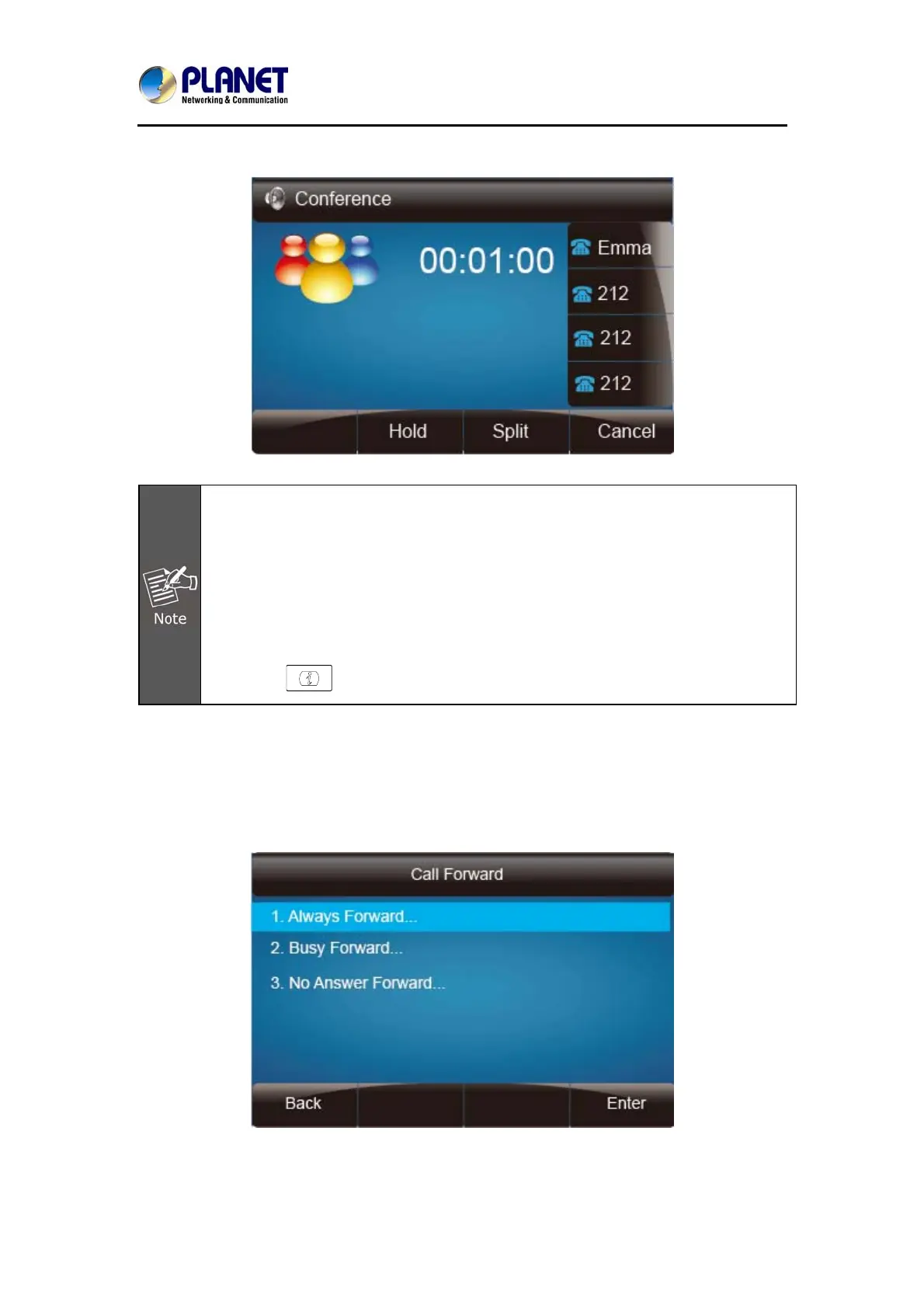
14. Party A ends the call and the conference is finished.
1. If Party C does not answer the call, Party A can continue the
conversation with B;
2. Once Party A hangs up the call, the conference is ended. If Party B or
Party C drops the call, either A&C or A&B can continue to communicate;
3. The conference feature is not available on all servers. For more
information, contact your system administrator;
4. To realize the 5-way conferencing, the line should be all available; and
5. Press to get all parties information.
7.10 Call Forward
This phone supports static forward (always forward, busy forward and no answer
forward) and dynamic forward.



 To Next Page