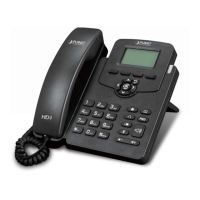
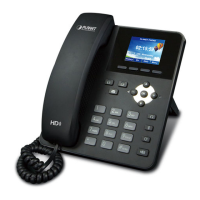
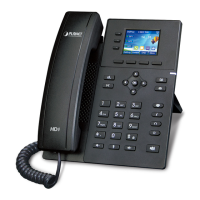
Gigabit Color LCD HD PoE IP Phone (4-Line)
VIP-6040PT
- 52 -
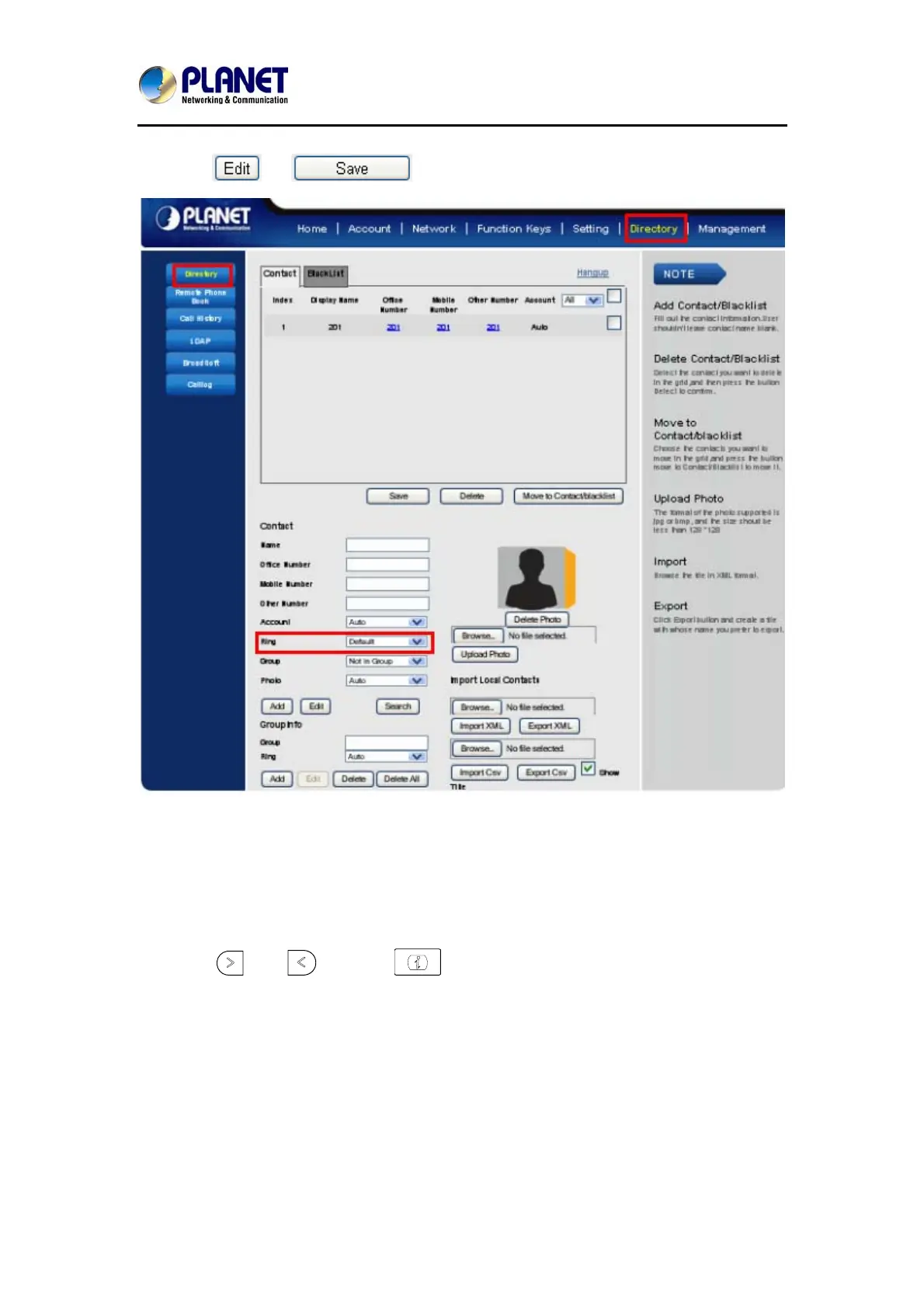
3. Click → to save the configuration.
4.8 Font Size
To configure the Time & Date Format via phone interface
1. To press Menu → Setting → Basic setting → Font Size
2. Press
and or press to choose the desired font size: 18, 20, 24,
26.



 To Next Page