Gigabit Color LCD HD PoE IP Phone (4-Line)
VIP-6040PT
- 72 -
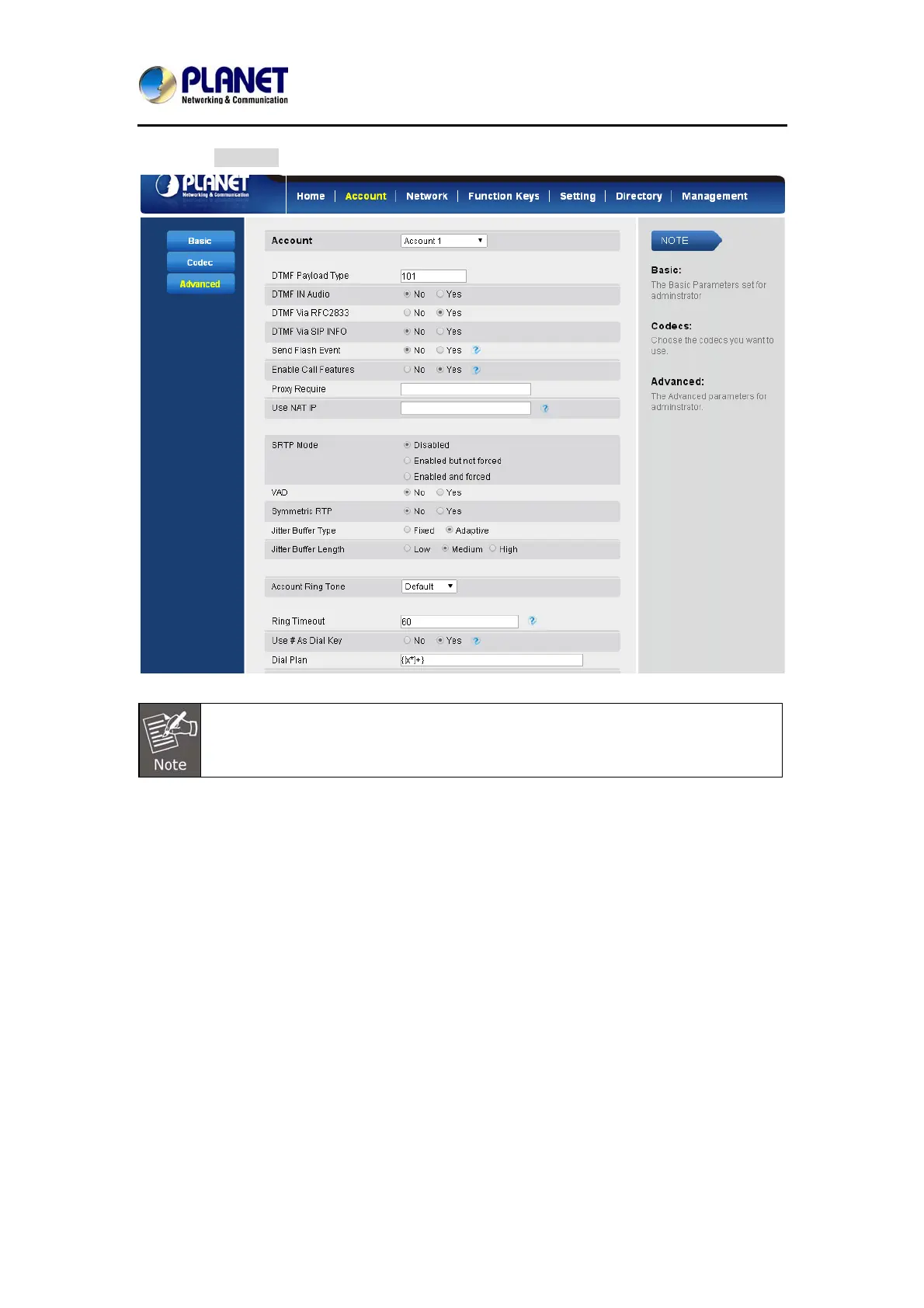
3. Click SaveSet to save the configuration.
Illegal input will fall back to default: {[x*]+}.
6.2 Emergency Call
Public telephone networks in countries around the world have a single emergency
telephone number (emergency services number) that allows a caller to contact local
emergency services for assistance when required. The emergency telephone
number may differ from country to country. It is typically a three-digit number so
that it can be easily remembered and dialed quickly. Some countries have a different
emergency number for each of the different emergency services.
You can specify the emergency telephone numbers on the IP phone for contacting
the emergency services in an emergency situation.
To configure emergency call via web interface:
1. Click SettingÆFeaturesÆPhone Lock
2. Enter the emergency services number under the Emergency section.



 To Next Page