Gigabit Color LCD HD PoE IP Phone (4-Line)
VIP-6040PT
- 73 -
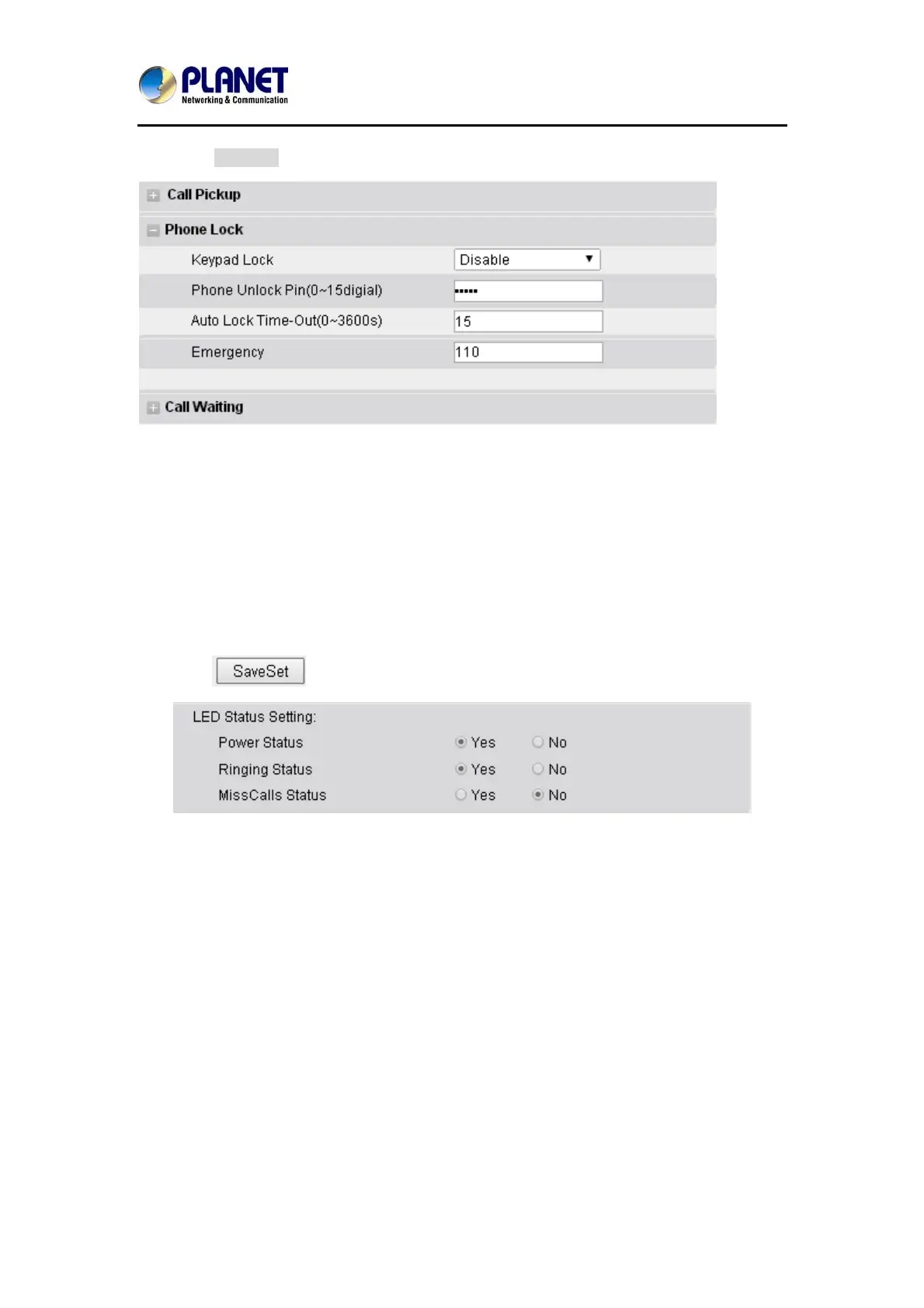
3. Click SaveSet to save the configuration.
6.3 LED Status Setting
The LED Status setting mainly defines the power indicator LED.
To configure action url via web interface:
1. Click SettingÆPreference
2. Select Yes or No for Power Status, Ringing Status, Miss Calls Status.
3. Click
for the setting.
6.4 Action URL
To configure action URL via web interface:
1. Click SettingÆAction URL
2. Fill out the needed value in the necessary blank.



 To Next Page