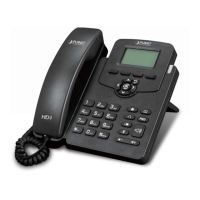
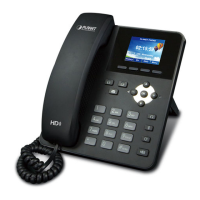
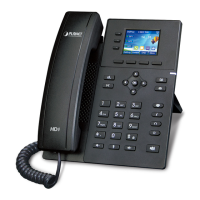
Gigabit Color LCD HD PoE IP Phone (4-Line)
VIP-6040PT
- 80 -
3. Click Saveset to save the configuration.
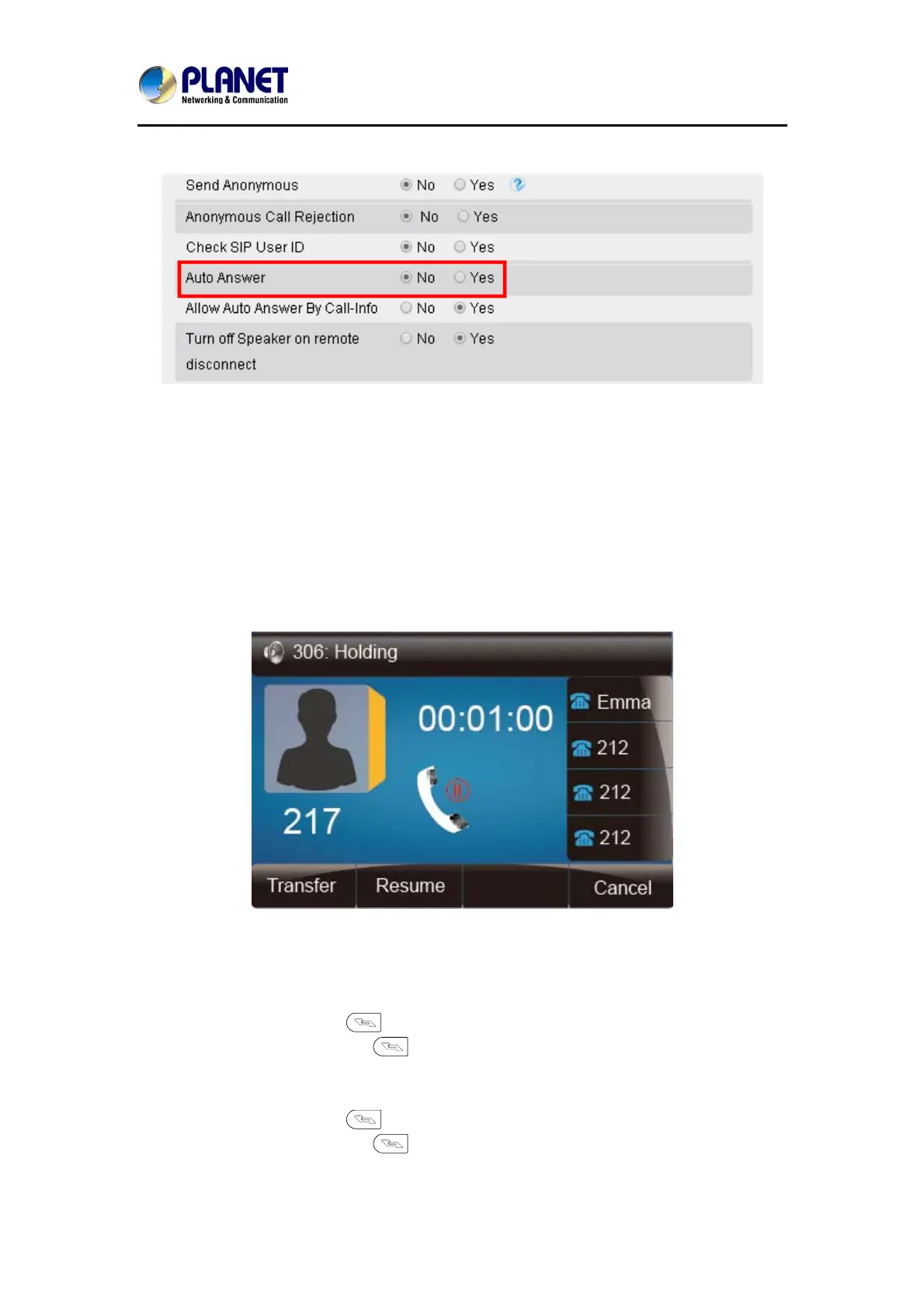
To Disable Auto Answer via Webpage
1. Click Account → Advanced
2. Choose No for the Auto Answer.
3. Click Saveset to save the configuration.
7.7 Call Hold
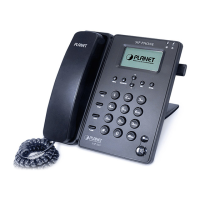
When the hold feature is used, the Hold icon will be shown on the display.
To make a call on hold in three modes:
To hold a call in the handset mode:
1. Press Hold soft key or to hold the current call.
2. Press Resume soft key or
to resume the call on hold.
To hold a call in the headset mode:
1. Press Hold soft key or to hold the current call.
2. Press Resume soft key or
to resume the call on hold.



 To Next Page