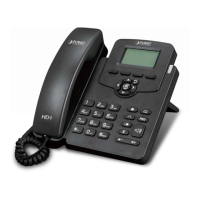
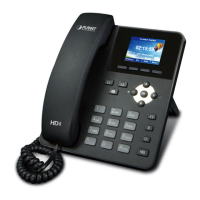
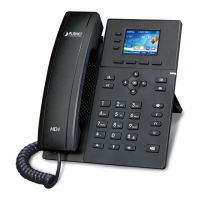
Gigabit Color LCD HD PoE IP Phone (4-Line)
VIP-6040PT
- 85 -
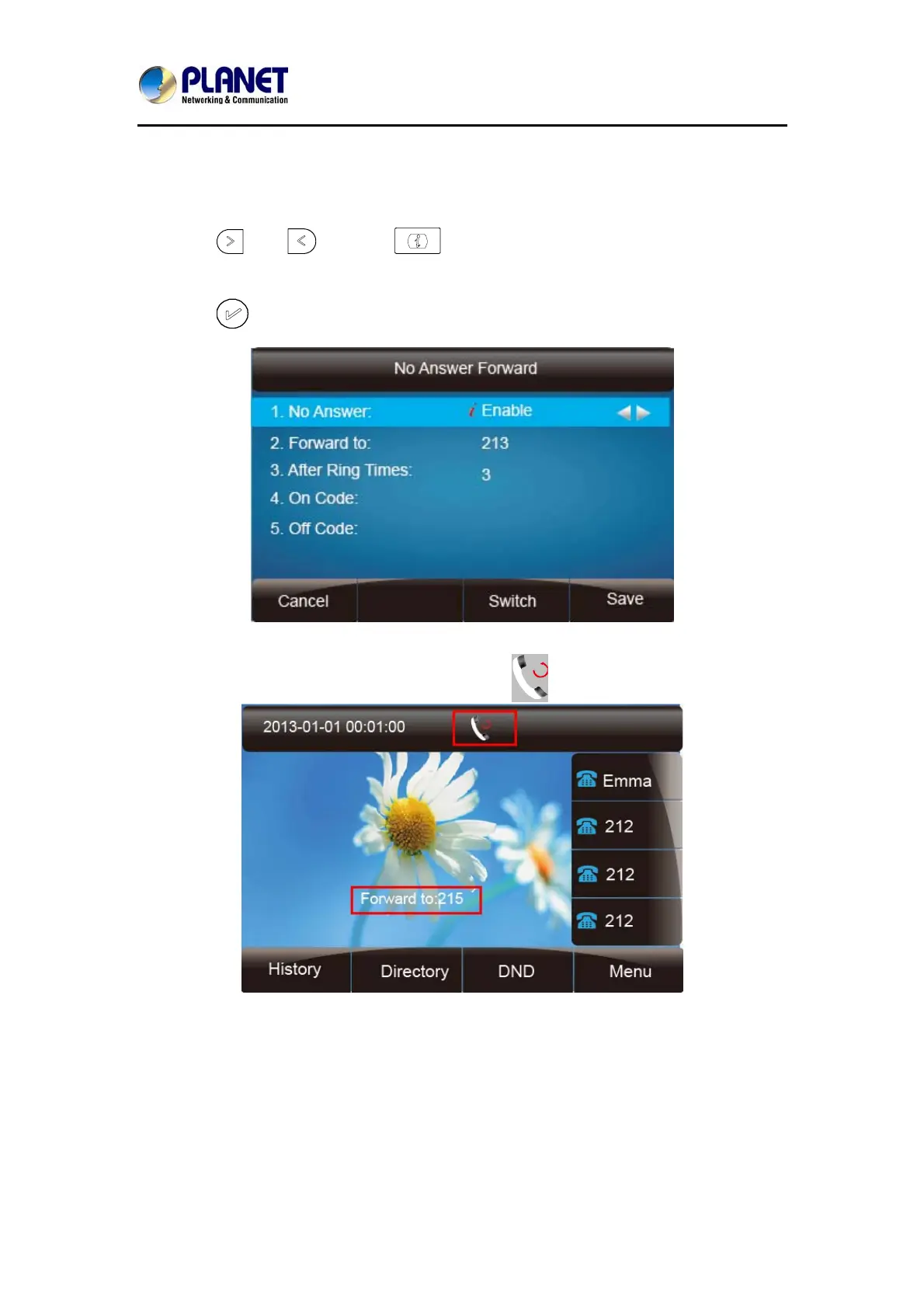
To configure no answer forward
No Answer Forward: Incoming calls are forwarded if not answered after some time.
1. Press Menu →Features → Call forward →No answer forward.
2. Press
and or press to select Enable.
3. Enter the forward to number and on code (optional), off code (optional).
4. Press
or Save soft key to save the configuration.
When the Forward feature is enabled, the Icon will display on top of the LCD.
To configure Forward via Web Interface
1. Setting → Features
2. Click On for Always, Busy and No Answer
3. Fill out the Forward with Number
4. Fill out the on code and the off code (optional)


 To Next Page