27 CONFIGURATION APPLICATION
130 Planmeca Chairside CAD/CAM solution User’s manual
27 CONFIGURATION APPLICATION
1. From the Windows Start menu select
All programs
>
Planmeca
> Romexis Configuration.
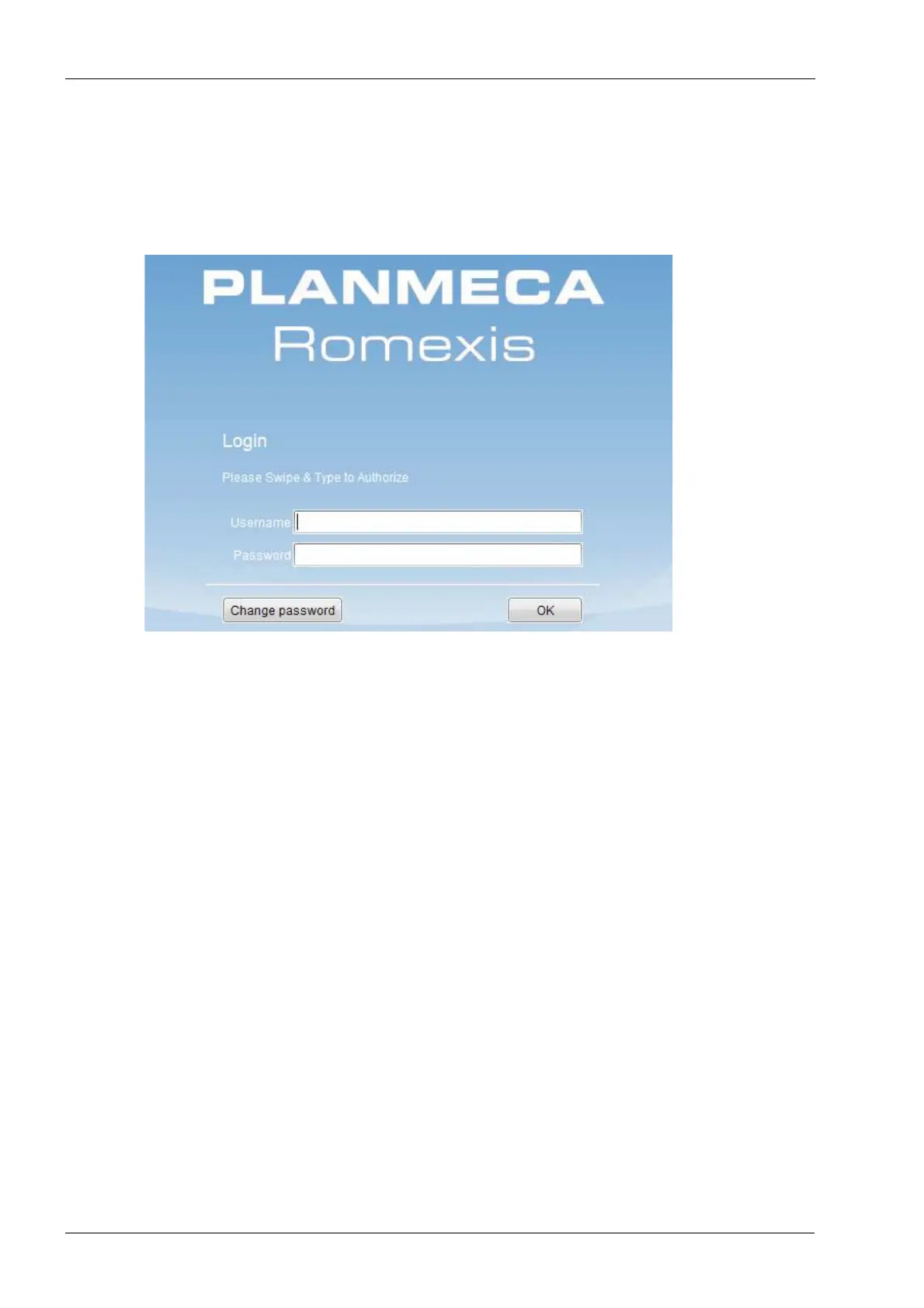
2. Log in to the Planmeca Romexis Configuration application
by entering your user name and password in the
respective fields and click OK.









 To Next Page