EasyManua.ls Logo

Planmeca Chairside PlanScan - User Manual

Planmeca Chairside PlanScan
180 pages
Print Icon
To Next Page IconTo Next Page
Loading...
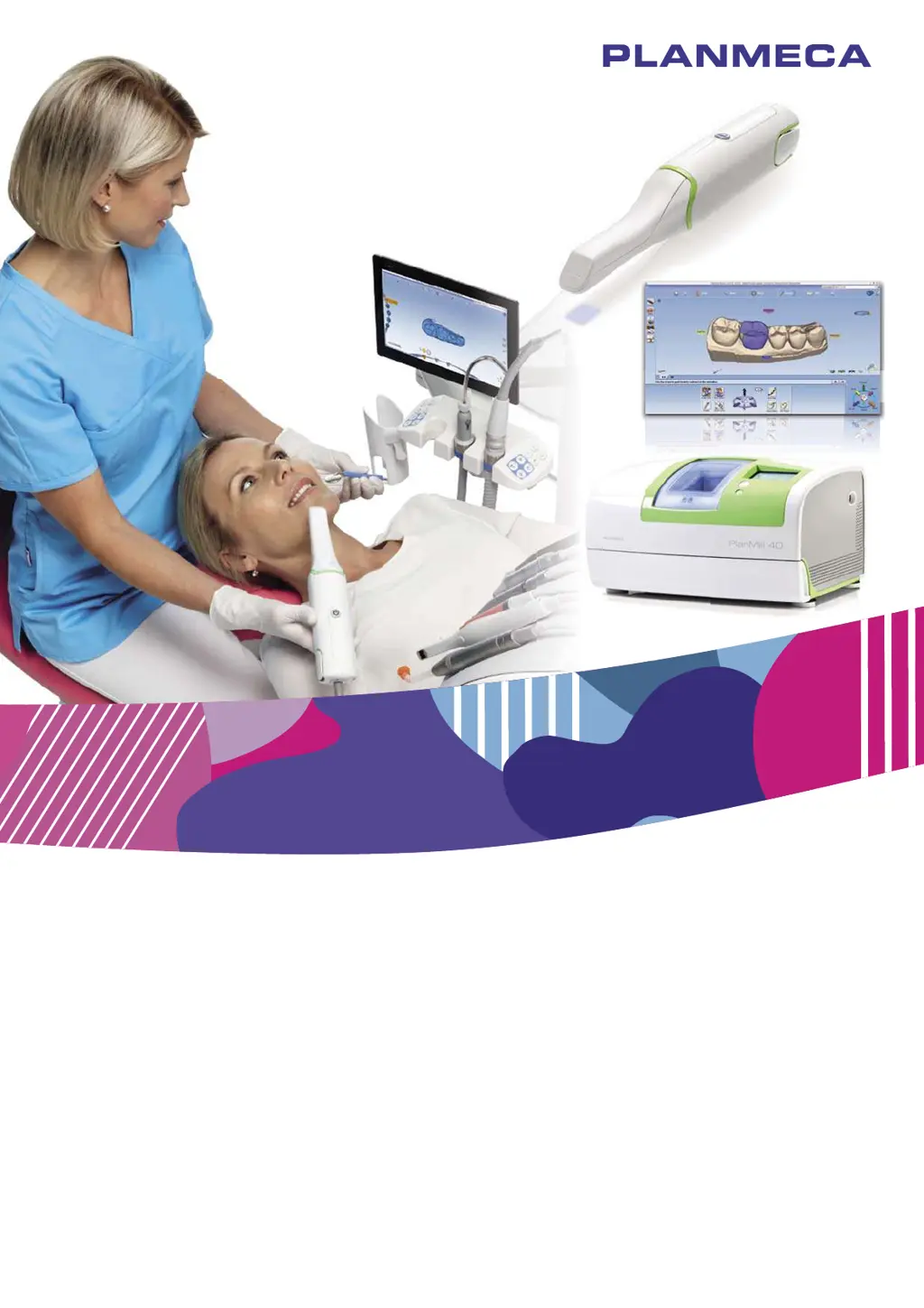
Planmeca Chairside
CAD/CAM solution
Planmeca PlanScan
®
& Planmeca PlanCAD
®
Easy & Planmeca PlanMill
®
40
EN
10033946_6
user's manual

Table of Contents

Questions and Answers

  • Y
    ymartinAug 19, 2025
    What to do if Planmeca Chairside PlanScan Dental equipment milling unit does not turn on?
    • R
      Rebekah McdowellSep 12, 2025
      If the milling unit of your Planmeca Dental equipment doesn't turn on, consider these possible solutions: * Check that the power cable is correctly plugged into a live AC outlet. * Make sure the power supply rocker switch at the rear of the mill is set to the “ON” position.
  • L
    laura81Aug 21, 2025
    What to do if Planmeca Chairside PlanScan job server does not respond?
    • W
      watsonandreaAug 21, 2025
      If the job server of your Planmeca Dental equipment is not responding, try the following: * Ensure the power cable is plugged into a live AC outlet. * Restart the job server. * Make sure the job server is turned ON.
  • K
    Kiara BrownAug 23, 2025
    What to do if Planmeca Chairside PlanScan Dental equipment mouse is not responding?
    • J
      Jessica LewisAug 23, 2025
      If the mouse for your Planmeca Dental equipment isn't responding, try these solutions: * Replace the batteries. * Ensure the mouse dongle is securely plugged into the USB port.
  • K
    kyle39Aug 26, 2025
    What to do if Planmeca Chairside PlanScan Dental equipment shows air failure message?
    • M
      Matthew PhillipsAug 26, 2025
      If your Planmeca Dental equipment displays an air failure message (the button turns red), check the following: * Ensure there is power to the office compressor. * Secure the air line from the compressor to the mill.
  • T
    Theresa RasmussenAug 27, 2025
    What to do if Planmeca Dental equipment skyball is not responding?
    • J
      Jon DavisAug 27, 2025
      If the skyball on your Planmeca Dental equipment is not responding, try these steps: * Plug in the USB cable. * Open the 3D Connexion program and check the settings.
  • B
    bradleyvalenzuelaAug 30, 2025
    What to do if Planmeca Chairside PlanScan shows fluid level low message?
    • P
      Peter JohnsonAug 30, 2025
      If your Planmeca Dental equipment is showing a 'Fluid Level Low' message, here’s what to check: * Fill the tank with water.
  • E
    Erin GrahamSep 1, 2025
    How to fix Planmeca Chairside PlanScan Dental equipment when there is no power?
    • J
      jenniferfordSep 1, 2025
      If your Planmeca Dental equipment has no power, check these potential causes: * Ensure the power cable is properly plugged into a live AC outlet. * Verify the outer power supply switch at the rear of the unit is in the “ON” position. * Confirm the inner power supply switch is also in the “ON” position.
  • P
    paulgreenSep 3, 2025
    What to do if Planmeca Chairside PlanScan Dental equipment tool stuck in collet?
    • K
      Kevin HarrisSep 3, 2025
      If a tool is stuck in the collet of your Planmeca Dental equipment, here are some steps you can take: * Remove the tools manually. This can be done in the maintenance/command screen on the mill. * Verify the supply air pressure is at 50 psig. * Ensure the pressure multiplier is maxed out by turning the adjustment knob fully clockwise to double the pressure to 100 psig.
  • S
    stevensshawnSep 5, 2025
    What to do if Planmeca Chairside PlanScan Dental equipment drawer won’t close?
    • D
      Deborah MooreSep 5, 2025
      If the drawer of your Planmeca Dental equipment won’t close, here’s what you can do: * If the pump assembly is lowered because the drawer was not closed properly, press Maintenance, then on the Mill Options screen, press Unlock Drawer. This will raise the pump assembly and allow the drawer to close. * If the drawer was closed and reopened before it could lock, or if it is left open when the mill is shut down, press the Stop button until the current process is stopped if the Maintenance button is not showing.
  • K
    kevin59Sep 7, 2025
    Why is Planmeca Chairside PlanScan software application freezing?
    • G
      guerreroshawnSep 7, 2025
      The software application on your Planmeca Dental equipment might be freezing due to low memory. Try restarting the application or restarting the system.

Planmeca Chairside PlanScan Specifications

General IconGeneral
BrandPlanmeca
ModelChairside PlanScan
CategoryDental equipment
LanguageEnglish

Related product manuals