CRI 1.1 Front and rear cover
T08010 TJ
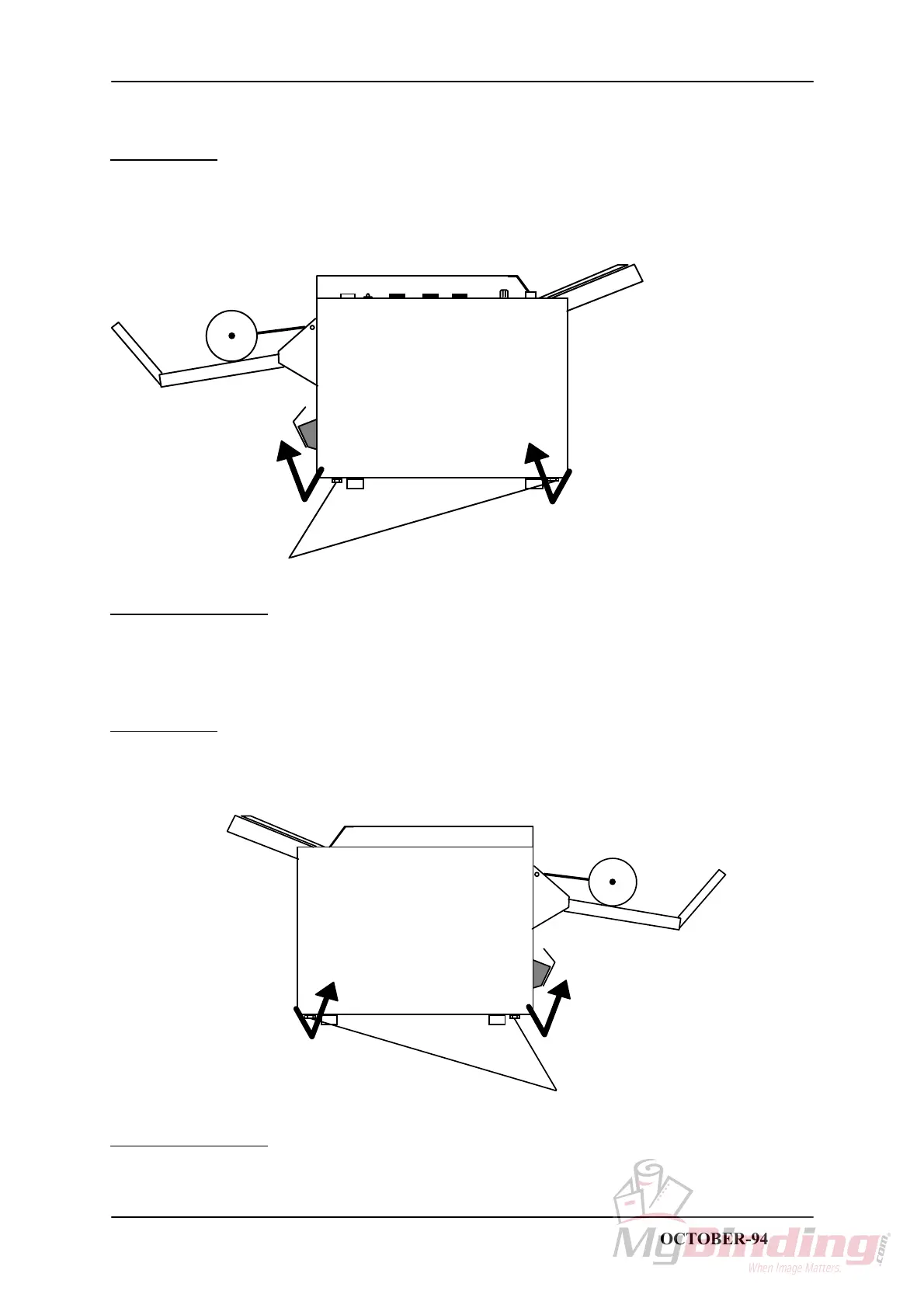
FRONT COVER
REMOVAL
1. Loosen the two screws (1).
2. Pull out the lower end and lift up to remove.
CAUTION: Lift carefully when removing front cover to prevent damaging the wire harness to front
panel.
1
INSTALLATION
1. Installation is an exact reversed procedure of removal.
REAR COVER
REMOVAL
1. Loosen the two screws (1).
2. Pull out the lower end and lift up to remove.
1
INSTALLATION
1. Installation is an exact reversed procedure of removal.
STAPLER FOLDER MODEL 60/61 PAGE 1.1 OCTOBER-94



 To Next Page