5.7 Continuity Test
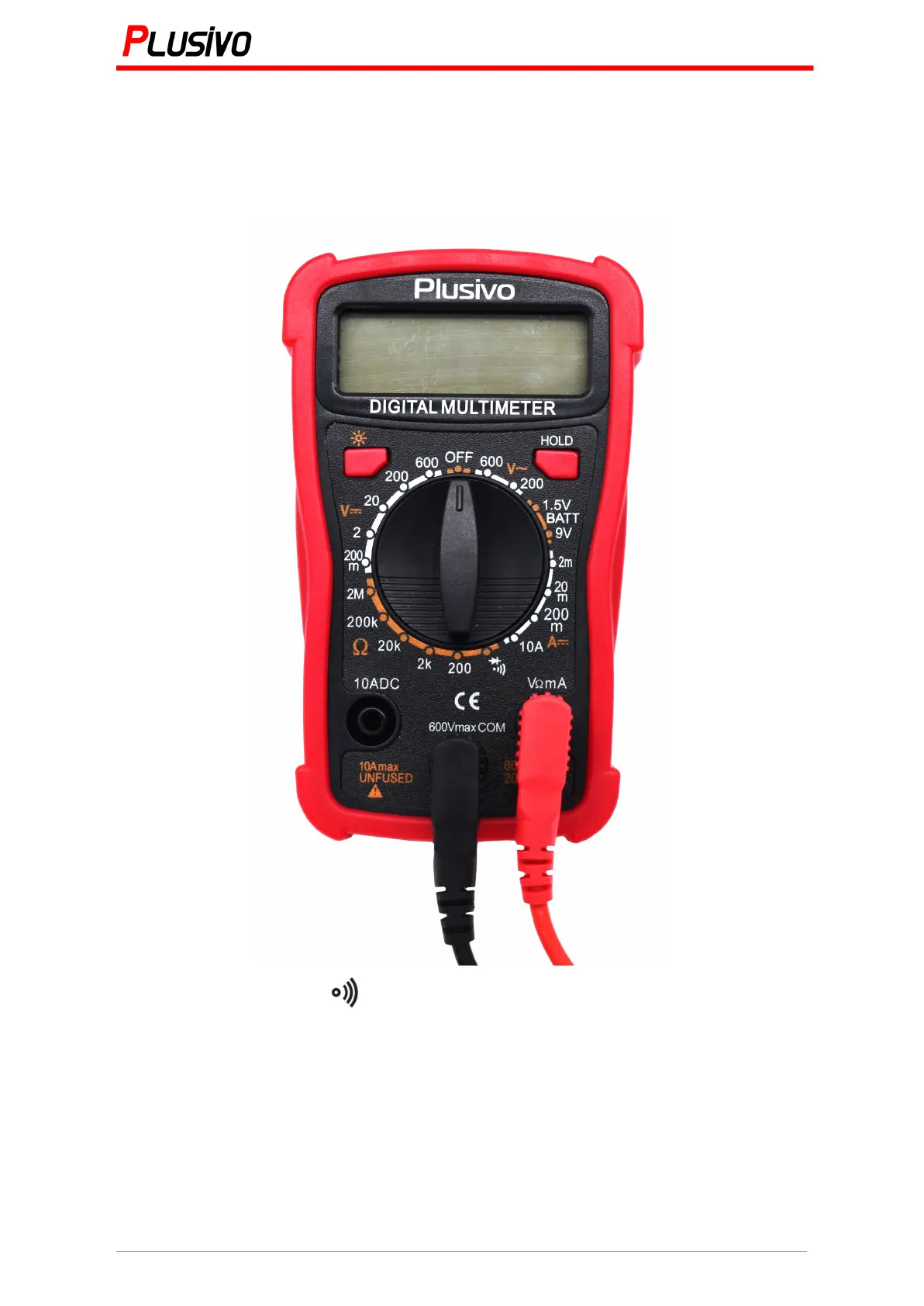
1. Insert the black probe to "COM" and the red probe to "V/Ω"
2. Put the range switch to " ". Connect the probes to the circuit or the component you
want to test the conductivity for it.
If a conductor path is connected, the multimeter will beep, the display will show the
resistance of the circuit or the component.


 To Next Page