69
Setting Up the Meter
Setting Up the Date & Time
To turn the Meter on, rst insert a battery, then press the reset button located at the
back of the Meter and proceed with the following instructions.
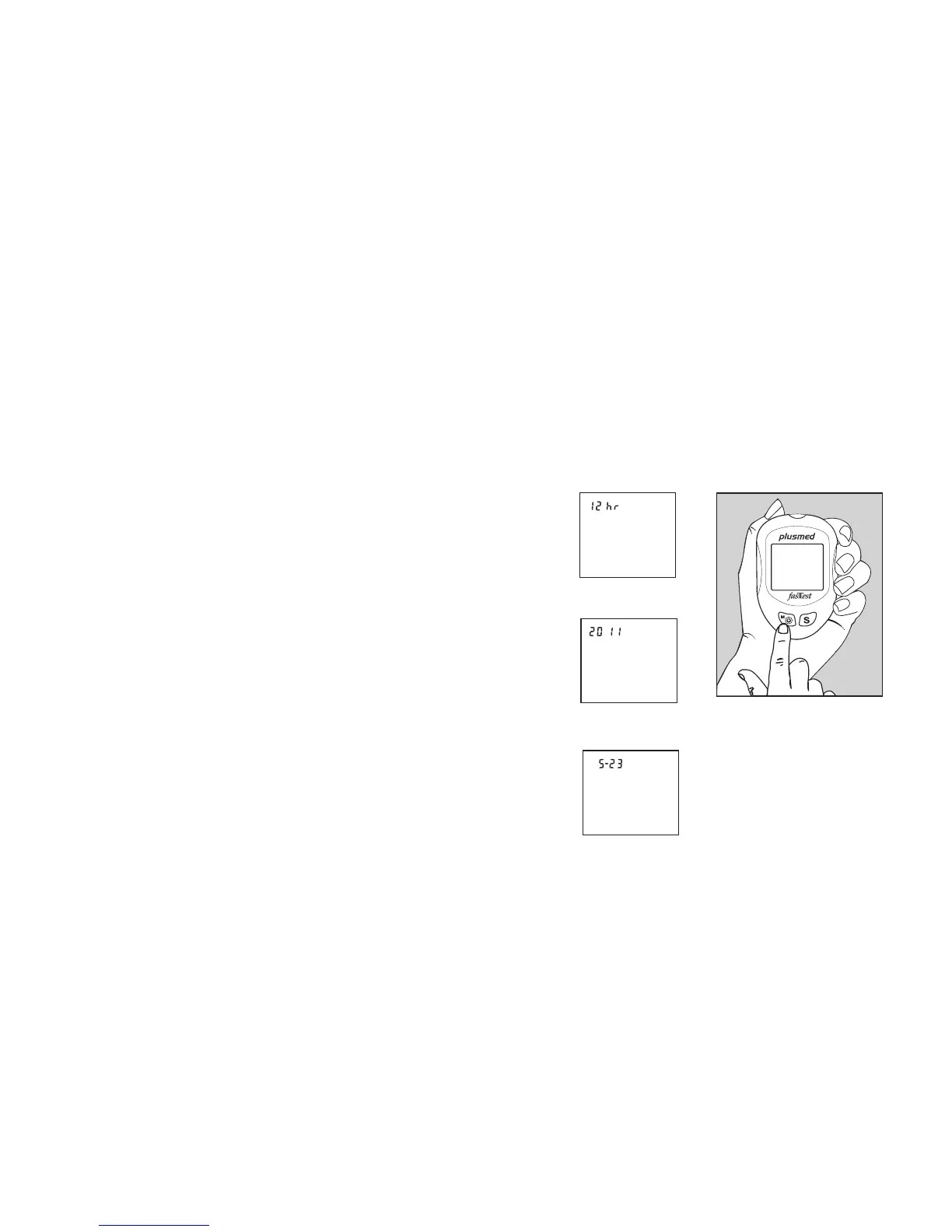
1. Press the M button to enter this mode. Press
and release S button to choose “24hr” or “12hr”
display. With your preferred clock mode, press
M button and the year setting will appear. Press
and release the S button until the correct year
appears. (Fig.1)
2. To set the year and move on to choose the
month, press the M button. To change the
month, press the S button. (Fig.2)
3. To set the month and move on to choose the
day, press the M button. To change the day,
press the S button. (Fig.3)
(Fig.1)
(Fig.2)
(Fig.3)



 To Next Page