81
Applying Blood Sample to the plusmed fasTTest Test Strip
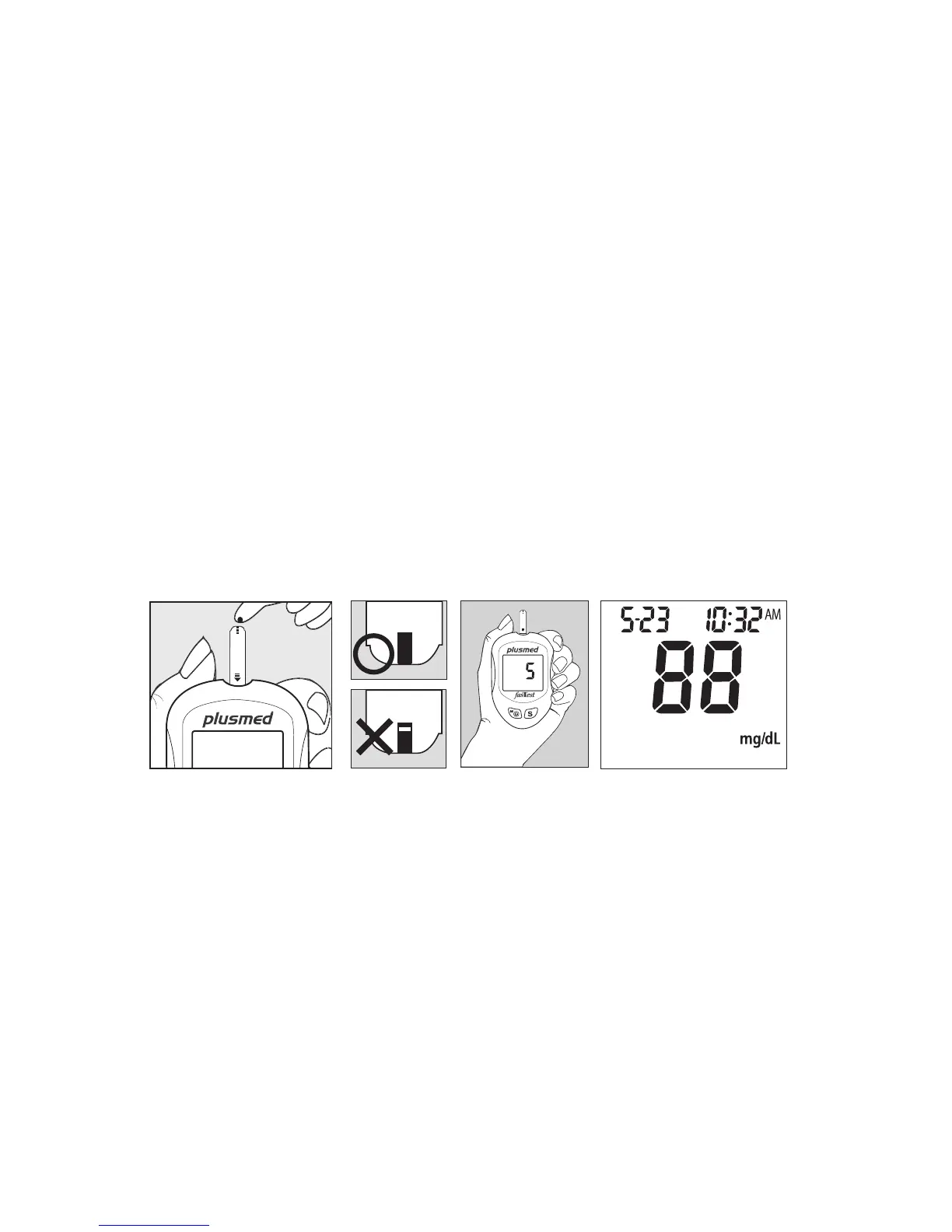
1. After obtaining a blood sample, place the drop onto the test well of the Test Strip.
Blood is automatically drawn into the Test Strip.
2. As soon as enough blood has lled the Conrmation Window (see picture) of the
Test Strip, the Meter will beep and begin counting down from 5 to 1. Your blood
glucose result will appear on the LCD display and will be stored into the Meter
memory automatically.
Note: To ensure accurate results, make sure the Conrmation Window of the Test
Strip is completely lled with your blood sample.



 To Next Page