70
4. To set the day and move on to choose the hour setting, press
the M button. (Fig.3)
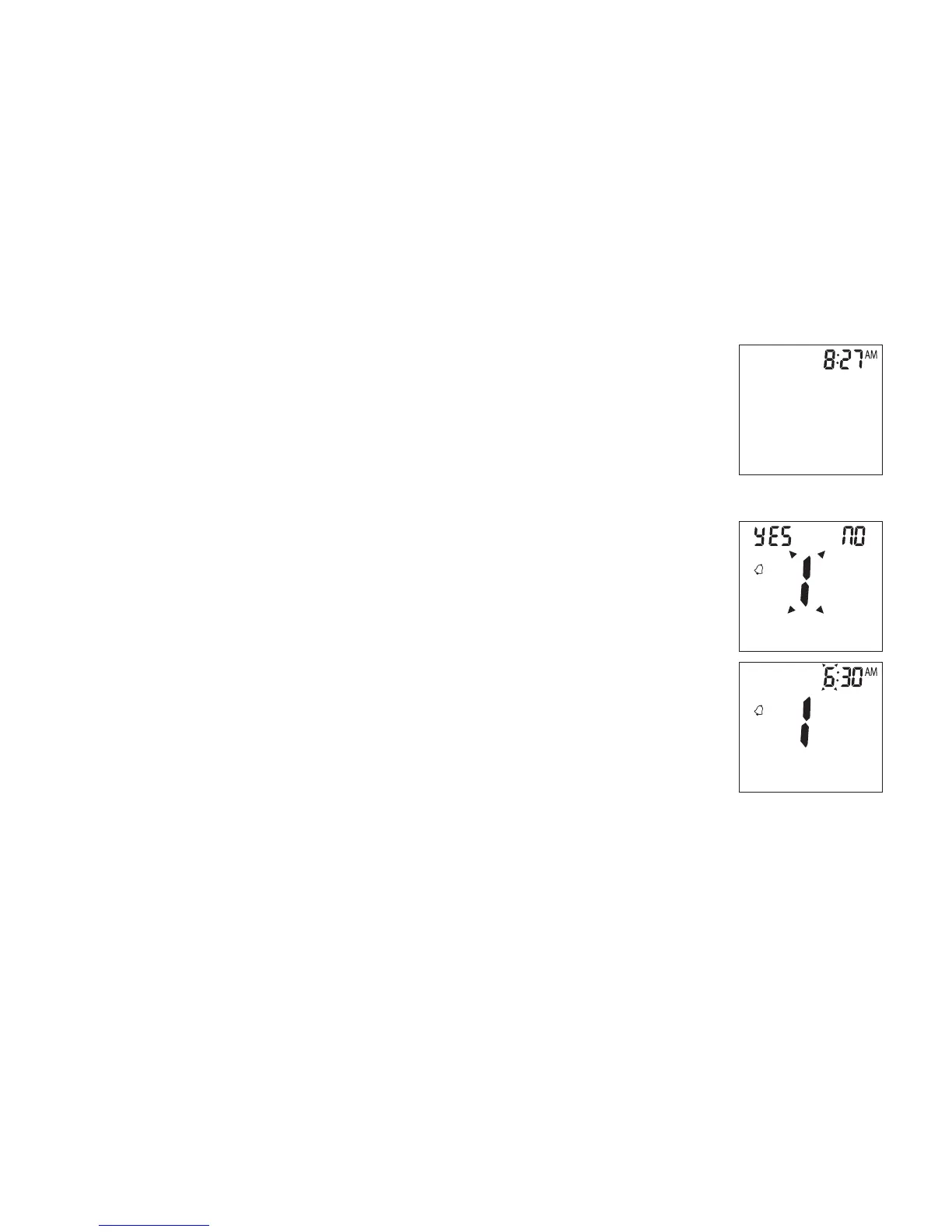
5. To change the hour, press the S button. To set the hour and
move on to change the minutes, press the M button. (Fig.4)
6. To change the minutes, press the S button. To set the minutes
and move on to choose the alarm setting, press the M button.
(Fig.4)
7. To set the rst alarm, press the M button (yes). If you press
S button (no), it will be moved on to health management
alarm setting (step 11). To change the hour, press S button.
To enter the hour and move on to change the minutes, press
M button. To change the minutes, press S button. To enter the
minutes and move on to choose the second alarm setting,
press the M button. (Fig.5)
Setting Up Alarm
(Fig.4)
(Fig.5)



 To Next Page