84
Memory Features
The plusmed fasTTest Meter automatically stores the 300 most recent blood glucose
results with date and time in its memory. It also provides you with a consecutive
7/14/30-day average of your blood glucose test results.
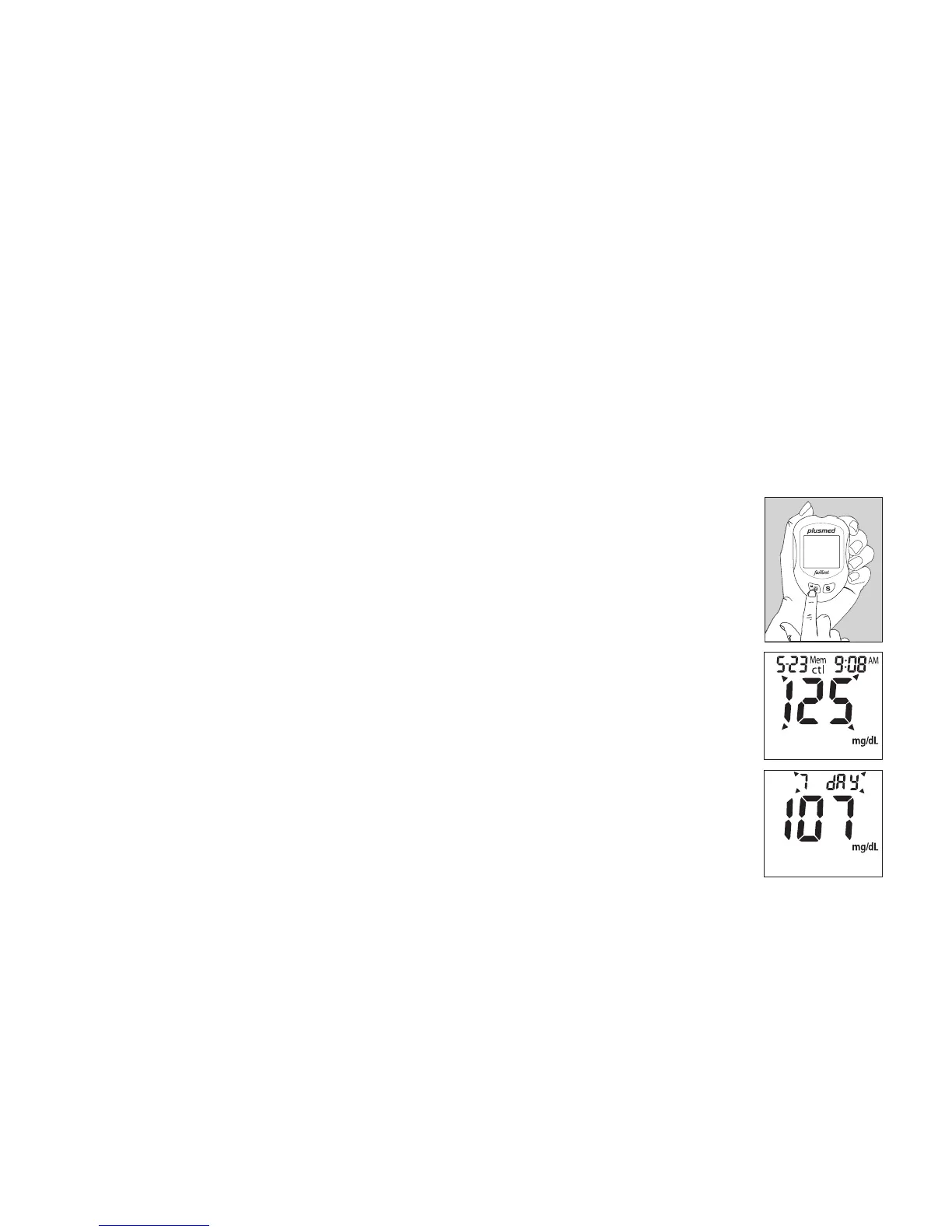
1. Press M button to turn on the meter. All segments of the LCD
display will appear. The date and time will appear rst.
2.
Press S button, the result of control solution will appear on display.*
3.
Press S button, the consecutive 7-day average will be shown.*
4.
Press S button, the consecutive 14-day average will be shown.*
5.
Press S button, the consecutive 30-day average will be shown.*
Note: * If there is no test results during this stage, it will directly ap-
pear the most recent test result.



 To Next Page