72
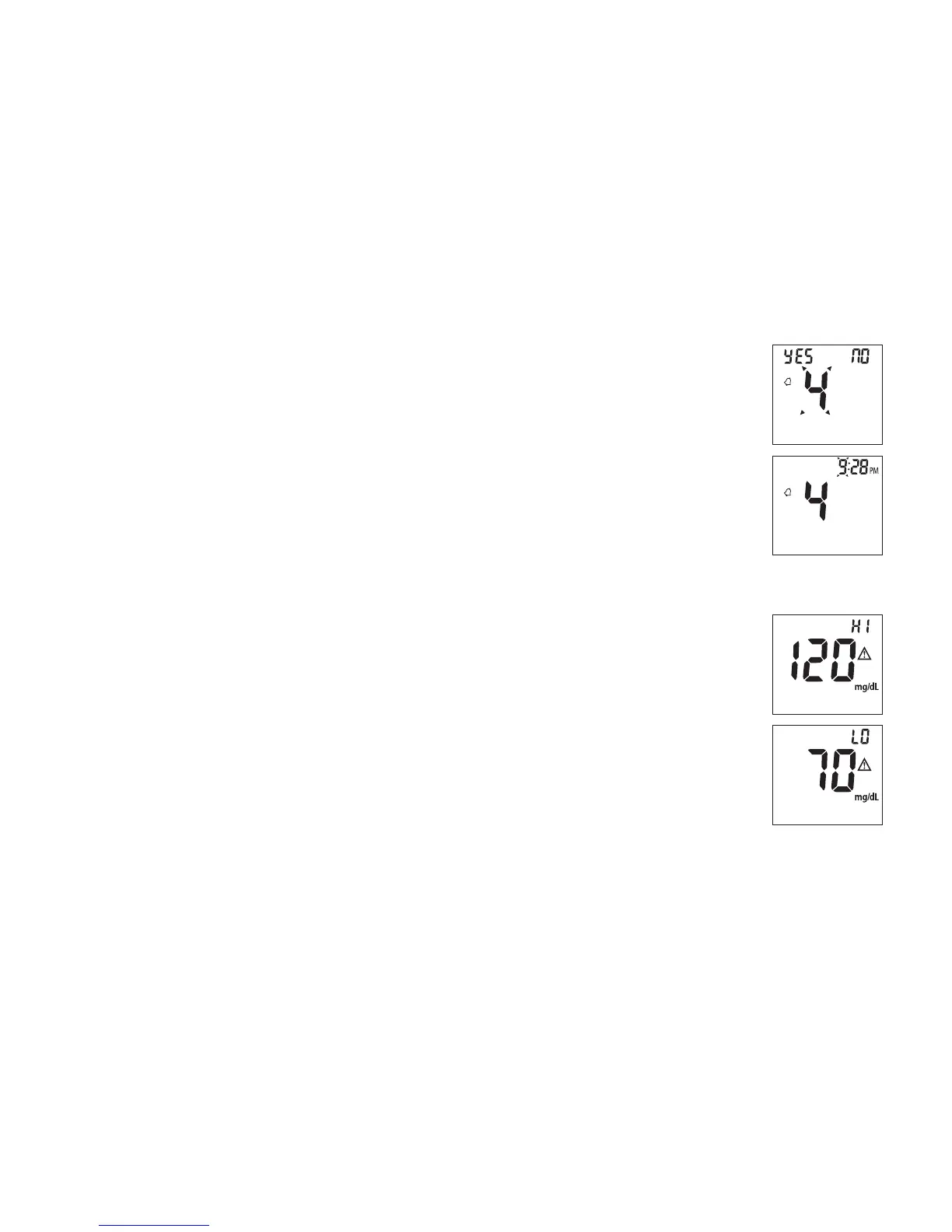
10. To set the fourth alarm, press the M button (yes). If you press S
button (no), it will be moved on to health management alarm
setting (step 11). To change the hour, press S button. To set the
hour and move on to change the minutes, press M button. To
change the minutes, press S button. To set the minutes and move
on to health management “HI alarm setting” press the M button.
(Fig.8)
Note: When the alarm is ringing, press S or M button to turn off
the alarm or the alarm will turn off automatically after 30 seconds.
11. To change the “HI alarm setting” press the S button. To set the
‘HI alarm setting” and move on to “LO alarm setting” press M
button. (Fig.9)
12. To change the “LO alarm setting” press the S button. Further
press M button to enter the “LO alarm setting” and nish the
meter setting, turn off the meter. (Fig.9)
(Fig.8)
(Fig.9)



 To Next Page