75
To Perform a Control Solution Test
1. Make sure the Control Solution is at room temperature (15°C to 35°C or 59°F
to 95°F) prior to testing.
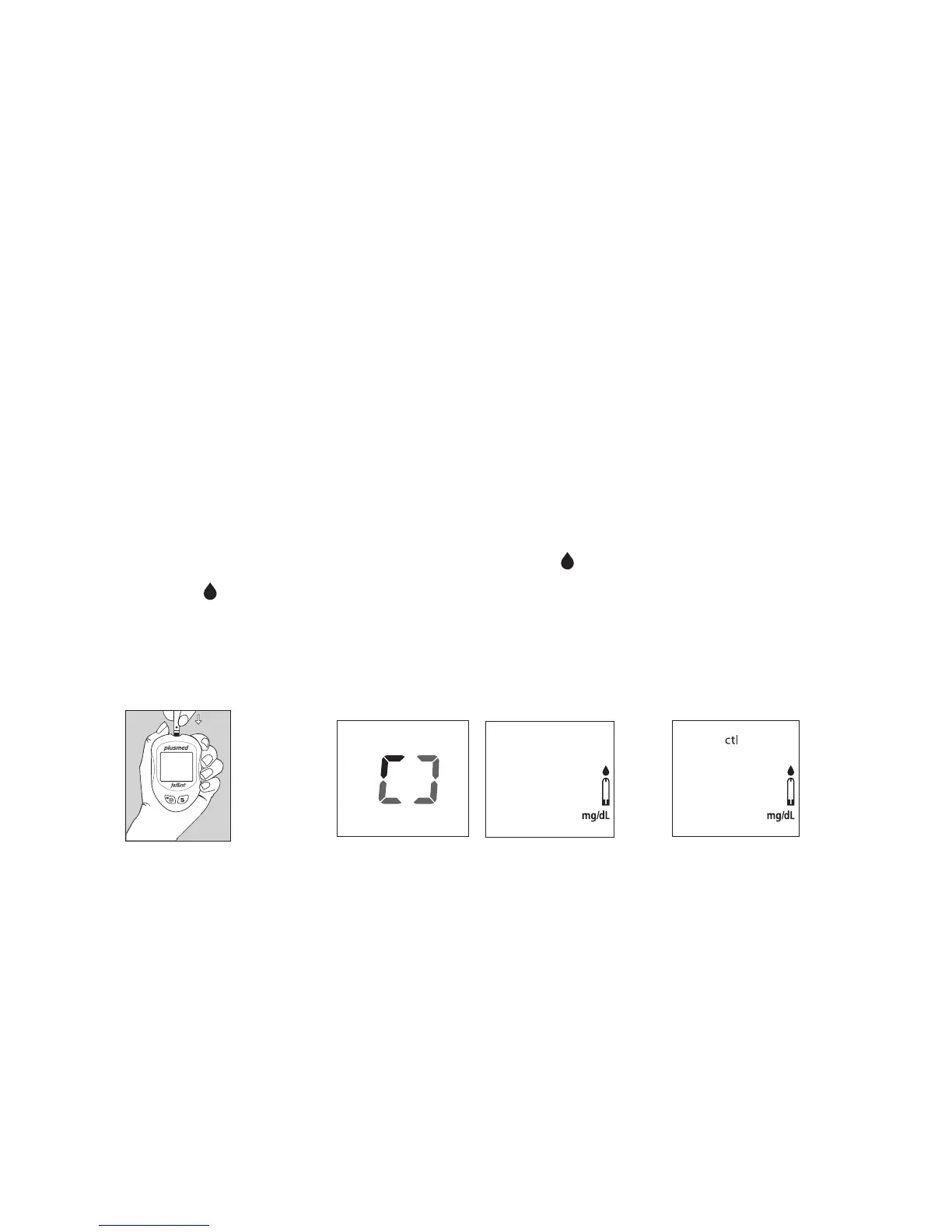
2. Insert a Test Strip, white side face up with the Contact Bar end rst. Push all the
way into test port until meter automatically turns on. (Fig.10)
3. All segments of the LCD display will appear, a beep will sound and moving
dotted lines will appear followed by a ashing “
“ symbol. (Fig.11)
4. After the “
“ symbol appears, press the S button for 3 sec to switch control
solution mode. The “ ctl “ symbol indicates that the Meter will mark your current
test as a Control Solution test. Now you are ready to apply the Control Solution.
(Fig.12)
(Fig.11)
(Fig.12)
(Fig.10)



 To Next Page