39
Turning Off the Device
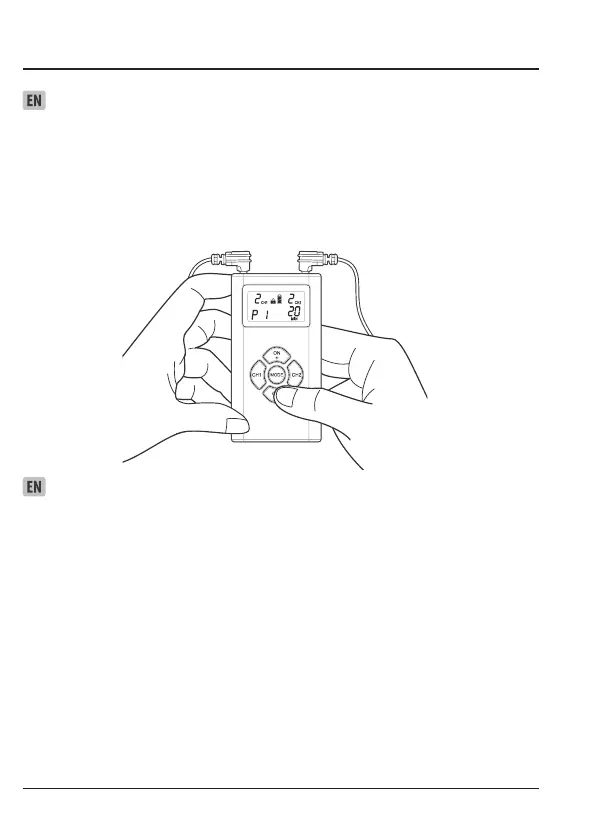
1. The device turns off automatically after the treatment session time has elapsed.
2. To turn the unit off manually, press the OFF- button for three (3) seconds. The display will blank
and the device will turn off.
3. In an emergency you may also pull the connector(s) from the device and then remove the belt.
NOTE: To prevent unpleasant electric shocks, never remove the device while it is still turned on.
Selecting the Treatment Time
1. Press MODE. The preset (default) treatment time will ash on the display.
2. To increase or decrease the treatment time, press the button ON + (to increase) or the button
OFF – (to decrease) repeatedly until the desired duration appears on the display.
3. Press MODE again to save your selection. The treatment time you selected will appear on the
display the next time you turn the device on
NOTE: If you change programs during the course of a treatment session, the treatment time will
not
reset unless you manually reset it by performing the steps described above.


 To Next Page